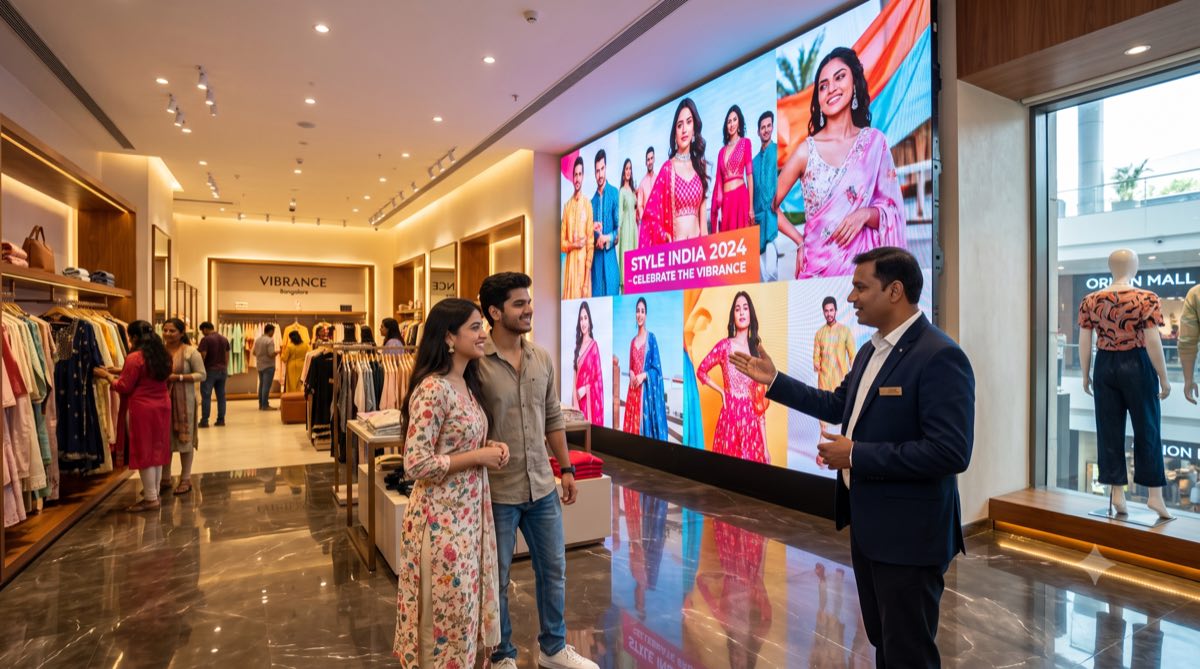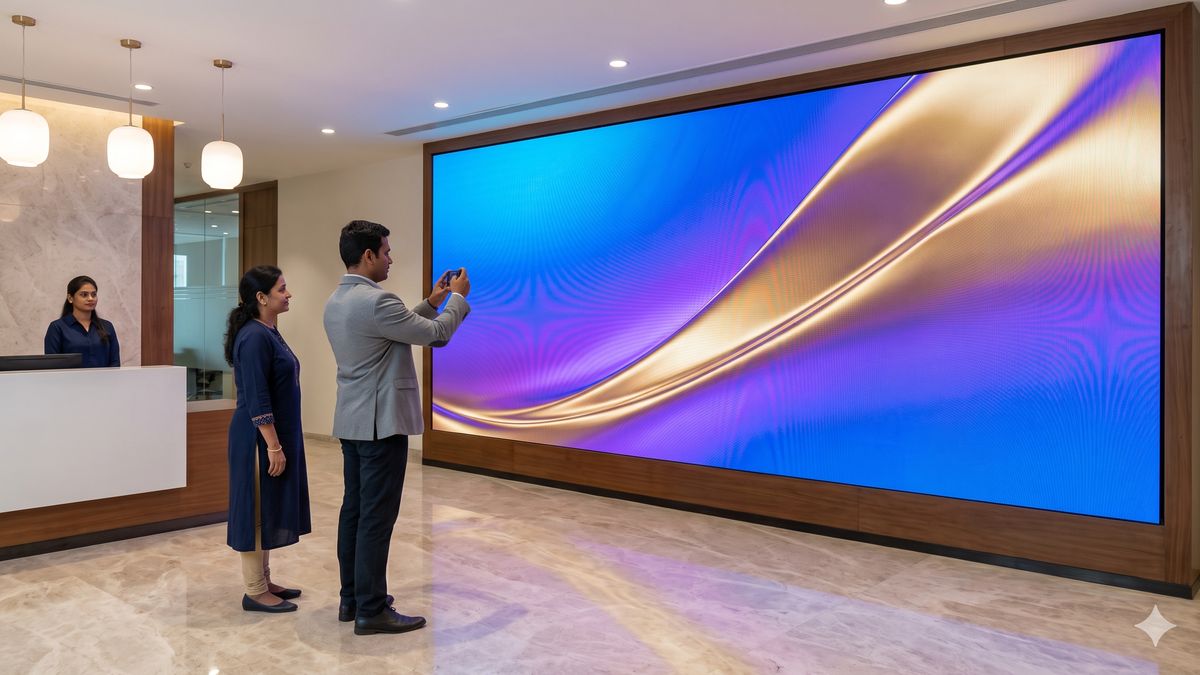
Samsung MagicINFO has been the default software for Samsung digital signage for more than a decade — the platform behind thousands of lobby screens, menu boards and video walls across India. But 2026 is a turning point. Samsung has announced that MagicINFO On-Premise reaches end of sale on 31 December 2026, MagicINFO Cloud service ends on 28 February 2027, and from 2027 all sales move to its cloud platform, Samsung VXT. If you run MagicINFO today, or are about to buy Samsung signage, that changes the decision. This guide explains what MagicINFO is and how it works, what it costs, what the roadmap means in practice, and whether to choose MagicINFO 9 or VXT for a project in India.
It is written by an integrator that deploys and supports Samsung signage as part of its digital signage solutions in Bangalore — so it focuses on the practical choices facing Indian IT and marketing teams.
Samsung MagicINFO at a Glance (2026)
| Question | Short answer |
|---|---|
| What is it? | Samsung’s content management and device management software for its commercial displays, LED and video walls |
| Main parts | MagicINFO Server (management), Author / Web Author (content creation), Player (built into Samsung Smart Signage displays) |
| Deployment | On-premise server, or Samsung-hosted MagicINFO Cloud |
| Current version | MagicINFO 9 — MagicINFO 8 no longer receives maintenance or security patches |
| Roadmap | On-Premise end of sale 31 Dec 2026 · Cloud end of service 28 Feb 2027 · all sales on VXT from 2027 · MagicINFO end of support 31 Dec 2029 |
| Successor | Samsung VXT — a cloud-native CMS, content creation and remote management platform |
The dates above come from Samsung’s own MagicINFO documentation portal; confirm them with Samsung or your integrator before you commit budget, as roadmaps can change.
How Samsung MagicINFO Works
As Samsung describes it, MagicINFO is an end-to-end signage solution. In practice it splits digital signage into three jobs — making content, deciding where and when it plays, and keeping the screens healthy — and gives each its own component.
MagicINFO Server — the control centre
The server holds your content library, playlists and schedules, and manages every registered display. From a browser, administrators group screens by site or purpose, push schedules, approve content, configure video walls, check which screens are offline, and pull playback reports. In an on-premise deployment the server runs on your own hardware inside your network; with MagicINFO Cloud, Samsung hosts it.
MagicINFO Author and Web Author — content creation
Author tools let teams build layouts with zones for video, images, tickers, web pages and live data, using templates designed for Samsung screens. Many organisations also upload finished content made in their usual design tools and use MagicINFO purely for scheduling.
MagicINFO Player — on the screen
The player runs on the system-on-chip inside Samsung Smart Signage displays, so most screens need no separate media player. Each display downloads its schedule and content from the server, plays it locally, and keeps playing from its cache if the network drops — an important point for sites with unreliable connectivity.

What Samsung MagicINFO Can Do — Key Features
- Scheduling and day-parting. Different content by time of day, day of week, location or screen group — essential for menu boards and retail promotions.
- Device management. Remote power, input and volume control, firmware updates, screen-health status and error alerts across every display.
- Video wall configuration. Set up and manage Samsung LCD and LED video walls from the same console.
- Data-linked content. Pull prices, queue numbers or KPIs from a data source so screens update automatically.
- Users and approvals. Role-based access so branch staff can update local content while head office approves what goes live.
- Emergency messaging. Override every screen instantly with an alert.
- Reports. Proof-of-play and device reports for advertisers, management and maintenance teams.
The MagicINFO Roadmap — What the 2026 End of Sale Means
This is the part most MagicINFO articles have not caught up with. Samsung’s published roadmap sets four milestones:
| Date | Milestone | What it means for you |
|---|---|---|
| Already passed | MagicINFO 8 maintenance ended (final security patch October 2023) | Anyone still on MagicINFO 8 is running unpatched software — upgrade or migrate now |
| 31 Dec 2026 | End of sale for MagicINFO On-Premise — for existing and new customers | New on-premise licences and expansions must be bought before this date |
| 28 Feb 2027 | End of service for MagicINFO Cloud | Cloud users must move — in practice, to VXT — before this date |
| 2027 onward | All sales standardised on Samsung VXT | New Samsung signage projects will be quoted on VXT |
| 31 Dec 2029 | End of support for MagicINFO | MagicINFO 9 on-premise can run until here, but needs a migration plan |
Samsung offers a migration tool, the VXT CMS Transformer, that moves content, schedules and device settings from MagicINFO to VXT, which keeps most migrations to a planned weekend rather than a rebuild.
MagicINFO 9 vs Samsung VXT — Which Should You Choose?
| Factor | MagicINFO 9 (on-premise) | Samsung VXT |
|---|---|---|
| Hosting | Your own server and network | Samsung cloud |
| Set-up | Server install, licences, network and security configuration | Register a display with a 6-digit pairing code and start |
| Content creation | Author / Web Author | VXT Canvas with built-in templates |
| Management | Browser console on your network | Browser and mobile apps, from anywhere |
| Updates and security | Your IT team patches the server | Handled by Samsung |
| Licensing model | Licence per display, plus your server costs | Subscription per display |
| Future | End of sale Dec 2026, end of support Dec 2029 | Samsung’s go-forward platform |
Our recommendation by situation
- New Samsung signage project: choose VXT. Buying on-premise MagicINFO now means a second migration within three years.
- On MagicINFO 8: treat this as urgent — migrate to VXT, or upgrade to MagicINFO 9 if you must stay on-premise for now.
- On MagicINFO Cloud: plan the VXT migration before February 2027.
- On MagicINFO 9 on-premise: you are supported until 2029 — harden the server, budget for VXT in the next refresh, and buy any extra licences you need before 31 December 2026.
- Strict no-cloud policy (some banks, defence and healthcare sites): stay on hardened MagicINFO 9 for now, and ask Samsung or your integrator which future deployment options fit your security policy before 2029.
Planning a Samsung MagicINFO to VXT Migration — 6 Steps
A migration done in a hurry in February 2027 risks blank screens in front of customers. Done as a planned project, it is routine. This is the sequence we follow:
- Audit the network. List every display with its model, firmware, location and MagicINFO version, and note which screens are video walls, LED or interactive.
- Check compatibility. Confirm which displays are supported on VXT and flag older models that should be replaced in the same budget cycle.
- Clean up content. Archive expired content and unused playlists so only what you need is migrated.
- Prepare the network. VXT is cloud-based, so displays need outbound internet access; agree firewall and proxy rules with IT early.
- Pilot one site. Migrate a single location with the VXT CMS Transformer, check schedules and playback, and train the content team on Samsung VXT.
- Roll out in waves. Migrate site by site out of business hours, keep MagicINFO running until each wave is verified, and decommission the old server last.
For a network of 20–50 screens, this is typically a two to four week project including the pilot. Larger, multi-city networks benefit from a phased plan across a quarter.
Samsung MagicINFO Cost in India
One of the most common questions is “how much is MagicINFO?” The honest answer is that the software is a small part of a signage budget — but it is recurring, so it matters.
- On-premise MagicINFO has typically been licensed per connected display, plus the cost of the server, its operating system and database, and the IT time to maintain them.
- Cloud platforms, including VXT, are annual subscriptions per display, with no server to buy or maintain.
- Budget guide: in India, CMS licensing typically works out to about ₹2,000–₹6,000 per screen per year. Confirm current MagicINFO and VXT pricing with Samsung or an authorised partner, as plans and tiers change.
- Don’t forget the rest: commercial displays, mounting, installation, content and AMC usually make up 85–95% of the three-year cost of a signage network.
For the full picture — displays, installation and payback — see our digital signage cost guide for Bangalore and how to calculate digital signage ROI.
Where Samsung MagicINFO and VXT Fit Best
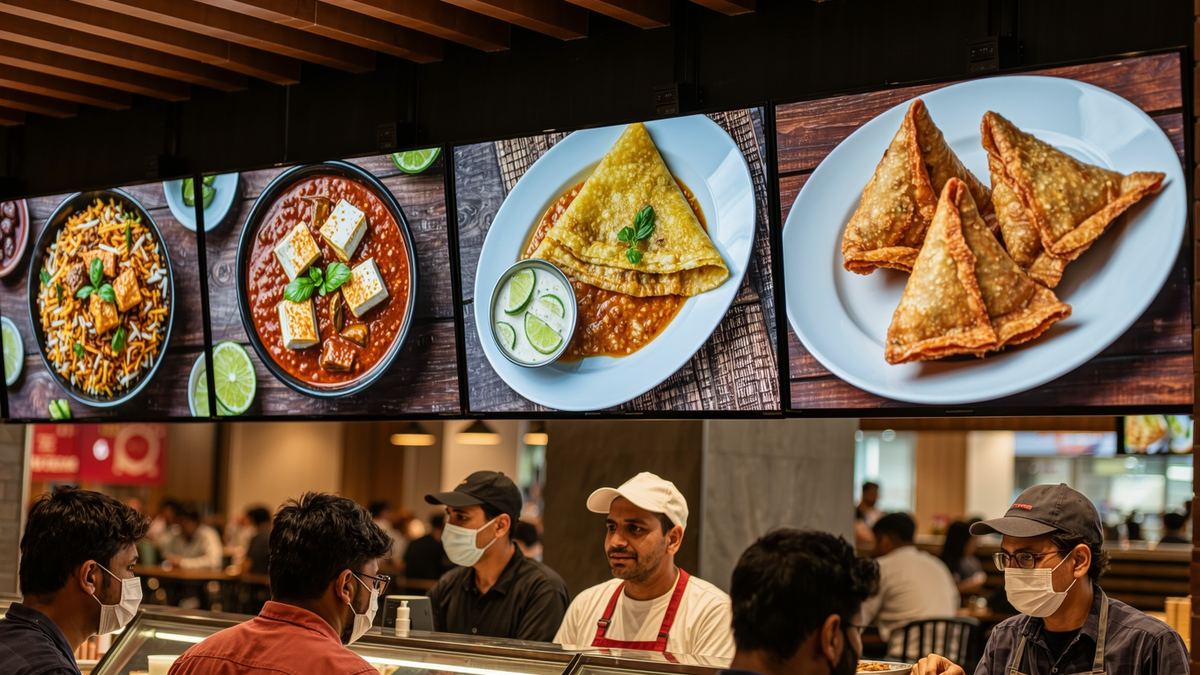
- QSR and café menu boards. Day-parted menus and instant price changes across every outlet.
- Retail chains. Central campaigns with local store variations, window displays and retail LED video walls.
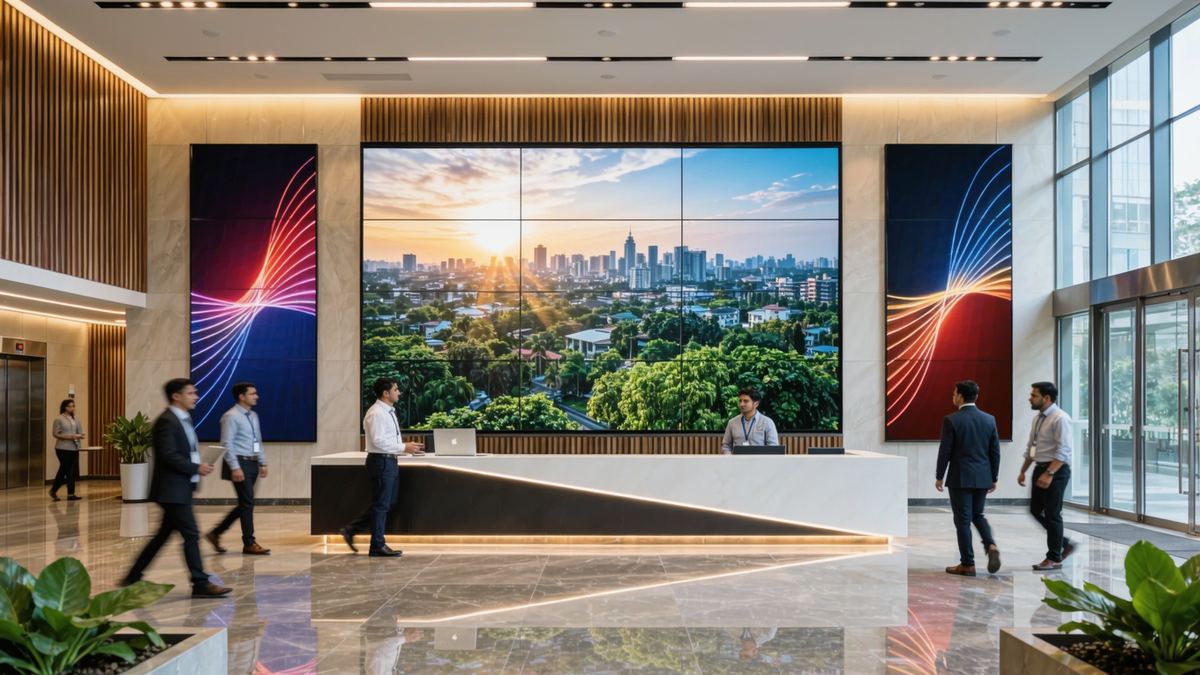
- Corporate campuses. Lobby welcome walls, internal communications and emergency messages across buildings — often alongside interactive displays in meeting rooms.
- Banks and hospitals. Queue displays, product information and wayfinding, often with stricter IT security requirements.
- Video walls and LED. Samsung LCD and LED video walls managed from the same platform as the rest of the network.
Securing and Running a Samsung MagicINFO Network
If you stay on MagicINFO 9 on-premise until your migration, Samsung’s own security recommendations are worth following to the letter:
- Use HTTPS for all server traffic, never plain HTTP.
- Firewall the server and open only the ports MagicINFO needs.
- Turn on multi-factor authentication for every account.
- Apply least privilege — most users need content rights, not administrator rights.
- Patch promptly and keep antivirus on the server.
- Back up and test restores of the content library and configuration.
Operationally, the networks that run smoothly have three things in common: a named owner for content, screen-health alerts that go to someone who acts on them, and an AMC that covers both the displays and the CMS.
Samsung MagicINFO — FAQs
What is Samsung MagicINFO?
Samsung MagicINFO is Samsung’s digital signage software for creating, scheduling and managing content on its commercial displays and video walls. It has three parts: MagicINFO Server for management, Author tools for content creation, and a Player built into Samsung Smart Signage displays. Samsung VXT is its cloud-based successor.
Is Samsung MagicINFO being discontinued?
It is being phased out. According to Samsung’s published roadmap, MagicINFO On-Premise reaches end of sale on 31 December 2026, MagicINFO Cloud service ends on 28 February 2027, all sales move to Samsung VXT from 2027, and MagicINFO end of support is 31 December 2029.
How much does Samsung MagicINFO cost?
MagicINFO is licensed per display, with on-premise deployments also needing a server; cloud platforms such as VXT are annual subscriptions per display. In India, digital signage CMS licensing typically works out to roughly ₹2,000–₹6,000 per screen per year. Exact MagicINFO and VXT pricing should be confirmed with Samsung or an authorised partner.
What is the difference between MagicINFO and Samsung VXT?
MagicINFO is Samsung’s established signage platform, usually run on your own server. VXT is Samsung’s cloud-native replacement: displays are registered with a pairing code, content is built in VXT Canvas, screens are managed from browser and mobile apps, and Samsung handles hosting and security updates. VXT is where Samsung’s new features and sales are focused.
Can I migrate from MagicINFO to VXT?
Yes. Samsung provides the VXT CMS Transformer, which migrates content, schedules and device settings from MagicINFO to VXT. An integrator typically audits the existing network first, checks display compatibility and network access, and then migrates in phases to avoid blank screens.
Do I need a separate media player for MagicINFO?
Usually not. Samsung Smart Signage displays run the player on their built-in system-on-chip. External players are only needed for special cases, such as heavy interactive applications or some video wall and LED configurations.
Does MagicINFO keep playing if the network goes down?
Yes. Displays store their scheduled content locally and continue playing from the cache during a network outage. New content and schedule changes are picked up once the connection returns.
Plan Your Samsung Signage with Vantage
Vantage Systems supplies, installs and supports Samsung commercial displays, video walls and LED for businesses across Bangalore and India — including MagicINFO health checks, MagicINFO-to-VXT migration planning and new VXT deployments. Tell us how many screens you run and which version you are on, and we will map out the safest path with a transparent, line-item quote.
- Call: +91 99451 70702
- Email: avsupport@vantagesinc.com
- Office: 21, Wellington Street, Richmond Town, Bengaluru, Karnataka 560025
- Request a signage assessment: vantagesystems.in/contact
Related reading: digital signage solutions in Bangalore, digital signage in Bangalore — cost, types and use cases, digital signage ROI, LED video walls, and AV integration cost in Bangalore.