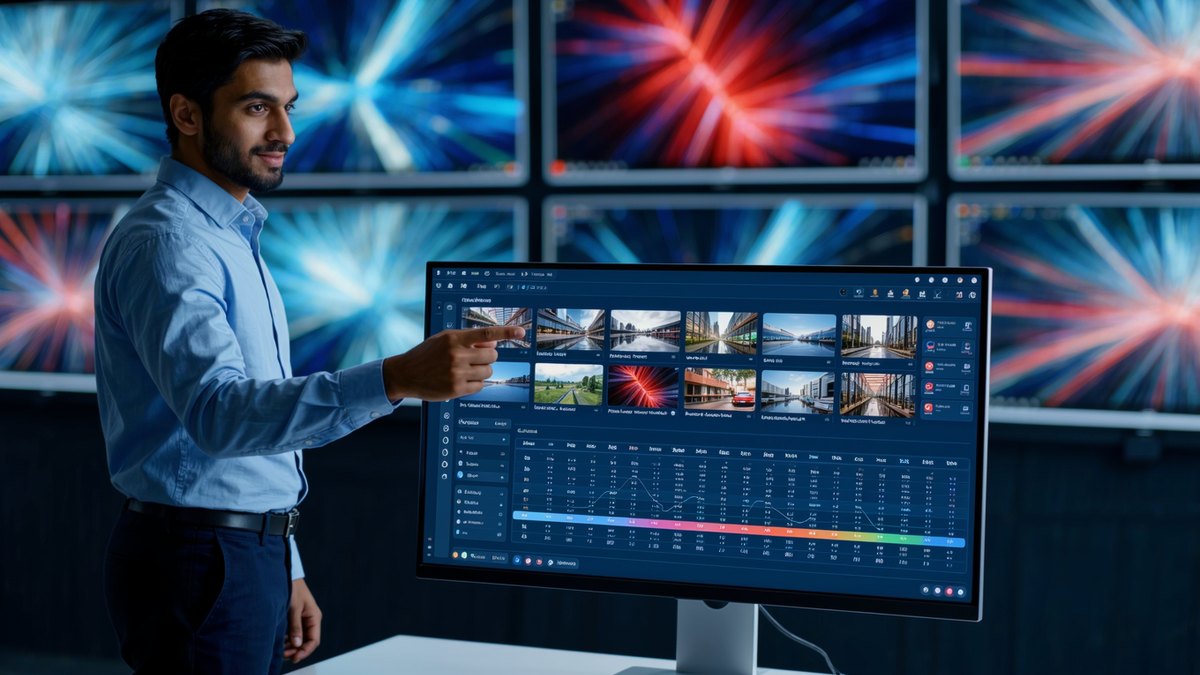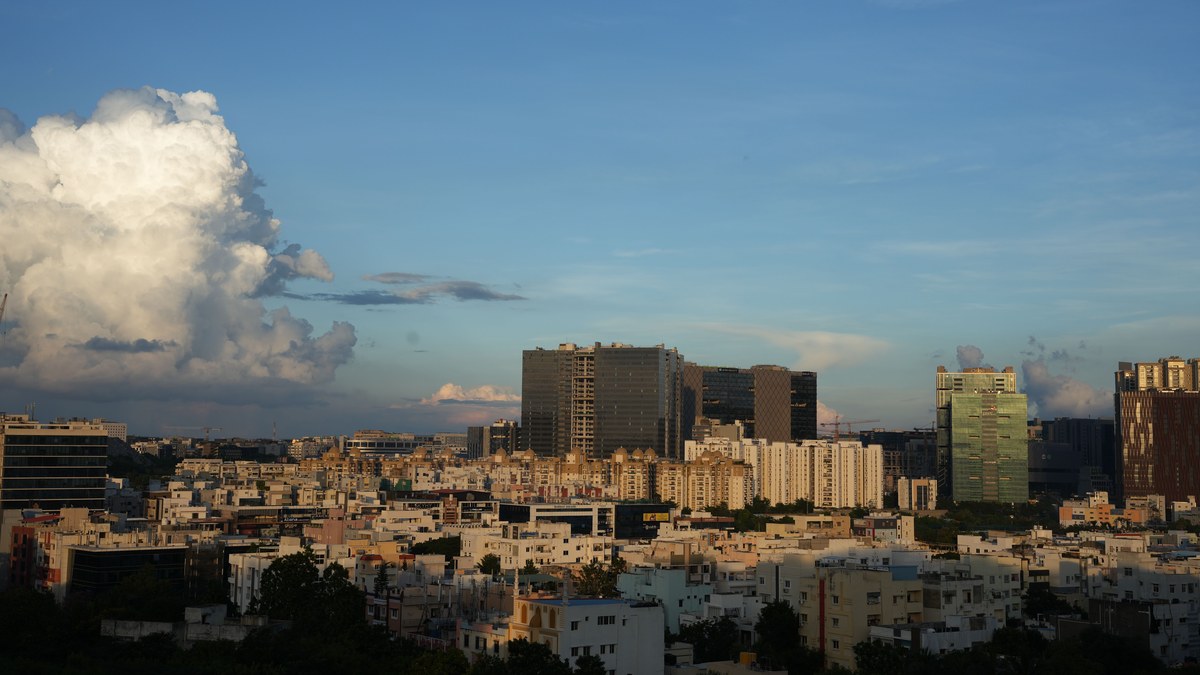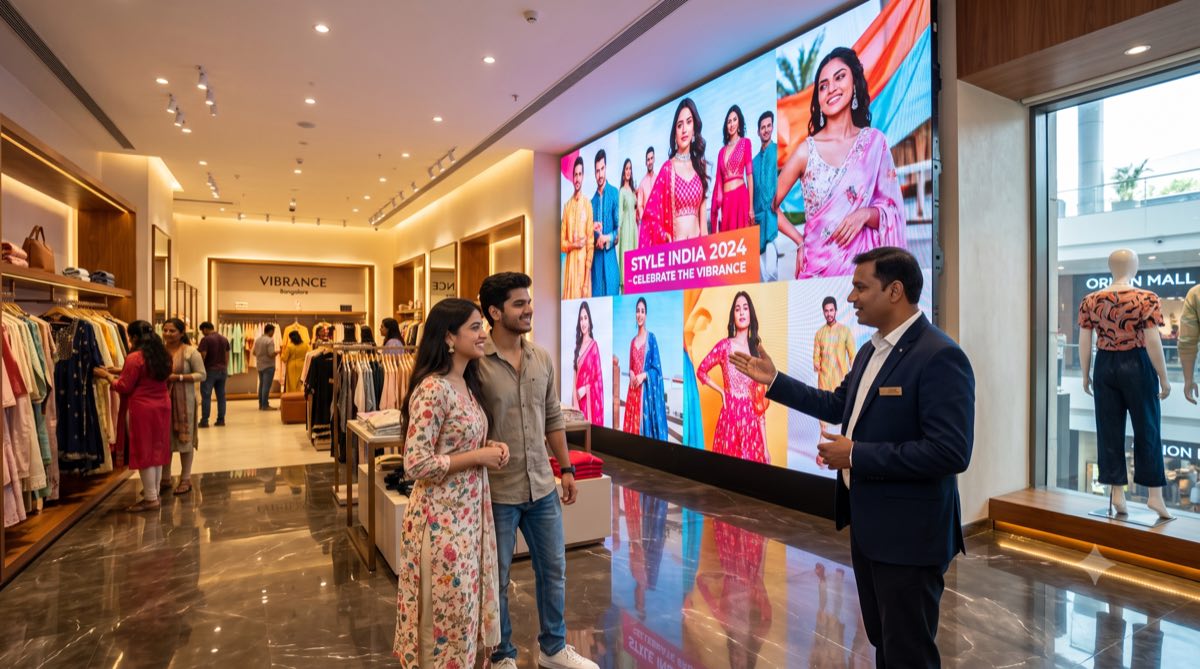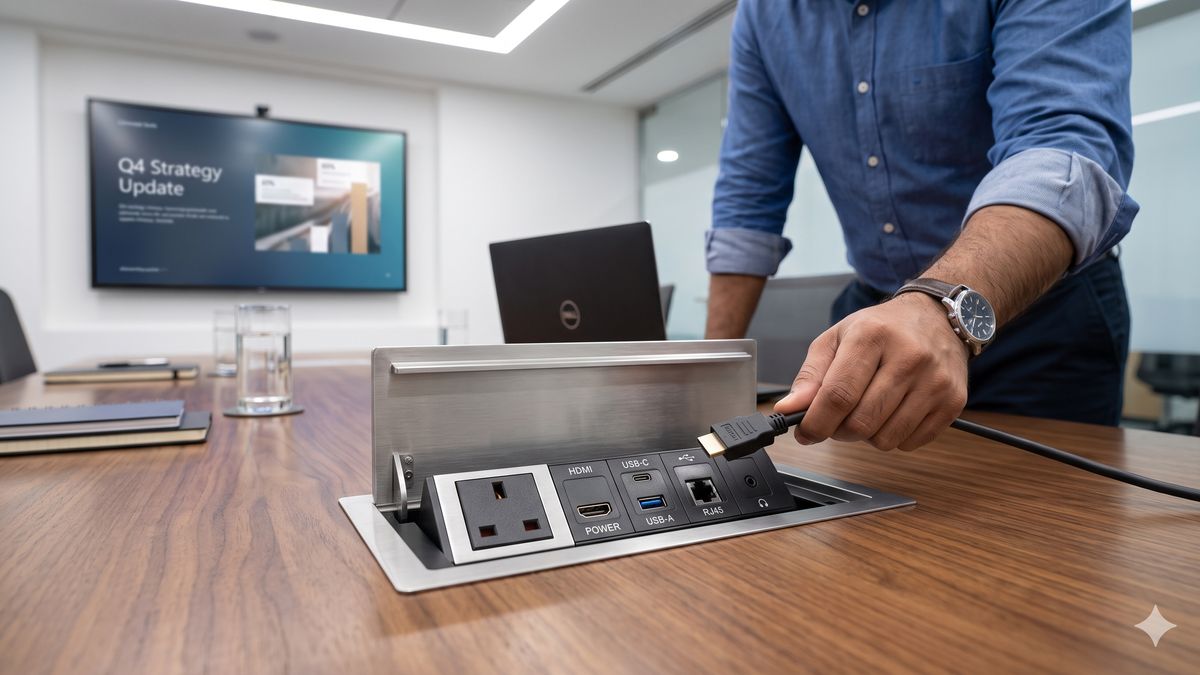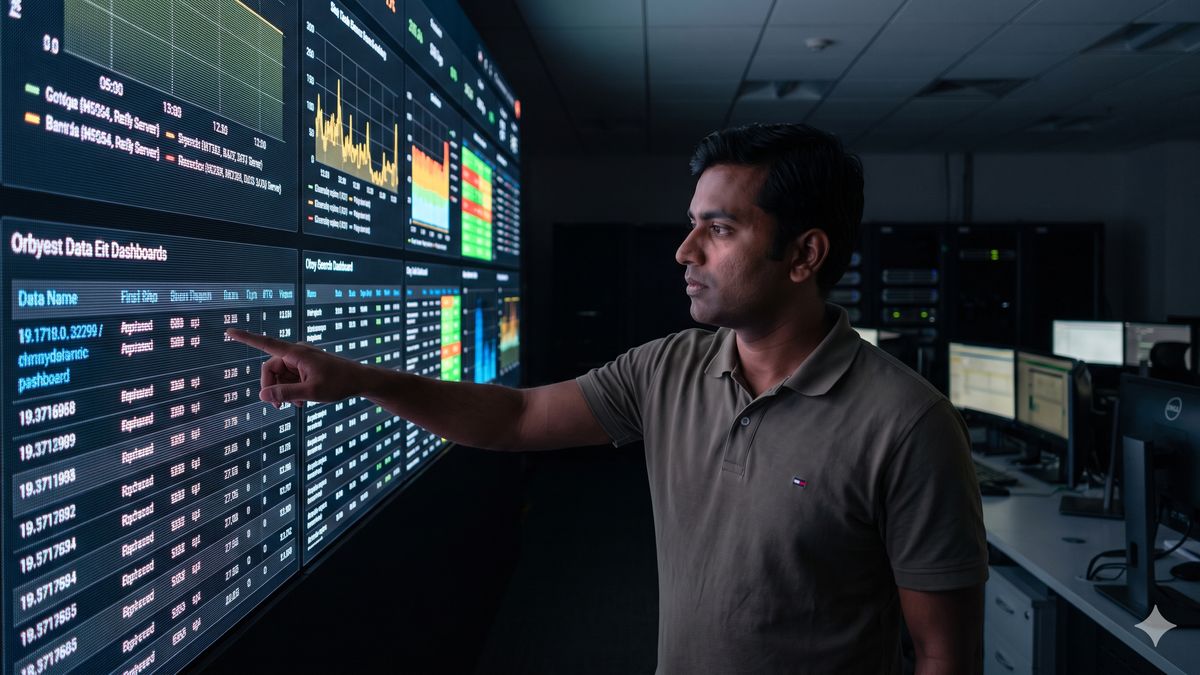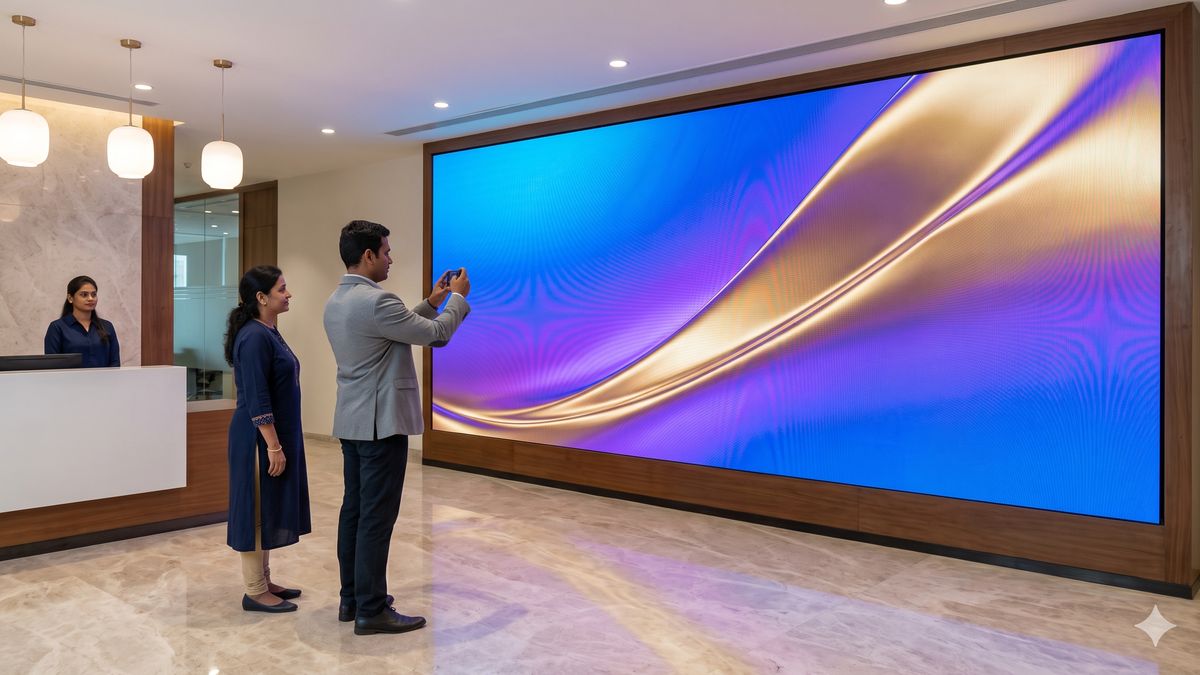
Digital signage in Bangalore has moved well beyond a TV playing a looped video in the reception area. Tech-park lobbies run live visitor welcomes and safety messages, QSR chains change menu boards by the hour from a central office, malls sell storefront screen time, and hospitals use screens to calm crowded waiting rooms. Done well, it pays for itself; done badly, it becomes an expensive black rectangle within six months. In 2026 a professionally installed indoor screen in Bangalore costs roughly ₹1–2.5 lakh per screen, and complete projects range from about ₹1.5 lakh for a single display to ₹50 lakh and more for LED video walls and multi-site networks. Whether you are comparing quotes or planning your first screen, this guide breaks down digital signage cost in Bangalore — the types of signage, what each costs, the software that runs it, and the seven use cases that deliver the best returns.
It is written by the team behind Vantage Systems’ digital signage solutions in Bangalore, which designs, installs and supports signage for offices, retail, hospitality and healthcare.
Digital Signage Cost in Bangalore 2026 — Types at a Glance
| Signage type | Typical use | Indicative installed cost (2026) |
|---|---|---|
| Indoor commercial display (43–75″, built-in player) | Lobbies, cafeterias, in-store promotions, notice boards | ₹80,000 – ₹2.5 lakh per screen |
| High-brightness window display (2,500+ nits) | Storefronts facing the street or a sunny atrium | ₹2.5 – ₹6 lakh per screen |
| Digital menu board (2–4 screens) | QSR counters, cafés, food courts | ₹2 – ₹6 lakh per counter |
| LCD video wall (2×2 to 3×3, narrow bezel) | Corporate lobbies, experience centres, control rooms | ₹6 – ₹25 lakh |
| LED video wall (indoor fine pitch or outdoor) | Flagship lobbies, malls, auditoriums, façades | ₹10 – ₹60 lakh+ |
| Interactive kiosk / touch display | Wayfinding, self-service, product catalogues | ₹1.5 – ₹5 lakh per unit |
Prices include the commercial display, mounting, cabling, installation and first-year CMS licence; content production and AMC are separate. For LED walls specifically, our LED video wall page and pixel pitch guide go deeper.
What a Digital Signage System Includes
Every signage network — one screen or five hundred — is built from the same five layers. The cheap projects that fail usually skimp on one of them.
- Commercial displays. Rated for 16 or 24 hours a day, with commercial warranty and the right brightness for the location: around 350–500 nits indoors, 700+ in bright atriums, and 2,500 nits or more for windows facing direct daylight. Consumer TVs are built for a few hours a day and fail early on a signage duty cycle.
- Media player. Most commercial displays from Samsung and LG now have a built-in system-on-chip player; external players are used for video walls, interactive apps or heavy content.
- CMS (content management system). The software that schedules what plays where and when, and tells you when a screen goes offline. Options include Samsung’s platforms (see our guide to Samsung MagicINFO and its successor VXT), LG’s webOS-based signage software, and platform-agnostic cloud CMS products.
- Content. Templates, video, live data feeds (menus, queues, dashboards, weather) and a plan for who updates them.
- Network, power and mounting. Wired Ethernet where possible, a UPS or inverter circuit, and mounts that suit the wall and the viewing angle.
Digital Signage Cost in Bangalore — Line by Line
| Line item | Indicative price (2026) |
|---|---|
| 43–55″ commercial display (16/7, built-in player) | ₹55,000 – ₹1.2 lakh |
| 65–75″ commercial display | ₹1.3 – ₹3 lakh |
| High-brightness window display (55″) | ₹2 – ₹4.5 lakh |
| Narrow-bezel video wall panel (55″, each) | ₹1.3 – ₹2.5 lakh |
| External media player (where needed) | ₹15,000 – ₹60,000 |
| Wall, ceiling or floor-stand mount | ₹5,000 – ₹40,000 |
| Cabling, power, installation per screen | ₹8,000 – ₹25,000 |
| CMS licence | ₹2,000 – ₹6,000 per screen per year |
| Content design (templates and launch content) | ₹25,000 – ₹1.5 lakh one-time |
| AMC | 8–12% of project value per year |
Three typical Bangalore projects
- Single retail store (Indiranagar or Jayanagar high street). One 55″ high-brightness window screen and two 43″ in-store screens on cloud CMS — about ₹4.5–7 lakh installed.
- Corporate lobby (ORR or Whitefield tech park). A 2×2 55″ video wall for the welcome wall plus four 55″ screens across reception, lifts and cafeteria — about ₹12–18 lakh.
- Multi-branch network (20 outlets across the city). Two screens per outlet, central CMS, standard content templates and remote monitoring — about ₹35–55 lakh, with the CMS doing most of the ongoing work.
For the three-year total cost of ownership and payback maths on projects like these, see how Bangalore businesses calculate digital signage ROI.
7 High-ROI Digital Signage Use Cases in Bangalore
1. Storefront window displays
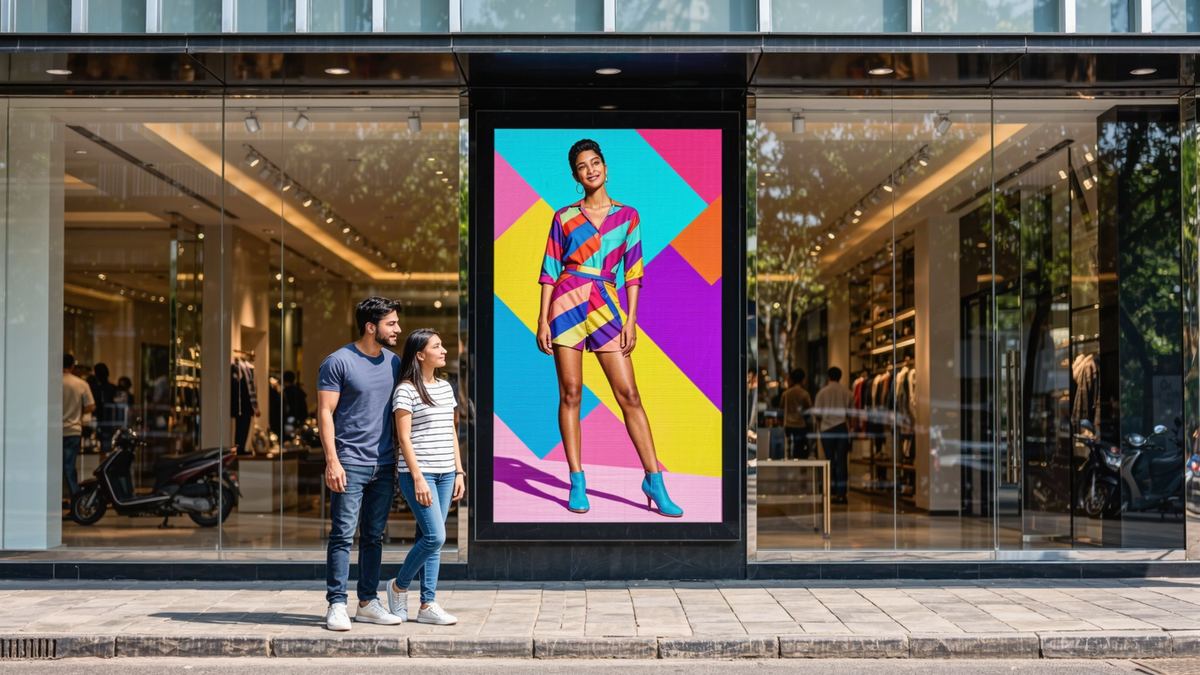
A bright, moving window display stops footfall in a way a printed poster cannot, and promotions change in minutes instead of days. On busy streets and in malls, the window screen is often the single best-performing piece of signage a retailer owns. Our guide to LED video walls for retail covers the larger-format version.
2. Digital menu boards for QSR and cafés
Day-parting (breakfast, lunch, evening menus), instant price changes across every outlet and highlighted high-margin combos make menu boards one of the fastest-payback signage investments — and they remove print and reprint costs entirely.
3. Corporate lobby and visitor welcome
Personalised welcomes for client visits, brand films, awards and safety information turn the reception into a showcase. In tech-park lobbies, a video wall is often the first impression of the company — and the screen that leadership notices.
4. Internal communications and dashboards
Screens in cafeterias, lift lobbies and work floors carry announcements, HR campaigns, live KPIs and emergency messages to employees who never read the intranet. For large campuses, this replaces dozens of printed notices and all-staff emails.
5. Queue management and wayfinding in hospitals and service centres
Token displays linked to the queue system, department directions and health information reduce crowding at help desks and make waits feel shorter. Interactive wayfinding kiosks help in large hospitals and campuses.
6. Campus notice boards for schools and colleges
Timetables, event notices, achievements and emergency alerts on screens across a campus replace paper notice boards and reach every student at once — often alongside interactive displays in classrooms.
7. Hotels, banquets and event venues
Event schedules, room directions, sponsor content and live feeds at the banquet entrance replace printed standees for every function — and hotels can offer screen time as part of their event packages.
Planning Digital Signage in Bangalore — Local Considerations
- Sunlight and glass. Bangalore’s bright days and glass-fronted lobbies wash out standard screens. Measure the ambient light and choose brightness accordingly.
- Power. Put players and network switches on a UPS so screens recover cleanly after a power cut, and schedule automatic on/off to cut electricity use and extend panel life.
- Network. Use wired Ethernet wherever possible; for kiosks and remote outlets, a 4G/5G router as backup keeps content and monitoring alive.
- Approvals. Street-facing and outdoor screens may need municipal approval and must follow local signage rules — check before buying an outdoor display.
- Building rules. Tech parks and malls often have their own specifications for mounting, power and working hours; factor them into the schedule.
- Content ownership. Decide who updates the content each week. A screen nobody owns becomes invisible within weeks.
How a Digital Signage Rollout Works
- Objectives. Decide what each screen must achieve — sell, inform, guide or impress — and how you will measure it.
- Site survey. Viewing distance, ambient light, wall strength, power and network at every location.
- Design and BoQ. Screen sizes and brightness, player and CMS choice, mounting and cabling, with a line-item quote.
- Content plan. Templates, data feeds and a refresh calendar, prepared in parallel with procurement.
- Installation and commissioning. Mounting, cabling, CMS registration, schedules and remote monitoring set up.
- Training and support. Your team learns to update content; the integrator monitors screens and handles faults under an AMC.
Choosing a Digital Signage Company in Bangalore — 6 Checks
Search results for digital signage in Bangalore are crowded with sign-board makers, directories and display resellers. They are not the same thing as a signage integrator. Before you sign, check these six things:
- Authorised display partner. Genuine commercial displays with India warranty, bought through authorised channels — ask which brands they are authorised for.
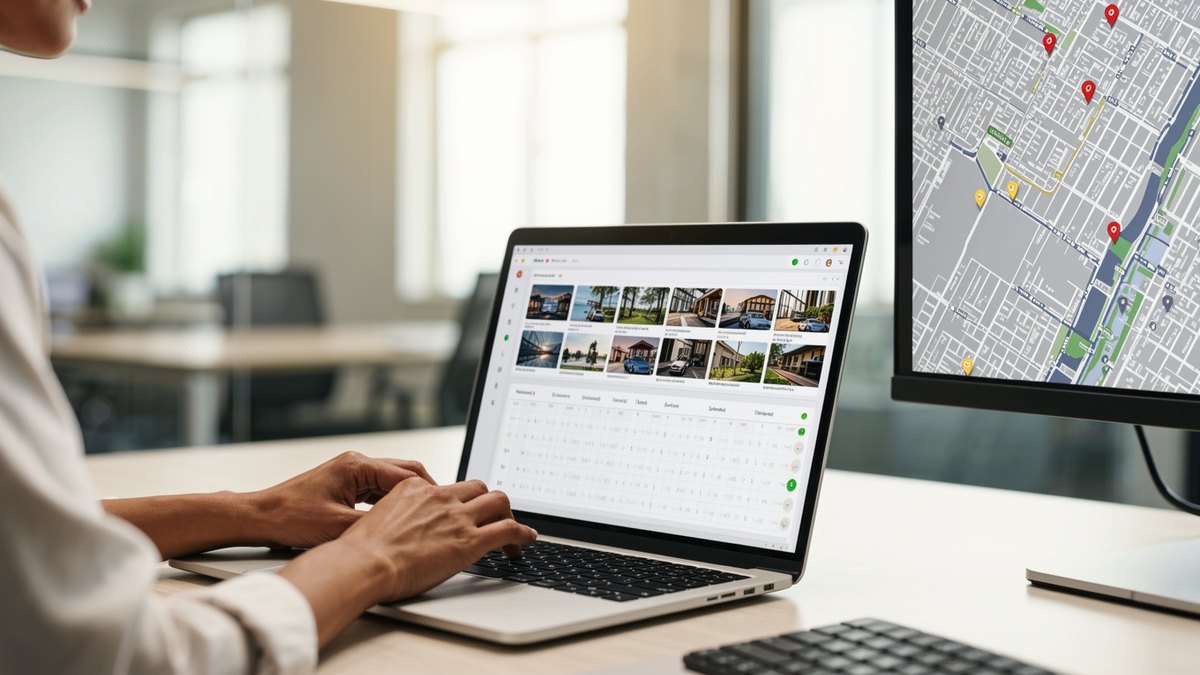
- CMS expertise, not just hardware. They should set up the CMS, user roles, schedules and screen-health alerts, and train your team to use them.
- A site survey before the quote. Brightness, viewing distance, wall strength, power and network cannot be priced from a phone call.
- A line-item quote. Display, player, mount, cabling, installation, CMS licence term and content as separate lines, so you can compare like with like.
- Content support. Templates and launch content, or a clear handover to your marketing team or agency.
- Monitoring and AMC. Remote monitoring, a response time for faults and a plan for replacement panels — especially for video walls, where a mismatched replacement panel stands out.
5 Digital Signage Mistakes Bangalore Businesses Make
- Buying consumer TVs. They are not rated for long daily hours, void their warranty in commercial use and fail early.
- Too dim for the location. A 350-nit screen behind a sunny shopfront window is close to unreadable at midday.
- No CMS, just a USB stick. Someone ends up walking to every screen to change content — so it stops being changed.
- No content budget. Hardware without fresh content delivers almost none of the expected return.
- No monitoring or AMC. A blank screen in the lobby damages the brand more than having no screen at all.
Digital Signage Cost in Bangalore — FAQs
How much does digital signage cost in Bangalore?
Digital signage cost in Bangalore starts at the screen: in 2026 a professionally installed indoor digital signage screen costs about ₹80,000 to ₹2.5 lakh including display, mount, installation and first-year CMS. High-brightness window displays cost ₹2.5–6 lakh each, LCD video walls ₹6–25 lakh and LED video walls ₹10 lakh upwards. Content design and AMC are usually quoted separately.
What does a digital signage system include?
A digital signage system includes commercial-grade displays, a media player (often built into the display), a content management system to schedule and monitor content, the content itself, and the network, power and mounting to run it reliably. Integrators also provide installation, training and ongoing support.
Can I use a normal TV for digital signage?
It is not recommended. Consumer TVs are designed for a few hours of use a day, are not bright enough for many commercial spaces, lack central management features and usually lose their warranty in commercial use. Commercial signage displays are rated for 16–24 hours a day and come with commercial warranty and remote management.
Which digital signage software is best?
It depends on your hardware and scale. Samsung’s MagicINFO and its cloud successor VXT suit Samsung-based networks, LG’s webOS-based software suits LG screens, and platform-agnostic cloud CMS products suit mixed-brand or fast-growing networks. The deciding factors are ease of use for your team, remote monitoring and licence cost per screen.
Can digital signage be managed across multiple locations?
Yes. A cloud CMS lets one team schedule content, push updates and check screen health across every branch, city or campus from a browser. Content can be shared centrally and localised per site, which is how retail and QSR chains run hundreds of screens with a small team.
How long does a digital signage installation take?
A single store or lobby with a few screens is typically installed in one to three days once hardware arrives. Video walls and multi-site rollouts take two to six weeks depending on site readiness, civil work and the number of locations, with content prepared in parallel.
Is digital signage worth it for a single office or store?
Often, yes — especially for storefronts, menu boards and reception areas, where print savings and faster promotions pay back the investment within one to two years. The key is choosing the right screen for the location and committing to regular content updates.
Plan Your Digital Signage with Vantage
Vantage Systems has delivered display and AV projects for Bangalore businesses since 1996 — commercial displays, video walls, LED and interactive kiosks from leading brands, CMS set-up, in-house installation and support under an AMC. Whatever the size of the project, tell us where the screens will go and what they need to achieve, and we will propose the right digital signage system with a transparent, line-item quote after a free site survey.
- Call: +91 99451 70702
- Email: avsupport@vantagesinc.com
- Office: 21, Wellington Street, Richmond Town, Bengaluru, Karnataka 560025
- Request a free site survey: vantagesystems.in/contact
Related reading: digital signage solutions in Bangalore, Samsung MagicINFO explained, digital signage ROI, LED video walls in Bangalore, and AV integration cost in Bangalore.
Need the screens installed, networked and supported end to end? Talk to our AV integrators in Bangalore.