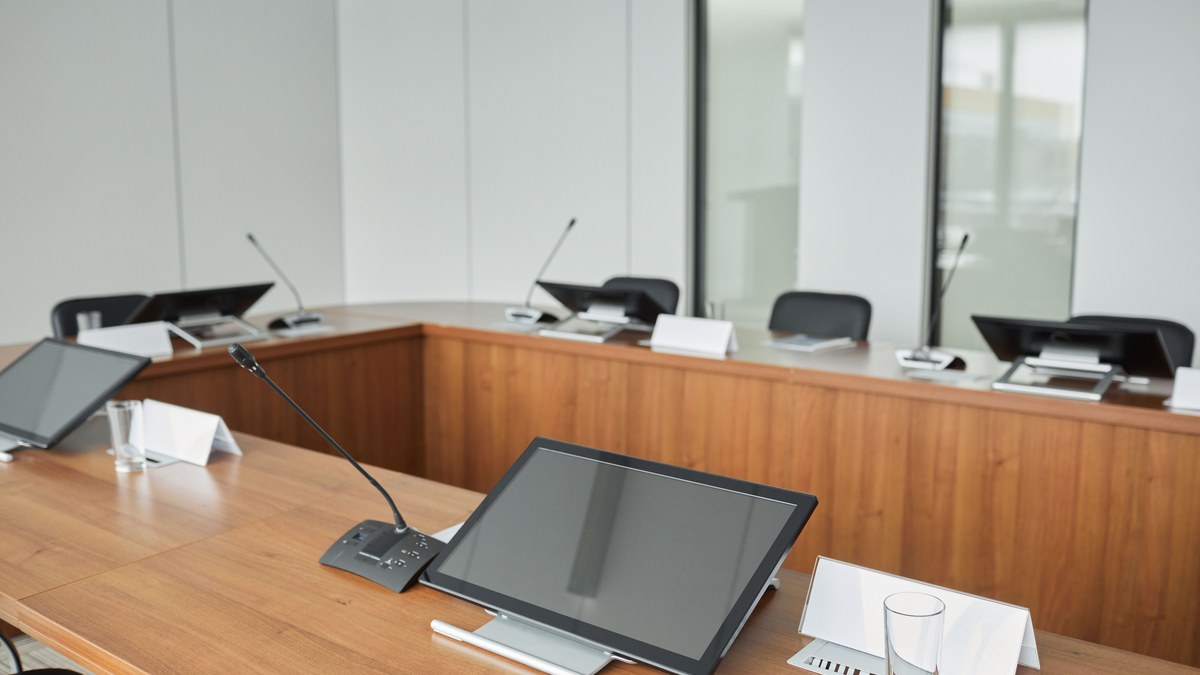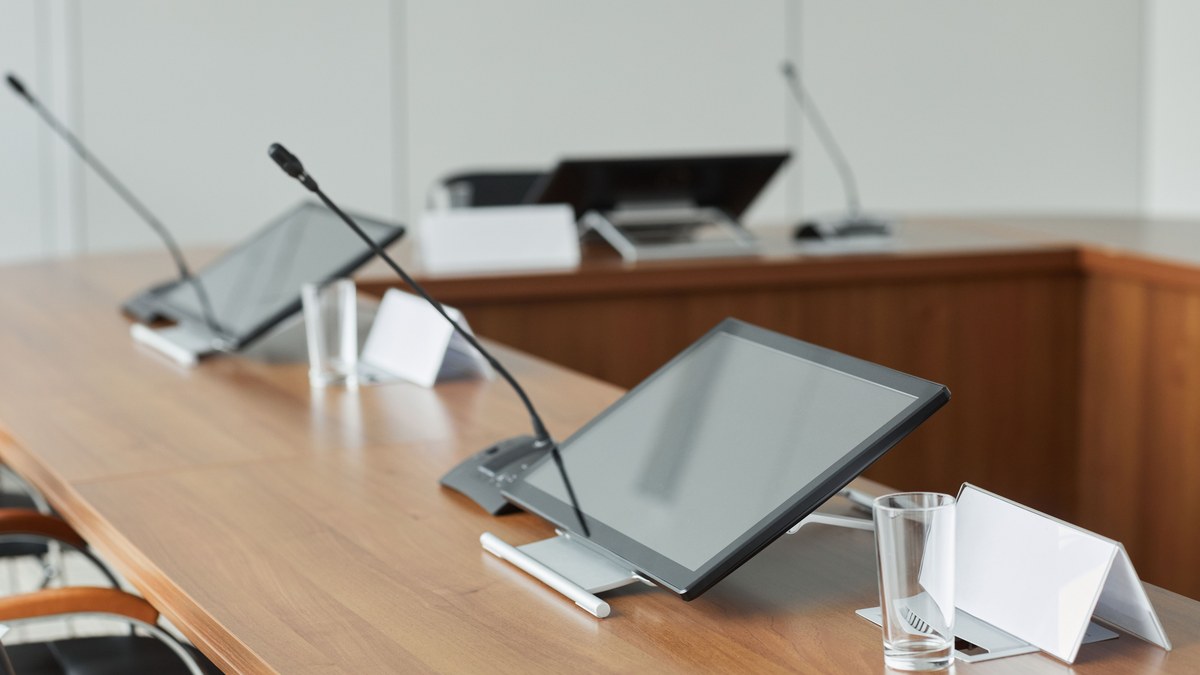
An interactive flat panel Teams Rooms setup — or equivalent Zoom Rooms or Google Meet Rooms — has become the standard hybrid meeting room configuration for Bangalore corporates and educational institutions in 2026. The interactive flat panel replaces both the projector and the whiteboard. Native video conferencing turns the IFPD into a full hybrid meeting room. And when done properly, it delivers the smoothest meeting experience most participants have ever had.
When done poorly, the same setup delivers weekly meeting failures: video conferencing app crashes mid-call, wireless casting drops during presentations, camera and microphone quality that embarrasses everyone, and IT teams spending 6-8 hours per week on setup and troubleshooting. The difference between the two outcomes is understanding the integration architecture — which brand, which OS, native vs USB add-on, BYOD vs certified rooms.
This guide covers interactive flat panel Teams Rooms integration in India in 2026 — how each of Microsoft Teams, Zoom, and Google Meet actually connect to an IFPD, brand-by-brand compatibility, native vs USB add-on trade-offs, BYOD vs certified rooms, real Bangalore deployments across corporate and education, and the four common integration mistakes. For interactive flat panel selection basics, read our hub: interactive flat panel display price in India and the Samsung Flip vs LG CreateBoard vs BenQ Board comparison.
How Interactive Flat Panel Integrates with Video Conferencing — 3 Architecture Options
Option 1 — Native VC app on the IFPD (BYOD-style)
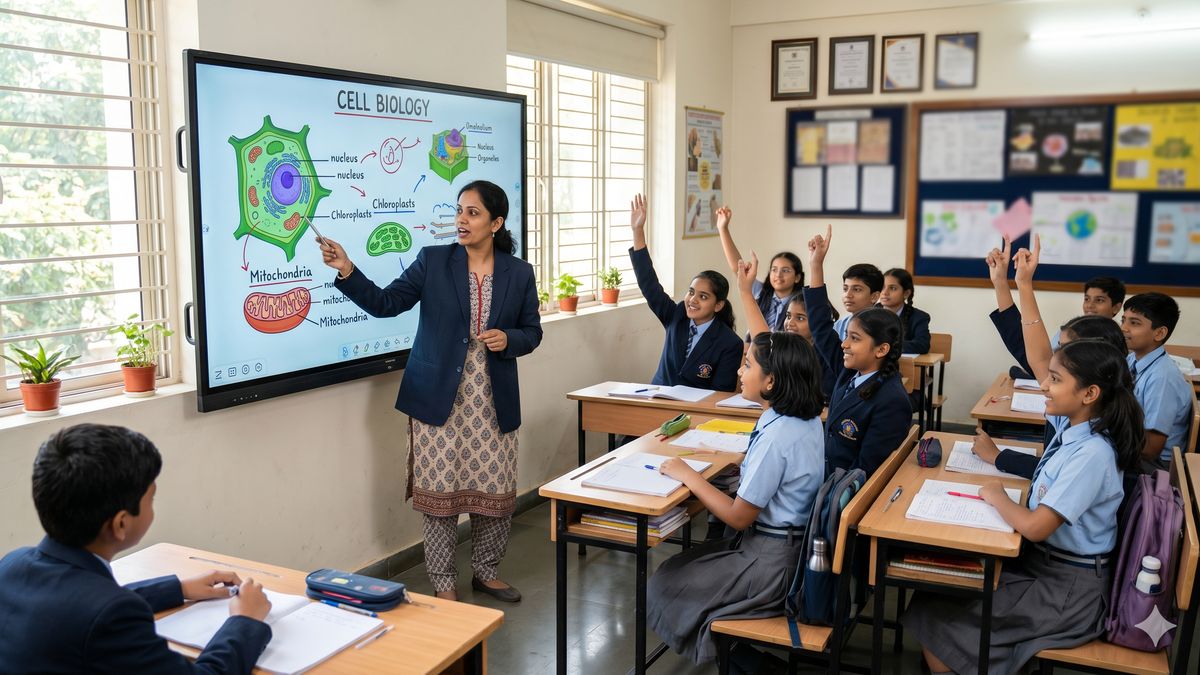
The IFPD runs its own Android or Tizen OS. You download Microsoft Teams, Zoom, or Google Meet as an app on the panel itself. Users sign in with their own accounts. Camera and microphone are either built into the panel (premium models like BenQ Board RP) or added as an external USB-C accessory. Best for: schools, small corporate rooms, budget-conscious deployments, hybrid classrooms. Cost: included with the IFPD.
Option 2 — Certified Teams Rooms / Zoom Rooms / Google Meet Rooms compute
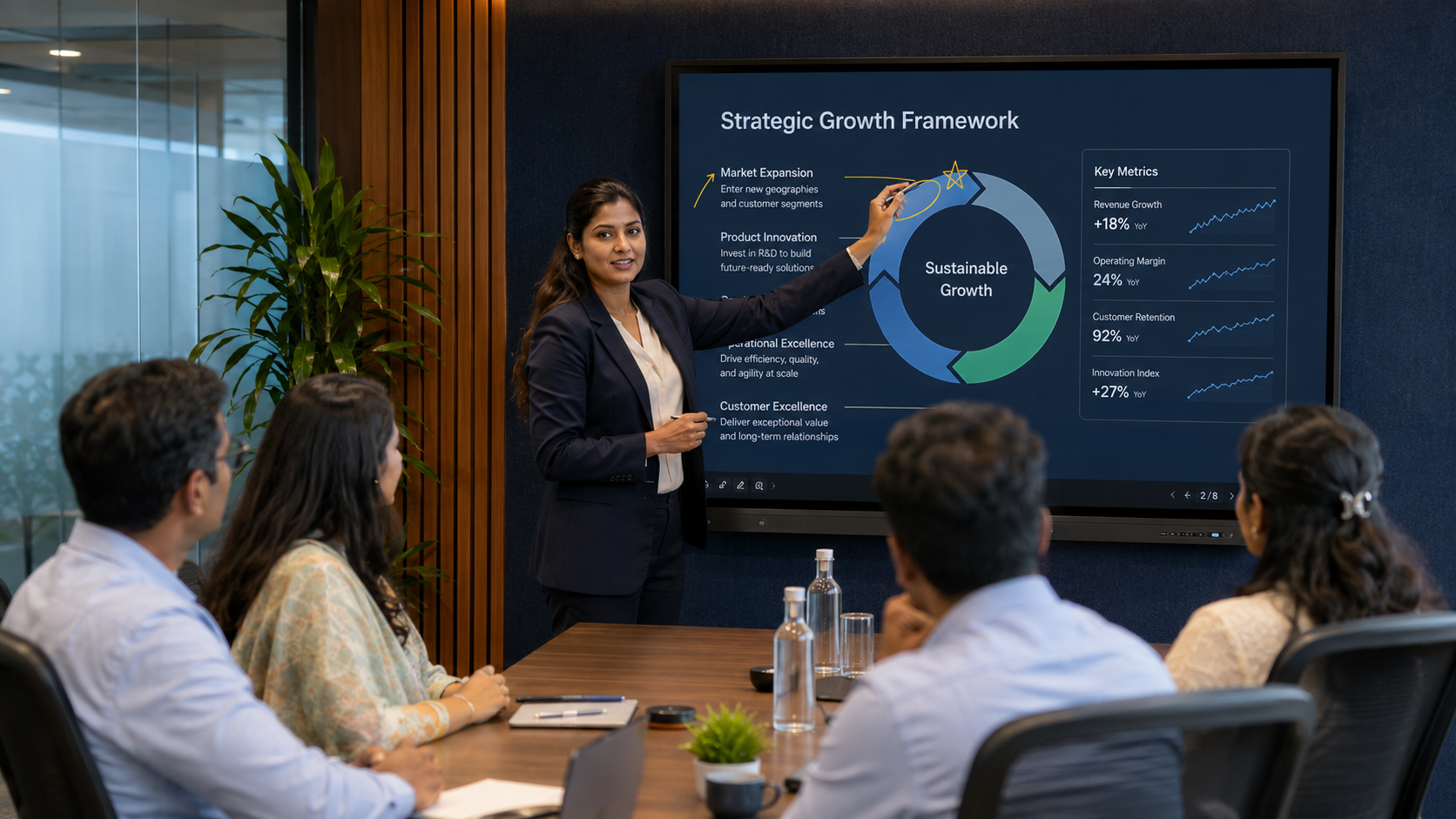
An OPS Windows or ChromeOS module plugs into the OPS slot on the IFPD. The compute module runs certified Microsoft Teams Rooms software, Zoom Rooms software, or Google Meet Rooms hardware. Comes with dedicated meeting-room login, one-touch join, calendar integration, and centralised device management. Best for: corporate boardrooms, executive meeting rooms, IT-managed spaces. Cost: ₹85,000 – ₹2.5 lakh for the OPS compute module + certified peripherals.
Option 3 — Wireless casting from user devices
Users bring their own laptop with Microsoft Teams, Zoom, or Google Meet running. They cast the meeting to the IFPD via AirPlay, Miracast, or brand-specific wireless (InstaShare 2 on BenQ, ScreenShare Pro on LG, Smart View on Samsung). The IFPD is just the display; the meeting runs on the user’s laptop. Best for: quick meetings, BYOD-heavy environments, huddle rooms where users are already using their laptops. Cost: included with the IFPD.
Most Bangalore corporate deployments in 2026 use a combination — Option 2 (certified Teams Rooms) in the main boardrooms and executive meeting rooms, Option 3 (wireless casting) in huddle rooms and quick-meeting spaces. Schools typically use Option 1 (native VC apps) because most students and teachers do not have Enterprise-level Teams or Zoom licensing.
Brand-by-Brand IFPD + VC Platform Compatibility
| Microsoft Teams | Zoom | Google Meet | |
|---|---|---|---|
| Samsung Flip 4 | Tizen app; certified Teams Rooms via OPS | Tizen app; certified Zoom Rooms via OPS | Tizen app; EDLA-adjacent |
| LG CreateBoard | webOS app; certified Teams Rooms via OPS | webOS app; certified Zoom Rooms via OPS | Native webOS Google integration |
| BenQ Board RM | Android app + certified Teams via OPS | Android app + certified Zoom Rooms via OPS | EDLA-certified Google Meet integration |
| BenQ Board RP | Built-in camera + mic; native app + certified Teams | Built-in camera + mic; certified Zoom Rooms | EDLA-certified + built-in camera |
| ViewSonic ViewBoard | Android app + certified Teams via OPS | Android app + certified Zoom Rooms via OPS | EDLA-certified Google Meet |
| Promethean ActivPanel | Android app + certified Teams via OPS | Android app + certified Zoom Rooms via OPS | EDLA-certified Google Meet |
Setup Guide — Microsoft Teams Rooms on an IFPD
- Choose your compute path. For a certified Teams Rooms, you need either a dedicated Teams Rooms compute device (like a Poly TC10 controller + dedicated Teams Rooms mini-PC) OR an OPS Windows module in the IFPD running Teams Rooms for Windows.
- Purchase Microsoft 365 licensing. Certified Teams Rooms requires a Microsoft Teams Rooms Standard or Pro subscription (₹1,500-3,500/month per room in 2026). BYOD-style Teams on the IFPD’s native OS uses regular Teams user licenses.
- Connect certified peripherals. Teams Rooms certified camera and microphone. BenQ Board RP series has built-in options; other IFPDs need an external USB camera + microphone bar (Logitech Rally, Poly Studio, Yealink MeetingBar).
- Configure the room account. Create a Teams Rooms room account in Microsoft 365. Sign into the compute device with that account. Configure calendar integration, meeting join defaults, and room policies.
- Test end-to-end. Schedule a test meeting, verify one-touch join from the room controller, test camera framing, test microphone pickup at all seating positions, test screen sharing from external laptops via Miracast or Teams share.
- Ongoing management. Enrol the compute device in Microsoft 365 device management for firmware updates, security patching, and centralised monitoring.
Setup Guide — Zoom Rooms on an IFPD
- Choose your compute path. Certified Zoom Rooms requires either a Zoom Rooms Appliance (dedicated hardware like Neat Bar Pro, DTEN D7) OR an OPS Windows / ChromeOS module running Zoom Rooms software.
- Purchase Zoom Rooms licensing. Zoom Rooms subscription is ₹4,000-6,500/month per room in India in 2026. Includes Zoom Rooms Controller + one Zoom Rooms host license.
- Connect certified peripherals. Zoom Rooms certified camera and microphone. Options include Logitech Rally Bar, Poly Studio X50, Yealink MeetingBar A20, or BenQ Board RP series with built-in camera.
- Configure the room and controller. Create a Zoom Rooms account. Pair the compute device and a controller tablet (typically iPad or Android tablet). Configure the room’s join defaults, layout preferences, and meeting policies.
- Test end-to-end. Verify one-touch join, camera framing (including Zoom Smart Gallery if using a certified camera), microphone pickup, wireless screen share via Zoom Rooms Share or user laptop.
- Ongoing management. Zoom Rooms devices managed via Zoom Admin dashboard. Firmware updates and configuration changes push centrally.
Setup Guide — Google Meet Rooms on an IFPD
- Choose your compute path. Google Meet Rooms requires either a Google Meet Series One device (dedicated appliance) OR an EDLA-certified Google-integrated IFPD like BenQ Board RP series or ViewSonic ViewBoard which have EDLA certification.
- Purchase Google Workspace and Meet Hardware licensing. Google Workspace + Meet Hardware for Enterprise costs ₹1,000-2,500/user/month depending on tier. Google Meet Rooms specific licensing may add per-room fees.
- Configure the Meet Rooms device. Enrol the device in Google Workspace. Assign it to a specific meeting room calendar. Configure default join behaviour, camera framing, and meeting policies.
- Test end-to-end. Verify one-touch join from Google Calendar events, camera framing with Google Meet Smart Framing, microphone pickup, screen sharing from Chromebook or laptop via Google Meet cast.
- Ongoing management. Google Meet Rooms devices are managed via Google Admin console. Firmware updates and configuration changes push centrally to enrolled devices.
Certified Rooms vs BYOD — Which One for Your Bangalore Deployment?
The most important decision is Certified Rooms (Option 2 above) vs BYOD-style (Options 1 and 3). Here is the trade-off:
| Factor | Certified Teams / Zoom / Meet Rooms | BYOD / Native App / Wireless Casting |
|---|---|---|
| Setup complexity | Higher — dedicated compute, subscriptions, admin console | Lower — install the app, sign in |
| Cost per room per year | ₹18,000 – ₹80,000 (subscription + peripherals) | ₹0 – ₹15,000 (peripherals only) |
| User experience | One-touch join, no laptops needed | Users bring laptops, sign in individually |
| Meeting reliability | Higher — enterprise-grade | Lower — depends on user laptop |
| Best for | Corporate boardrooms, executive rooms | Schools, huddle rooms, quick meeting spaces |
| IT management overhead | Higher — centrally managed | Lower — users self-manage |
| Failure rate | 1-2% of meetings | 8-15% of meetings |
Real Bangalore IFPD + VC Integration Deployments
Project A — IT company boardroom with BenQ Board RP + Certified Teams Rooms
- Setup: BenQ Board RP 86-inch + built-in camera and microphone + OPS Windows module + Poly TC10 controller
- Configuration: Certified Microsoft Teams Rooms; enrolled in Teams Rooms Pro subscription; central device management
- Cost: ₹5.8 lakh IFPD + accessories + ₹2.8 lakh annual Teams Rooms subscription per room
- Result 8 months later: 99.2% meeting reliability, one-touch join used in every meeting, IT team support hours dropped from 8/week to 30 minutes/week
Project B — Corporate training centre with Samsung Flip 4 + Certified Zoom Rooms
- Setup: Samsung Flip 4 75-inch in 6 training rooms; each with Neat Bar Pro dedicated Zoom Rooms appliance + Zoom Rooms Controller iPad
- Configuration: Certified Zoom Rooms; each room enrolled in Zoom Admin dashboard
- Cost: ₹27 lakh total for 6 rooms including IFPDs + Zoom Rooms appliances + first-year Zoom Rooms subscription
- Result 12 months later: All 6 rooms achieve 98.5% Zoom meeting reliability; hosted 40+ hybrid training sessions per week
Project C — CBSE school hybrid classrooms with BenQ Board RP + native Google Meet
- Setup: BenQ Board RP 75-inch in 12 hybrid-ready classrooms; each with built-in camera and microphone; EDLA-certified Google Classroom + Google Meet integration
- Configuration: BYOD-style native Google Meet on the IFPD; students at home join via Google Meet on Chromebooks
- Cost: ₹42 lakh for 12 IFPDs + installation + Google Workspace for Education subscription (school already had)
- Result 6 months later: Enabled 100% seamless hybrid classroom delivery; teachers report zero training time needed; remote students report 4.6/5 satisfaction
4 Common IFPD + VC Integration Mistakes
- Choosing BYOD for the executive boardroom. The boardroom hosts client meetings and board meetings where meeting failures are unacceptable. BYOD has 8-15% meeting failure rate. Certified Teams Rooms or Zoom Rooms drops that to 1-2%. The ₹18,000-80,000 annual subscription is trivial compared to the reputation cost of a failed board meeting.
- Choosing certified Teams Rooms for a 10-classroom school. Schools rarely need certified Teams Rooms. Native Teams or Google Meet on the IFPD (with the panel’s built-in camera on BenQ RP series, or a ₹15,000 USB webcam on Samsung Flip / LG CreateBoard) delivers 90-95% reliability at zero subscription cost. Save the Teams Rooms budget for the actual corporate boardrooms.
- Not investing in a certified camera and microphone. The single biggest driver of meeting-quality complaints is bad audio and video from the room. Cheap USB webcams and desktop microphones deliver poor pickup and framing. Invest in Logitech Rally, Poly Studio X50, or Yealink MeetingBar A20 (₹1.5-3 lakh) for any room hosting more than 4-6 people.
- Skipping the network readiness assessment. Video conferencing needs 3-8 Mbps upload per meeting. In older Bangalore offices with legacy internet (Airtel Xstream, ACT), 6-8 simultaneous video meetings can saturate the uplink. Assess network capacity before deployment and upgrade to symmetric 100+ Mbps circuits if needed. Skipping this step is the #1 root cause of "meetings are laggy in the afternoon" complaints.
Interactive Flat Panel Teams Rooms Integration — Frequently Asked Questions
Can I use an interactive flat panel with Microsoft Teams Rooms in India in 2026?
Yes. Two paths: (1) BYOD-style — install the Microsoft Teams app natively on the IFPD’s Android or Tizen OS (works on BenQ Board, LG CreateBoard, Samsung Flip, ViewSonic ViewBoard). Users sign in with their Teams accounts. Best for schools and huddle rooms. (2) Certified Teams Rooms — plug an OPS Windows module or dedicated Teams Rooms compute into the IFPD, subscribe to Teams Rooms Pro at ₹1,500-3,500/month per room, and get enterprise-grade one-touch join, calendar integration, and centralised management. Best for corporate boardrooms.
Which is better for a Bangalore corporate boardroom — certified Teams Rooms or BYOD?
For corporate boardrooms hosting client and board meetings, certified Teams Rooms is significantly better despite the ₹18,000-80,000 annual subscription cost. Meeting reliability improves from 85-92% (BYOD) to 98-99% (certified Teams Rooms). One-touch join eliminates the 5-10 minute setup ceremony that BYOD requires. Central management by IT team drops support hours from 8/week to under 1/week. The reputation cost of a failed board meeting far exceeds the annual subscription.
How much does it cost to add certified Zoom Rooms to an interactive flat panel in Bangalore?
Adding certified Zoom Rooms to an IFPD in Bangalore in 2026 costs approximately: (1) Zoom Rooms subscription — ₹4,000-6,500/month per room, (2) OPS Windows or ChromeOS module — ₹65,000-1.4 lakh one-time OR dedicated Zoom Rooms appliance (Neat Bar Pro, DTEN D7) — ₹1.5-3 lakh one-time, (3) Zoom Rooms Controller (iPad or Android tablet) — ₹35,000-65,000. Total year-one cost for a certified Zoom Rooms setup: ₹2.5-5.5 lakh including hardware and first-year subscription.
Does BenQ Board RP series have built-in camera and microphone for Teams/Zoom/Meet?
Yes. BenQ Board RP series (RP7503, RP8603, RP9803) includes a built-in 4K camera and array microphone specifically designed for hybrid meetings. This is a significant advantage for hybrid classrooms and mid-size corporate meeting rooms where a separate USB camera and microphone would add ₹1-3 lakh and cable clutter. BenQ RP series with native Microsoft Teams, Zoom, or EDLA-certified Google Meet delivers a genuinely turnkey hybrid meeting solution — the most-installed hybrid IFPD in Bangalore schools in 2026.
What is EDLA certification and why does it matter for Google Meet on IFPDs?
EDLA (Enterprise Devices Licensing Agreement) is Google’s certification programme for devices that have deep native integration with Google Workspace, Google Classroom, and Google Meet. EDLA-certified IFPDs (BenQ Board RP series, ViewSonic ViewBoard, Promethean ActivPanel) allow direct Google account sign-in, native Google Meet integration, and Google Classroom assignment sync — without requiring users to download and configure apps manually. Samsung and LG support Google Meet through downloaded apps but are not EDLA-certified — the integration is functional but not as seamless as EDLA-certified panels.
Can students at home join a hybrid classroom running on an interactive flat panel?
Yes. This is one of the most-adopted use cases for BenQ Board RP and LG CreateBoard in Bangalore schools in 2026. The IFPD runs Google Meet or Microsoft Teams natively; the teacher joins the meeting from the panel; remote students join from their home Chromebooks or laptops via the same meeting link. The teacher can annotate on the panel and remote students see the annotations in real time. Audio pickup is handled by the panel’s built-in microphone (BenQ RP) or an external USB microphone (LG CreateBoard, Samsung Flip).
What network bandwidth do I need for IFPD + video conferencing in a Bangalore office?
Video conferencing needs 3-8 Mbps upload per active meeting. A 10-room office with 5-6 simultaneous video meetings needs 30-50 Mbps symmetric upload capacity minimum. Older Bangalore office internet (Airtel Xstream, ACT residential) with asymmetric 50+ Mbps download but only 5-10 Mbps upload will saturate under load and cause "meetings are laggy in the afternoon" complaints. Upgrade to symmetric business internet — Airtel Business, Tata Tele, or Jio Business Fiber — with 100+ Mbps symmetric for reliable multi-room hybrid meeting performance.
Where do I get an IFPD + Teams/Zoom/Meet Rooms integrated deployment in Bangalore?
Vantage Systems provides end-to-end IFPD + video conferencing integration across Bangalore in 2026. We are authorised distributors for Samsung Flip, LG CreateBoard, BenQ Board (RM and RP series), and ViewSonic ViewBoard interactive flat panels, plus certified installers for Microsoft Teams Rooms, Zoom Rooms, and Google Meet Rooms. Free site survey, network readiness assessment, room design, hardware installation, software configuration, staff training, and 3-year AMC. Contact +91 99451 70702 or avsupport@vantagesinc.com to schedule a hybrid meeting room design consultation.
Get a Interactive Flat Panel + Teams / Zoom / Meet Rooms Quote in Bangalore
Vantage Systems has been Bangalore’s trusted AV integration partner since 1996. Authorised distributor with OEM-warranty hardware, AVIXA-trained engineers, transparent line-item BoQ, and AMC included. Free site survey within a week, quote in 5-7 working days.
- Call: +91 99451 70702
- Email: avsupport@vantagesinc.com
- Office: 21, Wellington Street, Richmond Town, Bengaluru, Karnataka 560025
- Request a free site survey: vantagesystems.in/contact
Related reading: interactive flat panel display price in India, Samsung Flip vs LG CreateBoard vs BenQ Board, IFPD size guide, hybrid meeting room AV setup, Logitech vs Poly vs Yealink, See also our audio visual integration company in Bangalore.