The right conference room setup is not one shopping list — it is three, because a 6-seat huddle room, a 10-seat standard room and a 20-seat boardroom have completely different needs for the display, camera, and microphones. Put a huddle-room soundbar in a 20-seat room and half the table can’t be heard; put a full ceiling-mic system in a huddle room and you’ve wasted lakhs. This guide gives you the setup by room size — the equipment, the display-size rule, a line-item cost breakdown, the power and network you need behind the wall, and a step-by-step checklist — with indicative India pricing so you can budget before you call anyone.
It comes from an AV integration company that sets up these rooms across Bangalore and India every week, so it is built around what actually goes wrong — not a catalogue.
Conference Room Setup by Size — At a Glance
| Element | Huddle (4–6 seats) | Standard (8–10 seats) | Large / boardroom (16–20 seats) |
|---|---|---|---|
| Display | 55–65″ | 75–86″ | 98″ / dual / LED wall |
| Camera | All-in-one VC bar | VC bar or PTZ camera | PTZ camera(s) + codec, speaker-tracking |
| Audio | Bar’s built-in mic | Bar + 1–2 expansion mics | Ceiling mic array + DSP + distributed speakers |
| Control & share | Touch console + wireless share | Touch console + wireless share | Touch control + scheduling + wireless share |
| Indicative installed cost | ₹1.5 – ₹4 lakh | ₹4 – ₹12 lakh | ₹12 – ₹30 lakh |
The Display-Size Rule (Get This Right First)
The single most common conference-room complaint is “we can’t read the shared screen from the back.” The fix is a simple sizing rule drawn from AVIXA’s display-sizing standard: the display’s height should be at least one-sixth of the distance to the farthest viewer for everyday presentations, and one-quarter of that distance for spreadsheets, drawings and detailed content. Converted to a screen diagonal, that means diagonal in inches ≈ farthest viewer in feet × 4 to × 6. In plain terms:
- Farthest viewer ~10 ft: 55–65″ display (huddle room).
- Farthest viewer ~14 ft: 75–86″ display (standard room).
- Farthest viewer ~18 ft or more: 98″ panel, dual displays, or an LED / interactive display (large room). Our interactive flat panel size guide maps 65″, 75″, 86″ and 98″ panels to room dimensions.
When in doubt, size up. A slightly larger display is forgiven instantly; an undersized one is resented at every meeting.
Setup by Room Tier
Huddle room (4–6 seats)
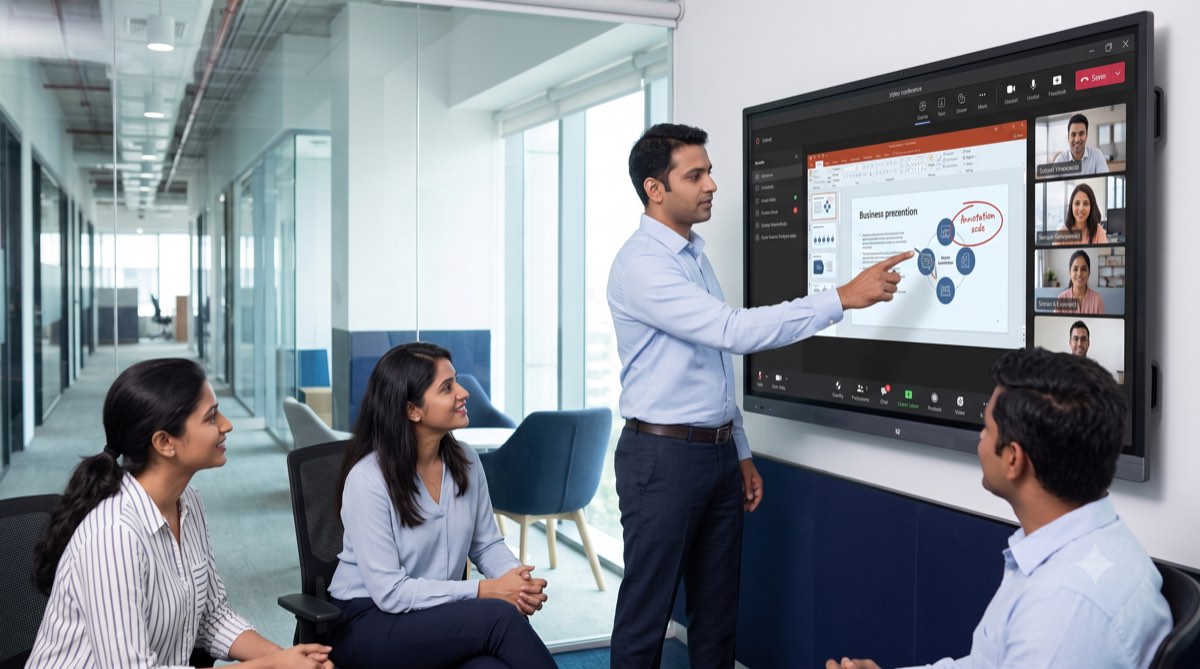
Keep it simple and reliable. A 55–65″ display, a single all-in-one video conferencing bar (camera, mic and speaker in one certified unit), a touch console for one-touch join, and a wireless share so anyone can present. No DSP, no separate speakers — the bar handles a room this size cleanly. This is the highest-ROI room in most offices because it is used constantly and costs the least to do well.
Standard conference room (8–10 seats)
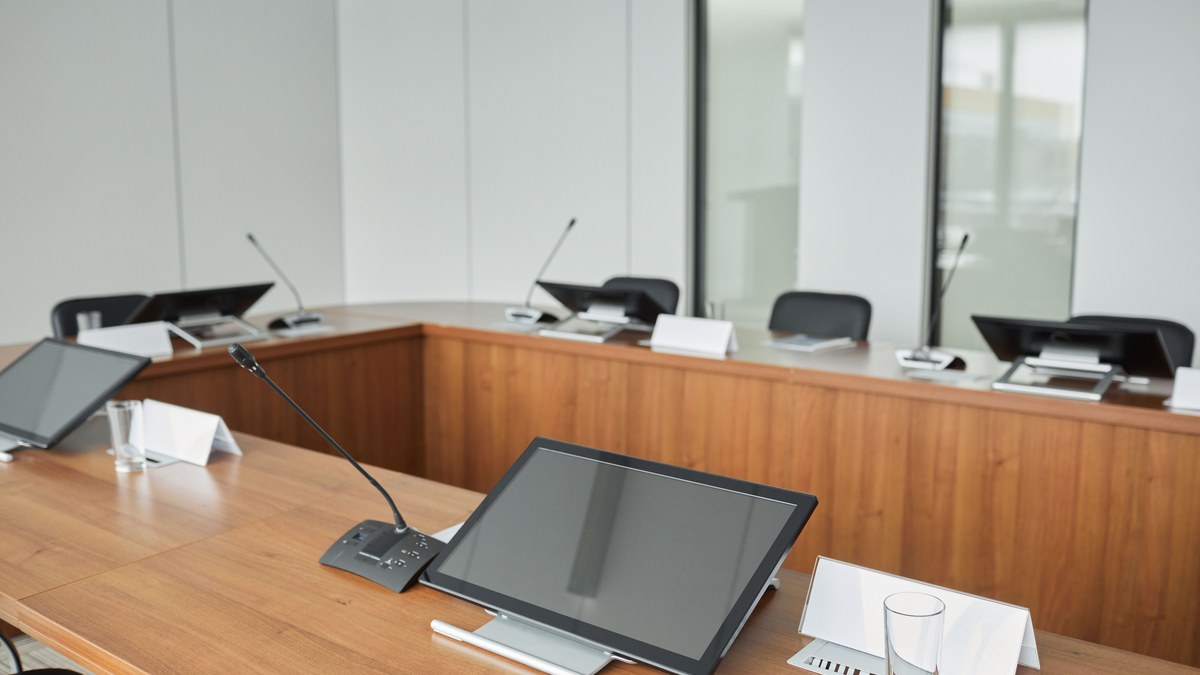
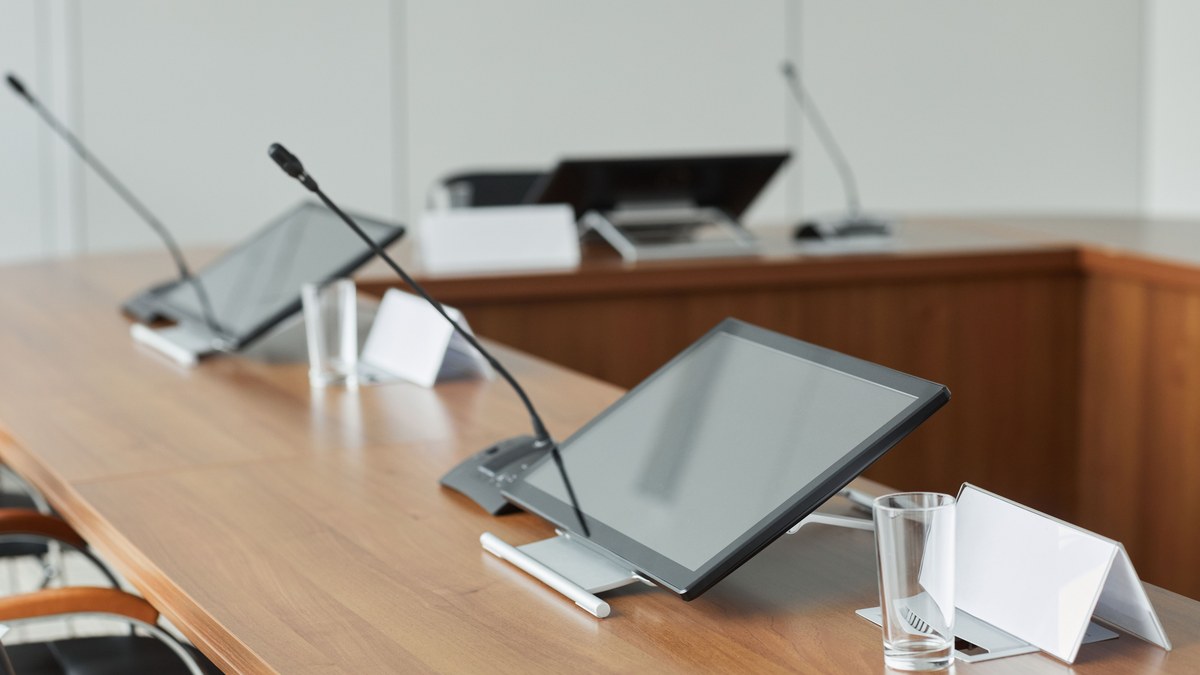
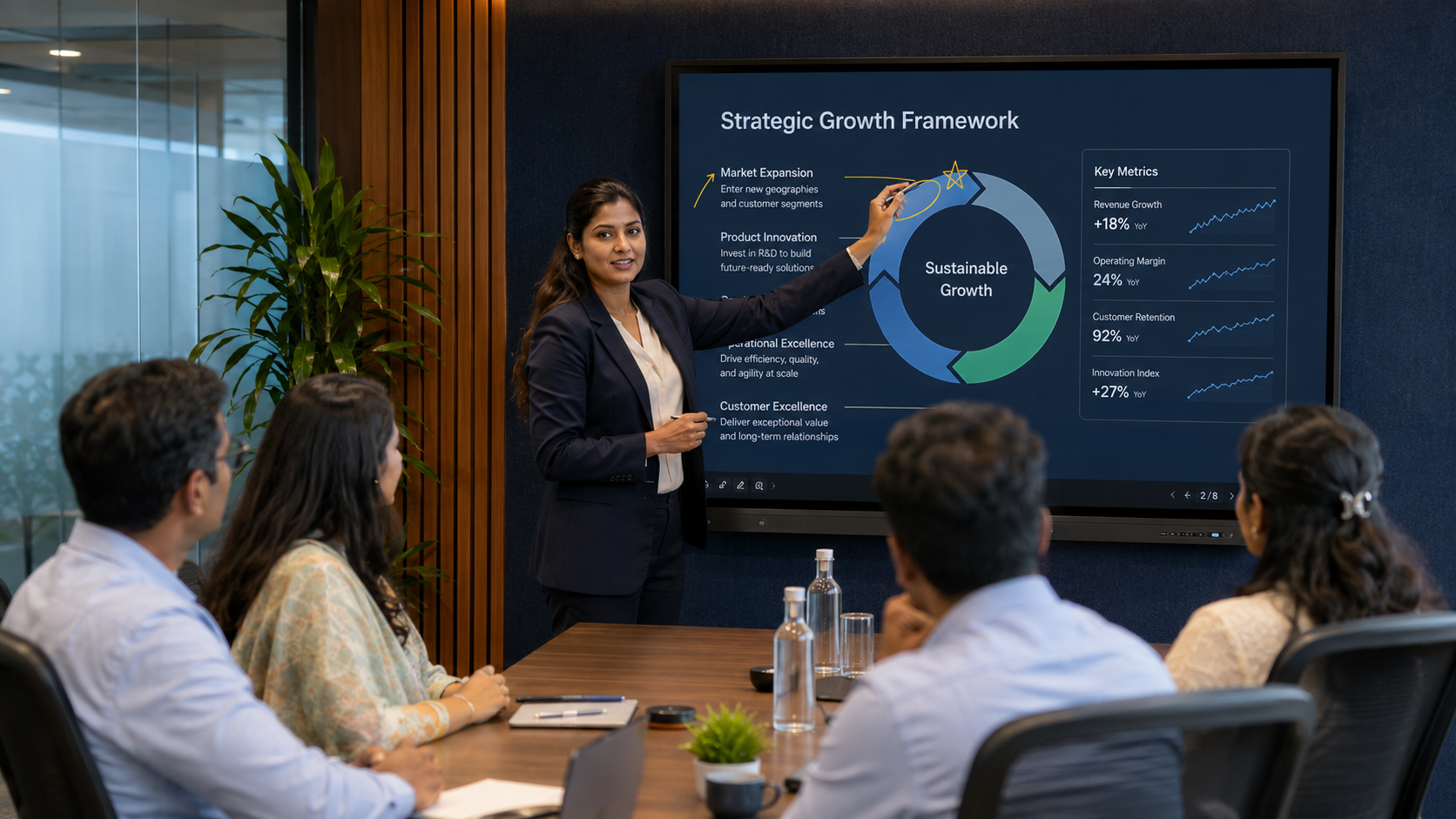
A 75–86″ display, a premium VC bar (or a PTZ camera for better framing of a longer table), and one or two expansion microphones so the far end of the table is heard as clearly as the near end. Add a touch controller and wireless presentation. This is the tier where audio starts to matter — an extra mic here prevents the “sorry, can you repeat that?” that plagues under-equipped rooms.
Large room / boardroom (16–20 seats)
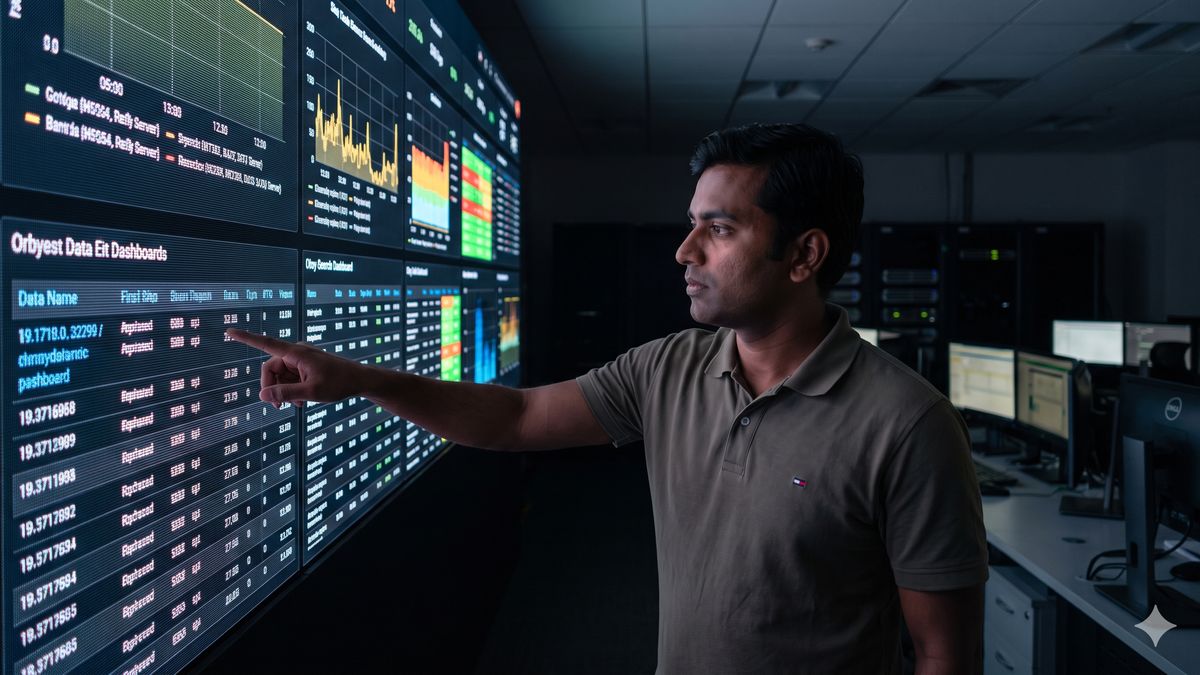
Now it is a system, not a device. A 98″ panel, dual displays or an LED wall; one or more PTZ cameras with speaker-tracking; a ceiling microphone array with a dedicated DSP for echo cancellation and zoning; distributed speakers; full room control; and a door-side scheduling panel. This is the tier covered in depth in our boardroom AV systems guide — the key point is that audio and control, not the screen, decide whether the room is loved or avoided.
Conference Room Setup Kit List and Cost Breakdown
Budget holders need more than a band — they need to see where the money sits. These are indicative 2026 supply prices for genuine, India-warranty hardware, by tier. Add the rows that apply and you land inside the installed-cost bands above; final numbers depend on the site survey.
| Line item | Huddle (4–6) | Standard (8–10) | Large (16–20) |
|---|---|---|---|
| Commercial 4K display (16/7 rated) | 55–65″: ₹50,000 – ₹1.2 lakh | 75–86″: ₹1.2 – ₹3 lakh | 98″ or dual 86″: ₹4 – ₹8 lakh |
| Camera and video conferencing | All-in-one bar + touch console: ₹70,000 – ₹1.8 lakh | Premium bar or PTZ + codec: ₹1.5 – ₹3.5 lakh | 1–2 PTZ cameras + codec: ₹2.5 – ₹5 lakh |
| Microphones, DSP and speakers | Built into the bar | 1–2 expansion mics: ₹20,000 – ₹80,000 | Ceiling array(s) + DSP + speakers: ₹4 – ₹8 lakh |
| Control and scheduling | Included with the bar’s console | Touch console + scheduling panel: ₹60,000 – ₹1.5 lakh | Control processor + panel + scheduling: ₹1.5 – ₹3.5 lakh |
| Wireless presentation / BYOD | Platform share or dongle: ₹0 – ₹50,000 | ₹30,000 – ₹1 lakh | ₹50,000 – ₹1.5 lakh |
| Table connectivity, cabling, mounts, installation | ₹20,000 – ₹50,000 | ₹50,000 – ₹1.2 lakh | ₹1 – ₹2.5 lakh |
| Programming, commissioning, training | ₹10,000 – ₹30,000 | ₹30,000 – ₹80,000 | ₹50,000 – ₹1.5 lakh |
| Indicative installed total | ₹1.5 – ₹4 lakh | ₹4 – ₹12 lakh | ₹12 – ₹30 lakh |
Two patterns hold across every tier. Hardware is 55–65% of the total, installation and cabling 15–20%, and programming, commissioning and training 10–15% — so a quote that is almost entirely hardware has usually left the installation out. And the audio line grows fastest with room size: from nothing in a huddle room to the largest single line in a 20-seat room. That is the correct shape; a large room quoted with a soundbar and no DSP is the wrong shape. Our AV integration cost guide shows how the same lines behave across other space types.
Power, Network and Cabling for a Conference Room Setup
Most rooms that fail after handover fail behind the wall, not on the table. Get these in place before the hardware arrives:
- Power. A dedicated circuit for the AV equipment (16 A for large rooms), sockets behind the display and inside the rack or credenza, and a small UPS for the codec, controller and network switch so a flicker does not reboot the room mid-call.
- Network. VC hardware on its own VLAN with QoS, a wired 1 Gbps drop to the display wall and one to the table, and 5–10 Mbps of headroom per room for 1080p calls. Guest wireless sharing should sit on a segregated network that IT has reviewed.
- PoE. Cameras, touch controllers and scheduling panels typically draw 15–25 W each — confirm PoE+ ports and enough total budget on the switch feeding the room.
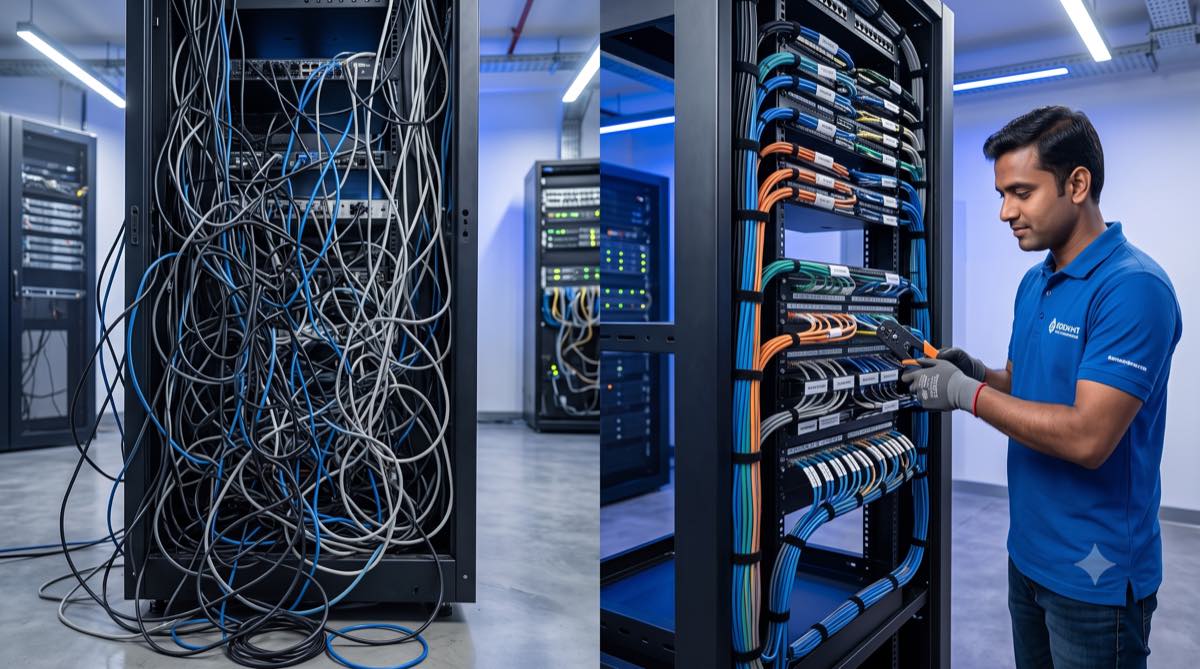
- Cabling. Cat6A from the rack to the table and the display, HDMI or USB-C from the table box to the display or codec over a certified active cable beyond 5 m, and a labelled cable schedule. Our guide to cable management solutions covers the trays, floor boxes and labelling that keep this serviceable.
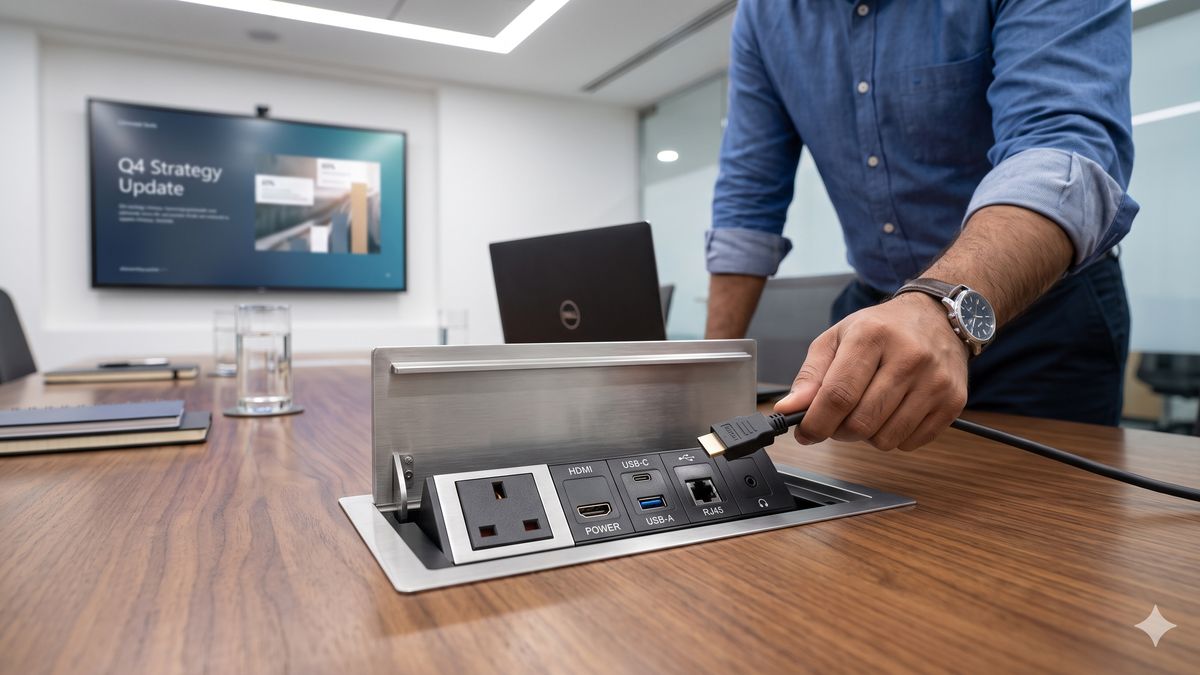
- Table connectivity. A conference table pop up box with power, USB-C and HDMI for rooms where people present from laptops, or a cable cubby for presentation-led tables.
- Conduit and containment. A clear path from the table to the floor box or wall point, and from the rack to the ceiling for microphones and speakers — decided with the fit-out contractor before the false ceiling closes.
Acoustics and Lighting — the Numbers That Matter
Camera and microphone quality is capped by the room they sit in. Four figures to aim for, in order of impact:
- Reverberation (RT60) of about 0.6 s or less. Glass-walled rooms usually need acoustic panels on 20–30% of the wall area, or a treated ceiling, to get there; the far end hears the difference immediately.
- Background noise around NC 30–35. A loud air-conditioning diffuser directly above the table defeats even a ceiling array — move the diffuser or slow the fan.
- 300–500 lux on faces, from the front, at 3500–4500 K. Never seat participants with a bright window behind them; the camera exposes for the window and the faces go dark.
- Microphone reach. Every seat within about 1.5 m of a table microphone, or under the coverage of a ceiling array — one array per roughly 6–9 m of table depending on the model.
The Universal Conference Room Setup Checklist
Whatever the size, work through these steps in order — most failed rooms skipped one of them:
- Pick the platform first. Microsoft Teams Rooms, Zoom Rooms or Google Meet — this decides which certified hardware and controller you buy.
- Size the display to the farthest viewer using the rule above.
- Match the camera to the table length — a bar for short tables, a PTZ camera for long ones so nobody is a distant dot.
- Plan microphone coverage — built-in for huddle, expansion mics for standard, ceiling array + DSP for large.
- Add wireless presentation / BYOD so any guest can share in seconds.
- Choose control — a touch console with one-touch join; add scheduling for busy offices.
- Certify the network — put the room’s VC hardware on a reviewed network segment with IT before install, not after.
- Run clean cabling and power — table connectivity, a tidy rack, and structured cable management for reliability and serviceability.
- Treat acoustics and lighting — even face lighting for the camera and basic acoustic control for glass rooms.
- Test like a user — walk in, press join, share a screen, and take a real call before sign-off.
Commissioning — the Acceptance Test Before You Sign Off
Step 10 deserves its own list. A conference room setup is finished when it passes these tests with a real user, not when the integrator says the hardware is “installed”:
- One-touch join works from a calendar invite for the room’s platform, and an ad-hoc call can be started from the console.
- Far-end audio check. Someone on the call confirms every seat — including the farthest — is heard at a steady level with no echo.
- Camera framing. All seats are in frame at the default preset; speaker-tracking (if fitted) follows a person walking the table.
- Content sharing works from a wired connection at the table and wirelessly from a guest laptop and a phone.
- Display readability. A 12-point spreadsheet is legible from the farthest seat.
- Power-cycle recovery. Cut power to the rack and confirm the room returns to a ready state without an engineer.
- Documentation handed over. As-built drawings, a cable schedule, device IP addresses and logins, and a one-page room guide.
- Training delivered to reception, facilities and at least two regular users.
Common Conference Room Setup Mistakes
- One soundbar for a 20-seat room. The far end of the table vanishes; you need distributed mics and a DSP.
- Undersized display. Content is unreadable from the back — size up.
- No wireless share. Every meeting starts with a hunt for the right cable.
- Skipping IT until install day. The room fails security review and sits unused.
- Different systems in every room. Standardise so staff never relearn and support stays simple.
- No table connectivity. Loose cables across a ₹2 lakh table are the fastest way to make a new room look old.
Support, SLA and AMC for Meeting Rooms
Rooms that are used ten times a day need a support model, not a phone number. Ask the integrator to put these in the proposal: remote response within 1–4 business hours; on-site attendance the same or next business day for the rooms you designate business-critical; a loaner bar or controller within 24–72 hours; quarterly preventive-maintenance visits covering firmware, presets and cable condition; and an Annual Maintenance Contract priced at roughly 8–15% of hardware value per year, stated clearly as comprehensive or labour-only. Standardised rooms make all of this cheaper, because one spares kit and one runbook cover the whole estate.
Conference Room Setup — FAQs
What equipment do I need for a conference room?
At minimum: a display sized to the room, a video-conferencing camera and microphone, speakers, a way to share content wirelessly, and a simple control to join meetings. Small rooms use an all-in-one VC bar; large rooms add PTZ cameras, ceiling microphones with a DSP, distributed speakers, room control and scheduling. The exact list depends on room size and your meeting platform.
What size display for a conference room?
As a rule of thumb, use a 55–65″ display for a huddle room (farthest viewer ~10 ft), 75–86″ for a standard room (~14 ft), and a 98″ panel, dual displays or an LED wall for large rooms (~18 ft or more). The display height should be at least one-sixth of the distance to the farthest viewer for everyday content and one-quarter for detailed content. When unsure, choose the larger size.
How much does a conference room setup cost in India?
Indicative installed cost is ₹1.5–4 lakh for a huddle room, ₹4–12 lakh for a standard 8–10 seat room, and ₹12–30 lakh for a large 16–20 seat room or boardroom. Cost depends on display size, camera and audio complexity, control, and civil/cabling work — confirmed after a site survey.
How do I set up a conference room for Microsoft Teams or Zoom?
Decide the platform first, then buy hardware certified for it — a Teams Rooms or Zoom Rooms certified compute device, camera, audio and touch controller. Pair it with a correctly sized display, wireless sharing, and a reviewed network connection. Certified hardware gives one-touch join and reliable performance; uncertified consumer kit is where most Teams/Zoom room problems begin.
Do small huddle rooms need a DSP?
No. A huddle room (4–6 seats) is well served by an all-in-one VC bar whose built-in microphone and speaker handle the space. A DSP becomes worthwhile in larger rooms that use ceiling microphones and distributed speakers, where echo cancellation and zoning are needed for clear audio.
How long does a conference room setup take?
A huddle or standard room is usually installed in a few days to two weeks once hardware is in hand; large rooms with ceiling mics, control programming or civil work take longer. A site survey establishes the timeline and flags any electrical or false-ceiling work up front.
Can I standardise setups across many rooms?
Yes, and you should. Using the same platform, controller and workflow across rooms of a given size means staff never relearn how to start a meeting and support is far simpler. A good integrator will define two or three standard “room templates” and roll them out consistently across your offices.
Set Up Your Conference Rooms with Vantage
Vantage Systems designs and installs conference rooms of every size across Bangalore and India — since 1996, with AVIXA-trained engineers, certified Teams/Zoom/Meet hardware, in-house installation and SLA-backed support. Tell us your room sizes and platform and we’ll recommend a standard conference room setup for each tier, with transparent pricing after a free site assessment.
- Call: +91 99451 70702
- Email: avsupport@vantagesinc.com
- Office: 21, Wellington Street, Richmond Town, Bengaluru, Karnataka 560025
- Request a free site assessment: vantagesystems.in/contact
Related reading: boardroom AV systems guide, hybrid meeting room AV setup, video conferencing solutions in Bangalore, and Logitech vs Poly vs Yealink.