Modern boardroom AV systems are judged on one thing: can anyone walk in, press one button, and be in a video call with the room’s audio and camera working — every time, without IT. Everything else, the specs and the brand names, exists to serve that moment. In 2026 a professionally integrated boardroom in India runs from about ₹6 lakh for a smart standard room to ₹35 lakh and beyond for an executive suite with a video wall and full room control. This guide breaks down exactly what sits inside that number — the design, the kit list line by line, the cost by room tier, and the support terms that keep the room working after handover.
It is written from the integrator’s side of the table, as a Bangalore audio visual integration company that designs and installs these rooms — so it focuses on how the pieces work together, not on selling you a single brand of camera.
Boardroom AV Systems — Kit & Cost by Room Tier at a Glance
| Tier | Seats | Core kit | Indicative installed cost (2026) |
|---|---|---|---|
| Smart standard boardroom | 8–12 | 1× 75–86″ display, all-in-one VC bar, wireless share, basic control | ₹6 – ₹12 lakh |
| Executive boardroom | 12–20 | Dual display or 98″, PTZ camera + codec, ceiling mics, DSP, touch control, scheduling | ₹12 – ₹25 lakh |
| Flagship / video-wall boardroom | 18–30 | LED video wall, multi-camera, ceiling mic array, line-array audio, full Crestron/Q-SYS control | ₹25 – ₹40 lakh+ |
The 7 Building Blocks of Boardroom AV Systems
Every boardroom, from a 10-seater to a flagship suite, is assembled from the same seven subsystems. Getting the balance between them right — not overspending on the display while starving the audio — is the whole job.
1. The display (or video wall)
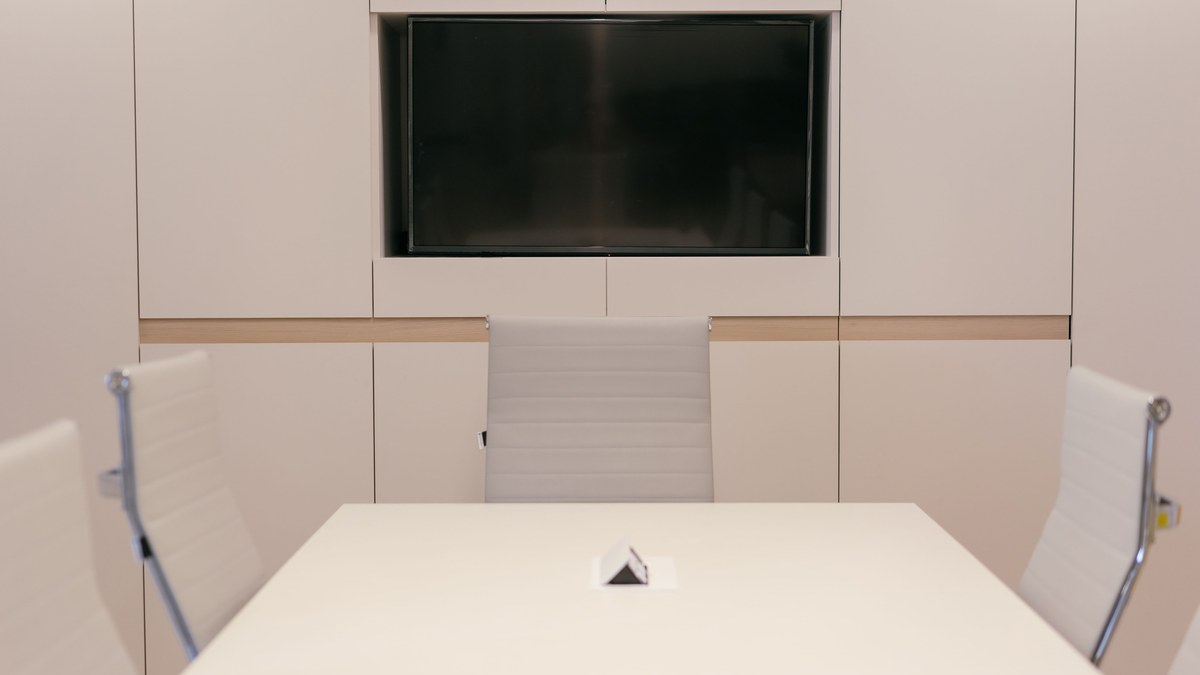
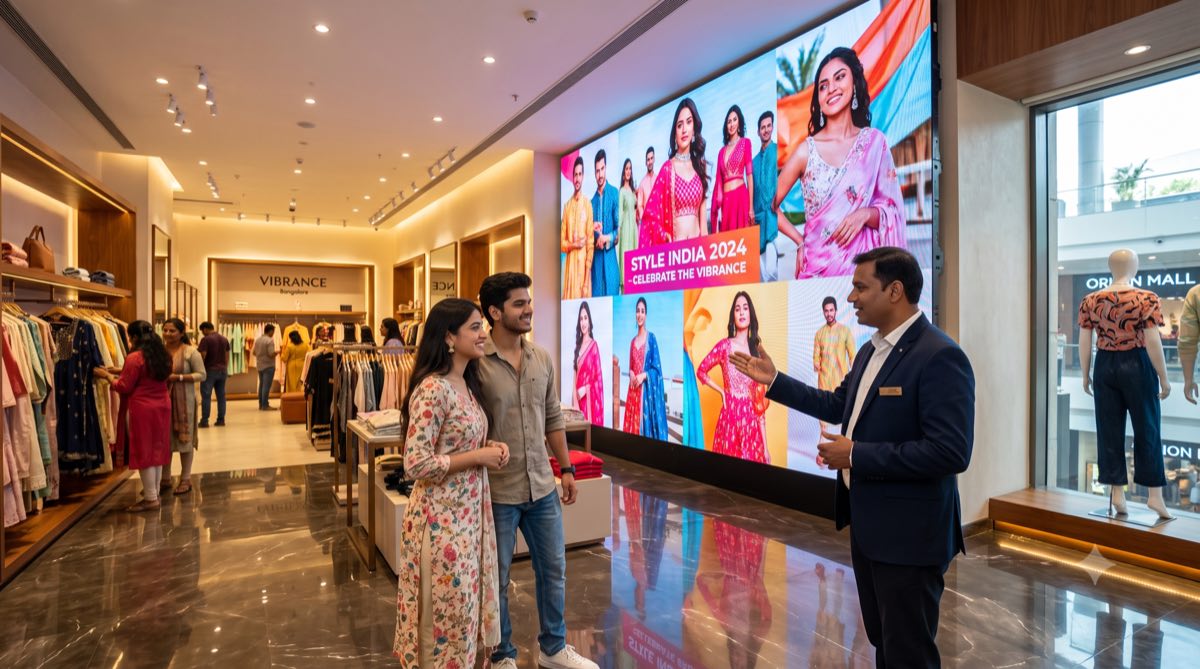
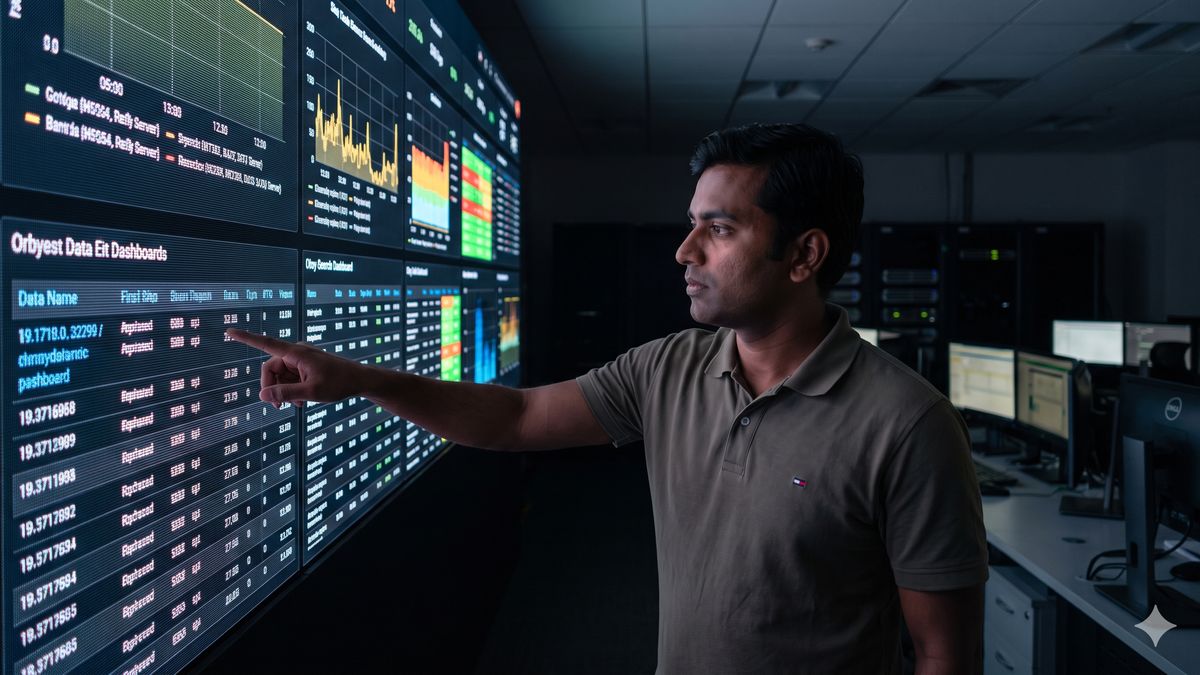
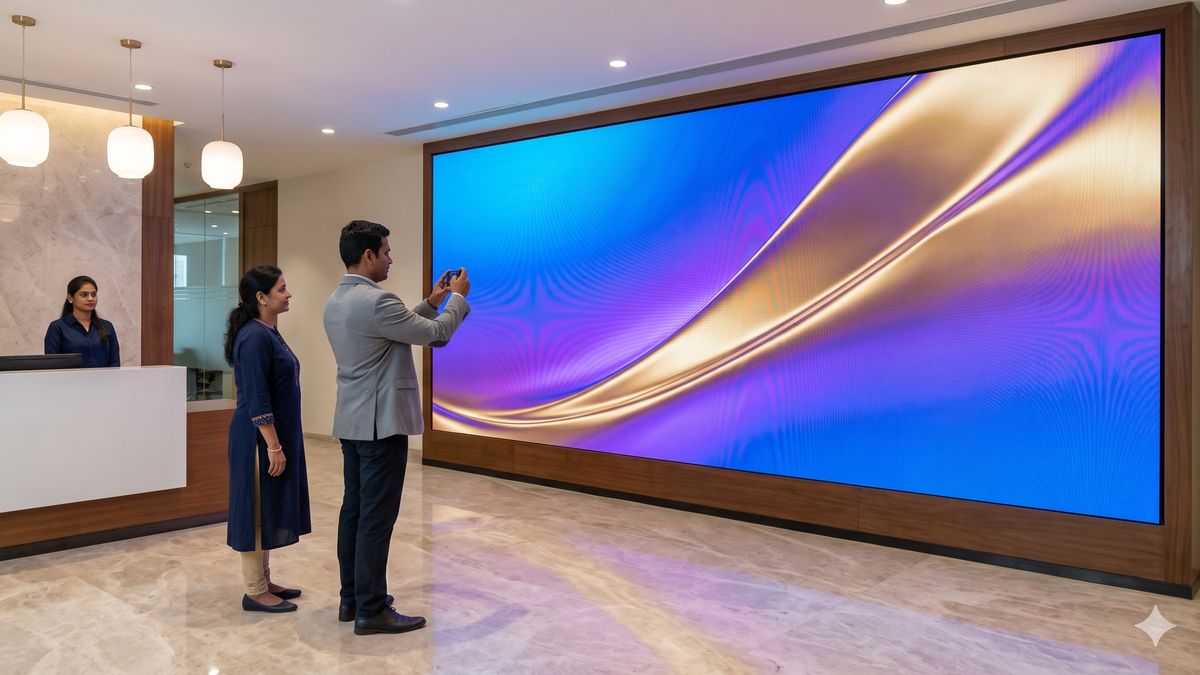
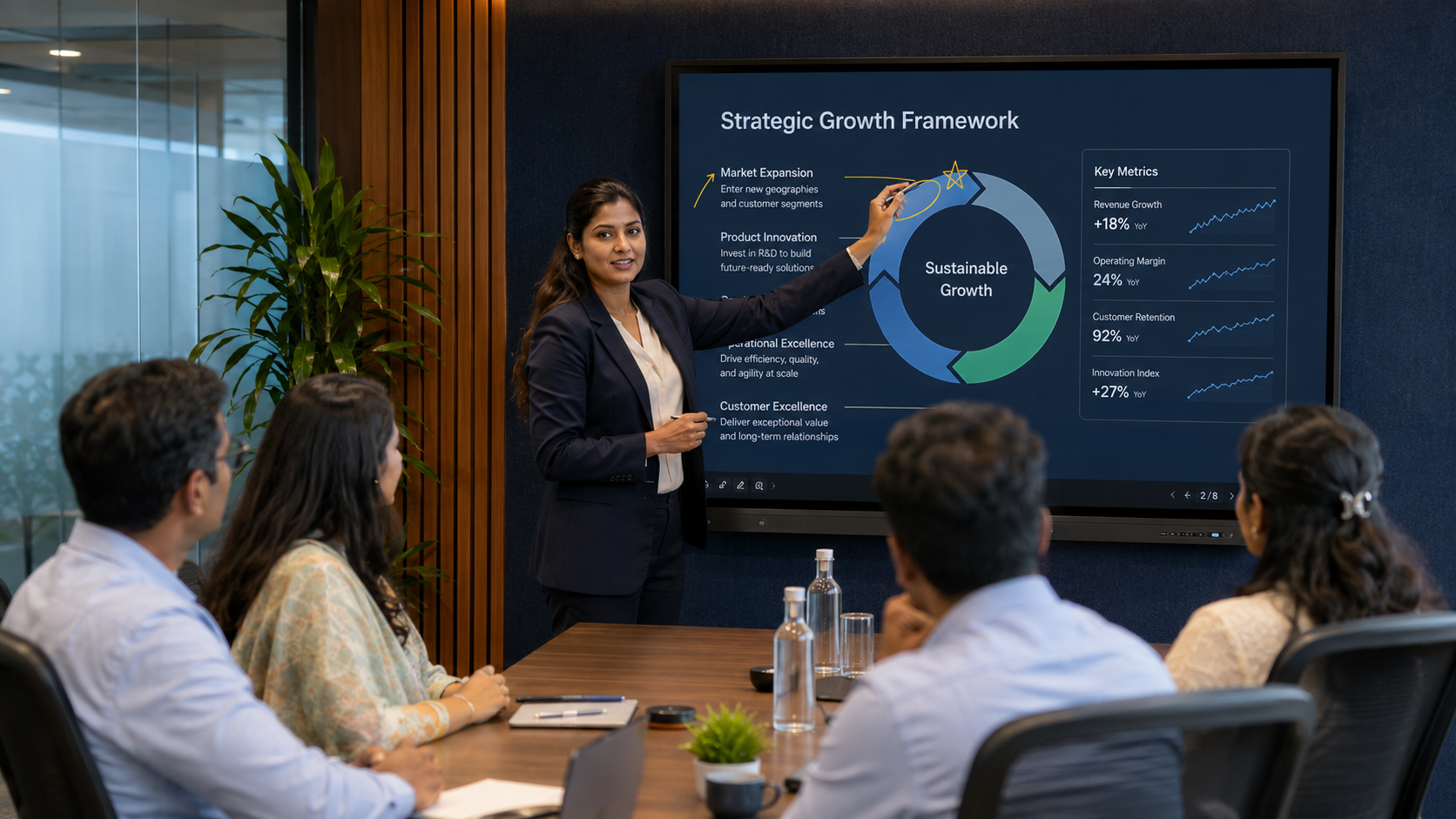
Size follows the room, not the budget: the back-row viewer should see text comfortably, which in practice means a 75–86″ display for a 10–12 seat room and a 98″ panel, dual displays, or an LED video wall beyond that. Dual displays let you show the far-end people on one screen and content on the other — a genuine productivity gain in negotiation-heavy rooms. For large executive suites, a fine-pitch LED or interactive display gives a seamless, bright image that a projector cannot match.
2. Video conferencing — camera and codec
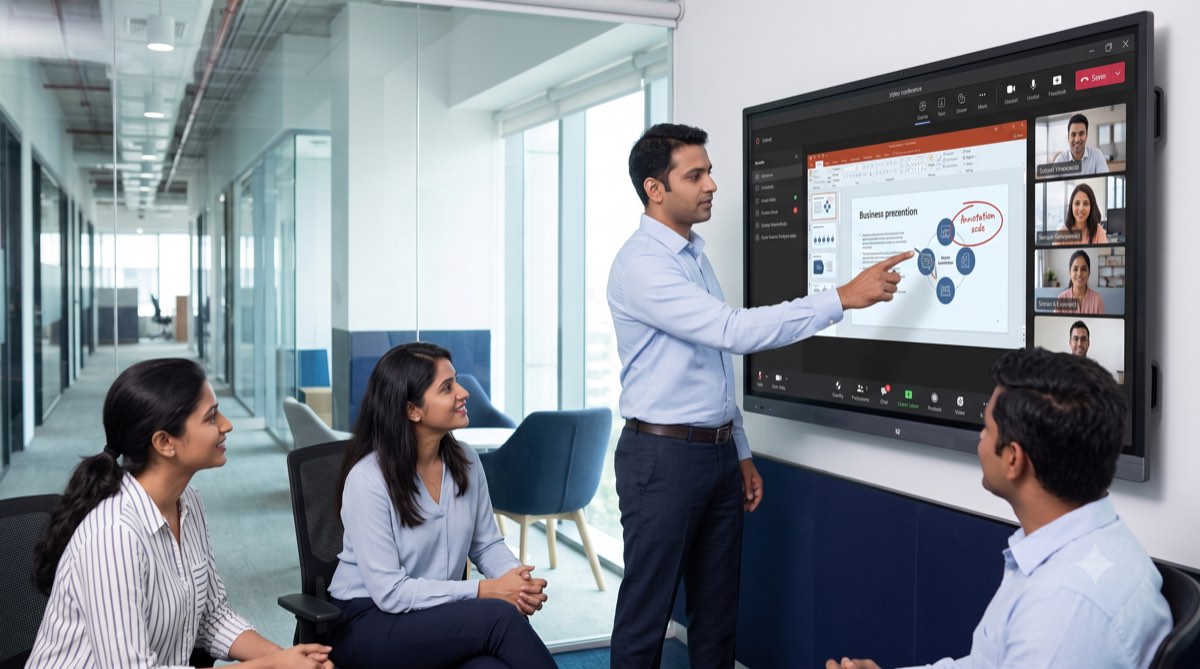
For standard rooms, an all-in-one bar from Logitech, Poly or Yealink handles camera, mics and speaker in one certified device. Larger rooms move to a separate PTZ camera (or two) plus a codec, so framing reaches the far corners and speaker-tracking keeps whoever is talking on screen. The choice of platform — Microsoft Teams Rooms, Zoom Rooms or Google Meet — should be decided first, because it dictates which certified hardware and control you buy. Our Logitech vs Poly vs Yealink comparison walks through the trade-offs.
3. Audio — microphones, speakers and DSP
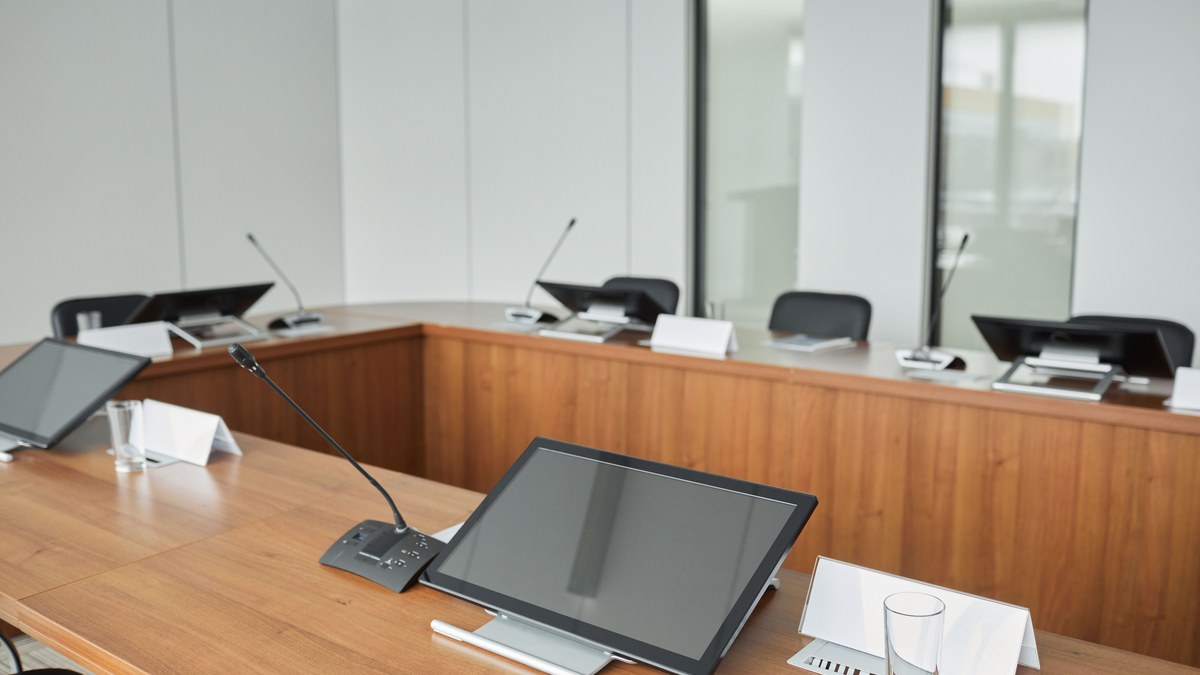
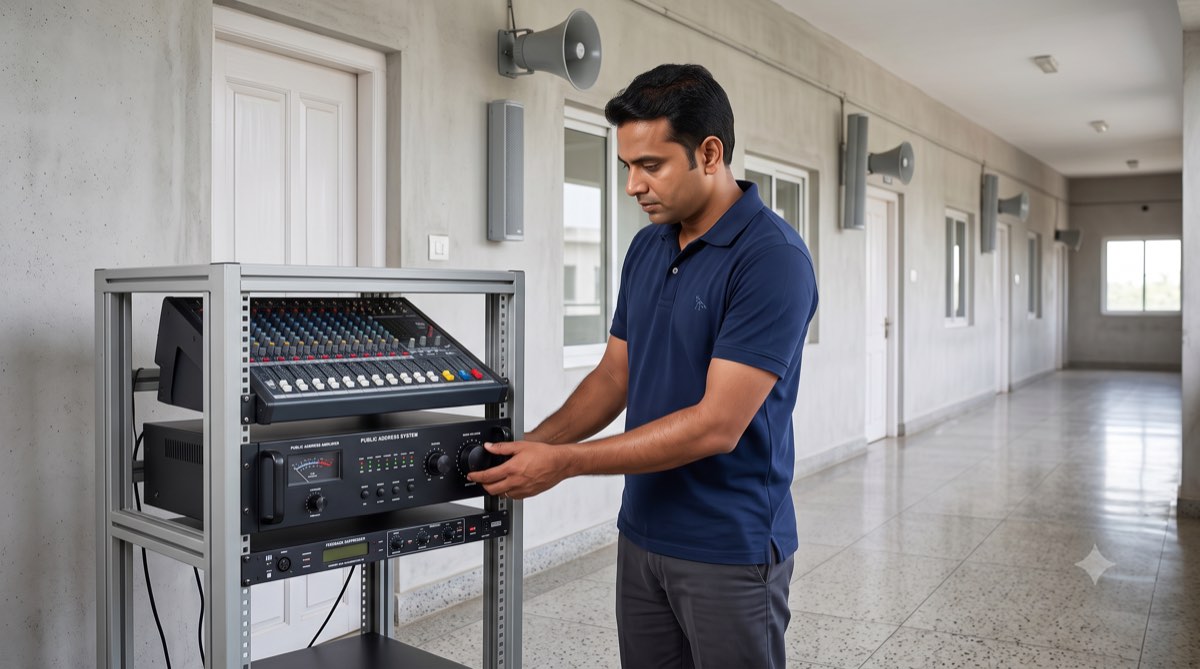
Audio is where cheap boardrooms fail. The far end forgives a soft image; it hangs up on an echoey, hollow voice. Table microphones are cost-effective for smaller rooms; ceiling microphone arrays such as the Shure MXA920 keep the table clean and cover larger rooms evenly. Beyond about 12 seats you need a dedicated DSP (digital signal processor) for echo cancellation, automatic gain and zoning — this is the single component that most separates a boardroom that “works” from one people avoid. Speakers should be distributed for even coverage, not a single soundbar straining across a 20-foot table.
4. Room control and one-touch join
A touch panel (Logitech Tap, a Crestron panel, or an equivalent) is what turns a pile of hardware into a room. It should offer one-touch join for scheduled meetings, simple source switching, volume, and — ideally — no visible “AV system” for the user to think about. The best control is the control nobody notices.
5. Wireless presentation and BYOD
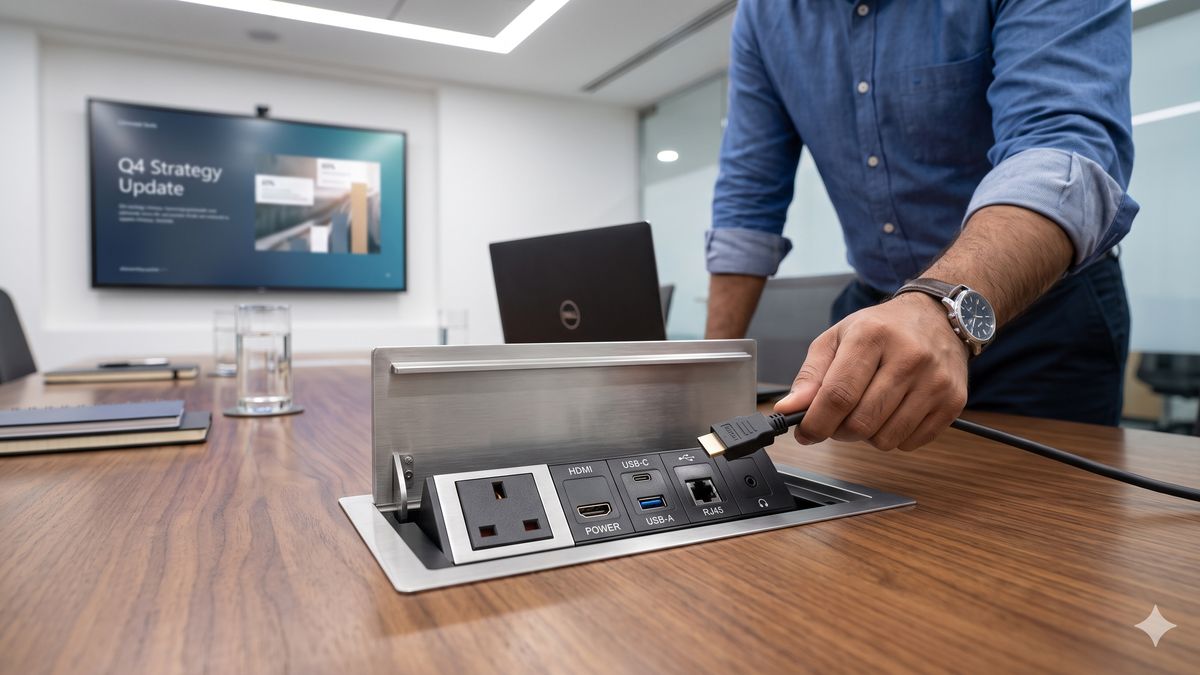
Guests and staff need to share content without hunting for a dongle or the right cable. A wireless presentation system (or a certified USB-C/HDMI share through a conference table pop up box) lets anyone present in seconds and is one of the most-used features in any real boardroom — worth getting right rather than treating as an add-on.
6. Scheduling and occupancy
A room-booking panel outside the door ends the “is this room free?” problem and feeds utilisation data back to facilities. In multi-room offices this pays for itself quickly in reclaimed meeting time.
7. Acoustics, lighting and cabling
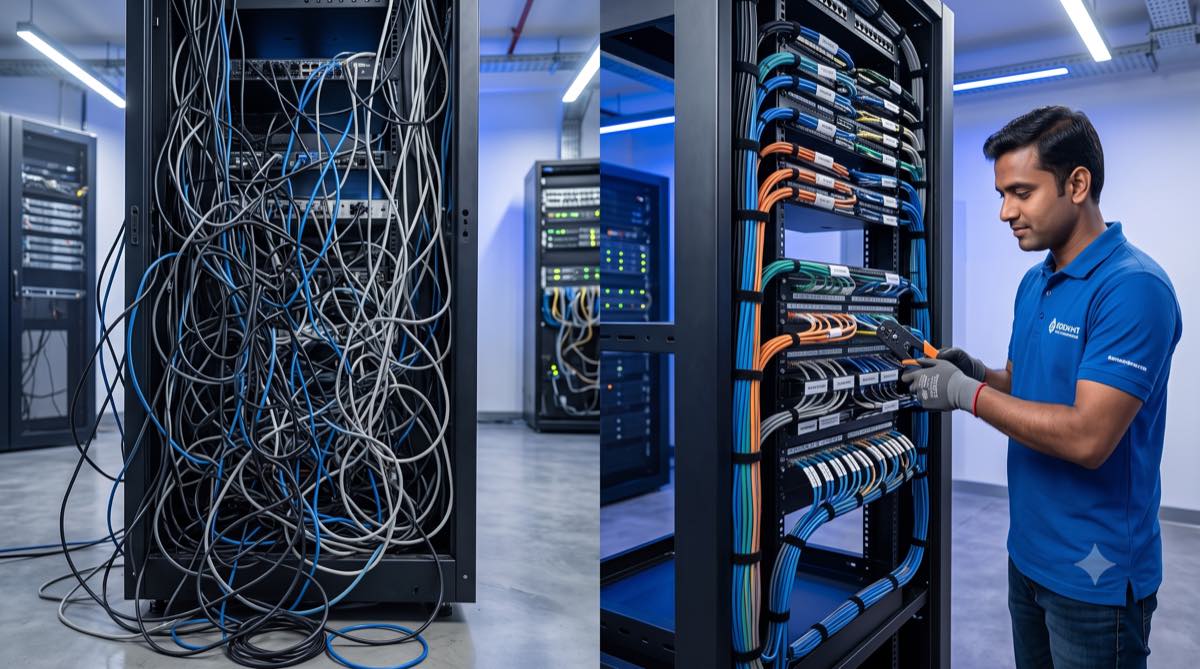
The invisible layer. Basic acoustic treatment stops a glass-walled boardroom sounding like a bathroom; good lighting keeps faces evenly lit for the camera; and clean, structured cable management under the table and in the rack is what makes the room reliable and serviceable for years. Skimp here and the expensive hardware never performs to spec.
The Boardroom AV Kit List — What Goes in the BOQ
A tier table is useful for budgeting; a line-item view is what you should expect on any proposal for boardroom AV systems. These are indicative 2026 supply prices for genuine, India-warranty hardware from authorised channels. Use them to sanity-check a BOQ, not as a shopping list — the right mix depends on the room.
| Line item | Where it is used | Indicative supply price (2026) |
|---|---|---|
| 75–86″ 4K commercial display (16/7 rated) | Standard and executive rooms | ₹1.2 – ₹3.5 lakh |
| 98″ commercial display (or dual 86″) | Executive rooms, 18 ft+ viewing | ₹6 – ₹10 lakh (dual 86″: ₹2.5 – ₹7 lakh) |
| Fine-pitch LED video wall (P1.2–P1.8) | Flagship rooms | ₹15 – ₹35 lakh depending on size and pitch |
| All-in-one VC bar + touch controller (Teams / Zoom certified) | Standard rooms | ₹1.5 – ₹4 lakh |
| PTZ camera (each) + room codec / compute | Executive and flagship rooms | ₹0.8 – ₹2.5 lakh per camera; ₹1 – ₹2.5 lakh codec |
| Ceiling microphone array (each) | 12+ seats, clean-table rooms | ₹2 – ₹5 lakh |
| Table / boundary microphones (each) | Smaller rooms, budget builds | ₹15,000 – ₹60,000 |
| DSP with echo cancellation (8–16 channels) | Any room with ceiling mics or distributed speakers | ₹1.5 – ₹4 lakh |
| Amplifier + ceiling / pendant speakers (set) | Executive and flagship rooms | ₹0.6 – ₹2 lakh |
| Control processor + touch panel | Executive and flagship rooms | ₹0.8 – ₹4 lakh |
| Wireless presentation system | All tiers | ₹0.5 – ₹2.5 lakh |
| Room scheduling panel | All tiers, multi-room offices | ₹40,000 – ₹1 lakh |
| Table connectivity (pop-up box / cable cubby) | All tiers | ₹8,000 – ₹45,000 |
| AV rack, mounts, cabling, installation | All tiers | 15–20% of hardware value |
| Programming, DSP tuning, commissioning, documentation, training | All tiers | ₹50,000 – ₹3 lakh |
Add the lines that apply to your tier and the totals land inside the bands in the first table. A smart standard room — one 86″ display, a certified bar with controller, wireless share, a table box, a scheduling panel, installation and commissioning — comes to roughly ₹7–9 lakh. An executive room with dual 86″ displays, a PTZ camera and codec, one ceiling array, a DSP, amplified ceiling speakers, control, wireless share and scheduling lands around ₹18–24 lakh installed.
Where the Money Goes in Boardroom AV Systems
Whatever the tier, a professionally delivered boardroom splits its budget in a recognisable way. If a proposal looks very different from this — 90% hardware with a token installation line, or no commissioning at all — ask why before you sign.
- Hardware — 55–65%. Display, camera, codec, microphones, DSP, control, table connectivity — every line with make, model and India warranty stated.
- Cabling, mounts, rack and installation — 15–20%. Structured cabling to the table and the rack, display mounting, false-ceiling work for microphones and speakers, floor boxes.
- Programming, DSP tuning and commissioning — 8–12%. Echo cancellation, gain structure and camera presets are set here; this is what makes the far end hear you clearly.
- Design, project management, documentation and training — 5–10%. Drawings, as-builts, a one-page room guide and a training session for staff and reception.
- GST is charged over and above on a proper tax invoice.
A worked example: a 16-seat executive boardroom at ₹18 lakh typically splits into roughly ₹11 lakh of hardware, ₹3 lakh of cabling, mounts and installation, ₹2 lakh of programming and commissioning, and ₹2 lakh of design, project management and documentation — with GST on top. For how these lines build up across other room types, see our AV integration cost breakdown.
Design Principles That Separate Good Rooms from Bad
- Design for the back row and the far end. If the person at the far end of the table and the person on the far end of the call both have a good experience, everyone in between does too.
- Spend on audio before you spend on the display. A brilliant screen with poor audio is a room people dread. The reverse is tolerable.
- Standardise across rooms. If every room in the building behaves the same way, staff never need training twice and support is dramatically simpler.
- Design for one-touch. Every extra step between walking in and being in the meeting is a step where the room fails a nervous presenter.
- Plan the network and security first. VC hardware lives on your network — involve IT early so the room passes security review instead of being bolted on later.
The Boardroom AV Design Checklist — 12 Numbers to Get Right
Good boardroom AV systems are designed to numbers, not to brand names. These are the figures we check on every drawing before a single cable is pulled; ask your integrator to show you theirs.
- Sightlines. Display height at least one-sixth of the distance to the farthest viewer for everyday content, and one-quarter for spreadsheets and drawings — the logic behind AVIXA’s DISCAS display-sizing standard. In practice: diagonal in inches ≈ farthest seat in feet × 4 to × 6.
- Camera field of view. Every seat inside the frame at the widest setting, and the head of the table within reach of a preset; long tables need a second camera or speaker-tracking.
- Microphone reach. Every seat within about 1.5 m of a table microphone, or covered by a ceiling array — one array per roughly 6–9 m of table depending on the model.
- DSP channels. One input per microphone plus headroom; automatic mixing and echo cancellation on every channel that feeds the far end.
- Speaker coverage. Distributed ceiling or pendant speakers so the level varies by no more than a few decibels between the nearest and farthest seat.
- Background noise. Target NC 30–35 (roughly 35–40 dBA) with the air-conditioning running; a loud AHU will defeat the best microphone.
- Reverberation. Aim for an RT60 of about 0.6 seconds or less — glass rooms usually need acoustic panels on 20–30% of the wall area to get there.
- Lighting. 300–500 lux on faces, from the front, at 3500–4500 K; avoid a bright window directly behind the participants.
- Network. VC devices on their own VLAN with QoS, 1 Gbps to the room, and 5–10 Mbps of headroom per room for 1080p calls.
- PoE budget. Cameras, controllers and scheduling panels draw 15–25 W each — check the switch has PoE+ ports and enough total budget.
- Power. A dedicated 16 A circuit for the AV rack and a small UPS for the codec, controller and network switch, so a flicker does not reboot the room mid-meeting.
- Cable management. Labelled structured cabling to the table and the rack, with service loops and a documented path — the difference between a ten-minute fix and a half-day outage.
Common Boardroom AV Mistakes
- Buying the biggest display and the cheapest microphone. The image impresses in the showroom; the audio embarrasses you on the first client call.
- No DSP in a large room. Echo and dead spots follow — the classic “we can’t hear you clearly” complaint.
- Consumer kit in a commercial room. A home soundbar and a webcam cannot survive daily corporate use or integrate with room control.
- Ignoring acoustics and lighting. The two cheapest fixes that make the most visible difference on camera.
- No AMC. A boardroom is business-critical; treat it like the lift, not like a TV.
SLA, AMC and Support for Boardroom AV Systems
The boardroom is the one room where “we’ll send someone” is not an acceptable support model. Before you sign, get these terms into the proposal — they are the typical bands we see corporate clients in India secure in 2026:
- Response. Remote diagnosis within 1–4 business hours; an engineer on site the same or next business day for the boardroom specifically.
- Workaround. A loaner VC bar or controller within 24–72 hours so the room stays usable while a part is replaced.
- Preventive maintenance. Quarterly visits against a written checklist — firmware, camera presets, DSP levels, cable condition, controller health.
- Spares. A named list of critical spares (bar, touch controller, power supplies) held by the integrator.
- AMC pricing. Typically 8–15% of hardware value per year; be clear whether it is comprehensive (parts included) or labour-only.
If you are writing an RFP, five lines cover most of it: state the platform (Teams, Zoom or Meet) and seat count; require certified hardware with India warranty on every line; insist on a site survey before pricing; ask for the SLA and AMC terms above inside the proposal; and require as-built documentation and user training in the handover. The seven checks in our guide to AV integration companies in India will help you score the responses.
Boardroom AV Systems — FAQs
What is a boardroom AV system?
A boardroom AV system is the integrated set of audio-visual technology in a meeting room — display or video wall, video-conferencing camera and codec, microphones, speakers and DSP, room control, wireless presentation, and scheduling — designed and installed to work as one reliable system. The best boardroom AV systems let anyone start a meeting with one touch and be seen and heard clearly by the far end.
How much does a boardroom AV system cost in India?
In 2026, a smart standard boardroom (8–12 seats) costs roughly ₹6–12 lakh installed; an executive boardroom (12–20 seats) with dual displays, ceiling mics and DSP runs ₹12–25 lakh; and a flagship room with an LED video wall and full control is ₹25–40 lakh and up. Final cost depends on room size, display choice, audio complexity and civil work, confirmed after a site survey.
Which video conferencing platform is best for a boardroom?
Choose the platform your organisation already uses — Microsoft Teams Rooms, Zoom Rooms or Google Meet — because it dictates the certified hardware and control you buy. All three are excellent when paired with the right room-certified camera, audio and touch controller; the mistake is buying hardware first and forcing the platform onto it afterwards.
Do I need a DSP in my boardroom?
For rooms up to about 10–12 seats, a good all-in-one VC bar handles audio well. Beyond that — or wherever ceiling microphones and distributed speakers are used — a dedicated DSP for echo cancellation, gain control and zoning is what delivers clear, natural audio to the far end. It is the component large rooms most often under-budget and most regret skipping.
Should a boardroom have one large display or dual displays?
Dual displays let you show remote participants on one screen and shared content on the other simultaneously — valuable in decision and negotiation rooms. A single large display or LED wall is cleaner and often better for presentation-led rooms. The right answer depends on how the room is actually used, which is part of what a good AV design conversation establishes.
How long does a boardroom AV installation take?
A standard boardroom is typically designed, supplied and installed in two to four weeks; executive rooms with video walls, custom control or civil work take longer. Lead times on specific hardware and any false-ceiling or electrical work are the usual variables, which a site survey and project plan pin down upfront.
Can you upgrade an existing boardroom instead of rebuilding it?
Often, yes. Many rooms need only a modern VC bar, a wireless share and better audio to transform the experience while reusing the existing display and table. A site survey identifies what is worth keeping and what is holding the room back, so budget goes where it changes the daily experience.
Design Your Boardroom with Vantage
Vantage Systems has designed and installed boardroom AV systems for corporate offices across Bangalore and India since 1996 — AVIXA-trained engineers, authorised OEM hardware, in-house installation, and support under an SLA. Tell us your room size and platform, and we’ll propose the right kit and a transparent, line-item budget after a free site assessment.
- Call: +91 99451 70702
- Email: avsupport@vantagesinc.com
- Office: 21, Wellington Street, Richmond Town, Bengaluru, Karnataka 560025
- Request a free site assessment: vantagesystems.in/contact
Related reading: conference room setup checklist for 6, 10 and 20-seat rooms, video conferencing solutions in Bangalore, hybrid meeting room AV setup, AV integration company in Bangalore, and interactive displays.