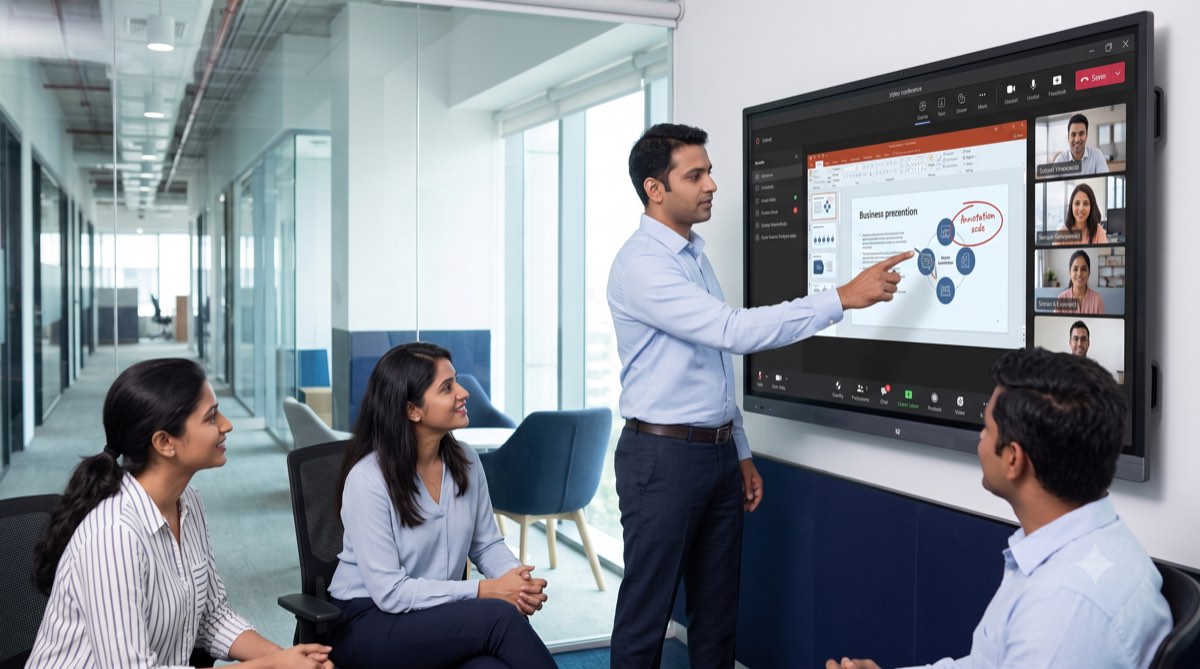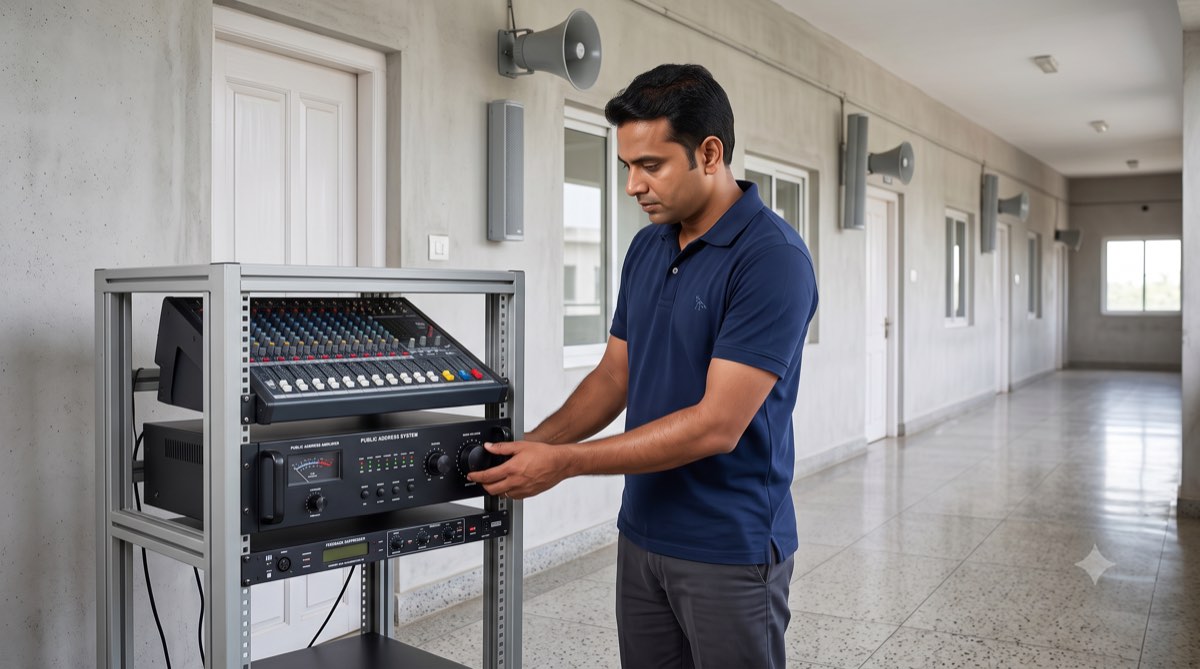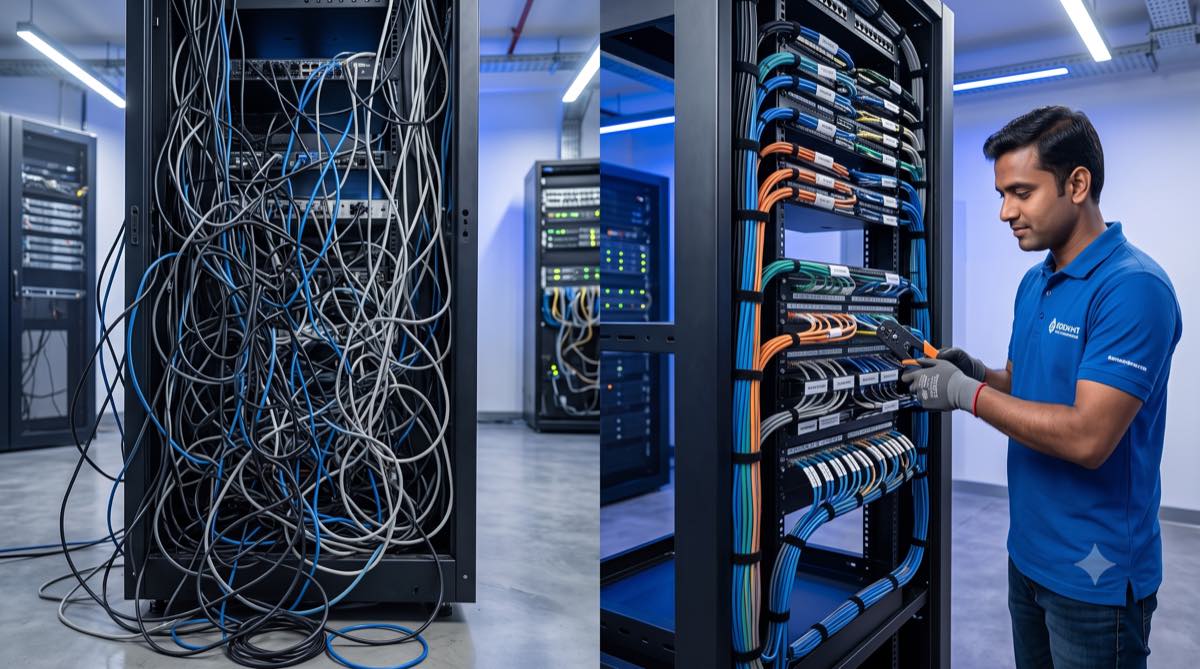
Hybrid work is not going away. Three years after the “return to office” debate ended, Indian companies have settled on a clear rhythm — 2–3 days in office, the rest of the team dialing in remotely. The problem is that most meeting rooms in India were never designed for this. They were built either for fully in-person meetings or for occasional one-off video calls — not for the constant back-and-forth of a proper hybrid meeting room setup where half the team is in the room and half is on screen.
When the AV is bad, people stop attending. When it is right, hybrid meetings actually work — and remote attendees feel like first-class participants instead of background voices.
This guide breaks down everything you need for a proper hybrid meeting room setup in 2026 — the 7 essential equipment components, the right configuration for each room size, how to choose between Microsoft Teams Rooms, Zoom Rooms, and Google Meet, and the 5 mistakes Indian offices make most often. If you are still scoping the full project, also read our companion guide on AV integration cost in Bangalore.
What Is a Hybrid Meeting Room?
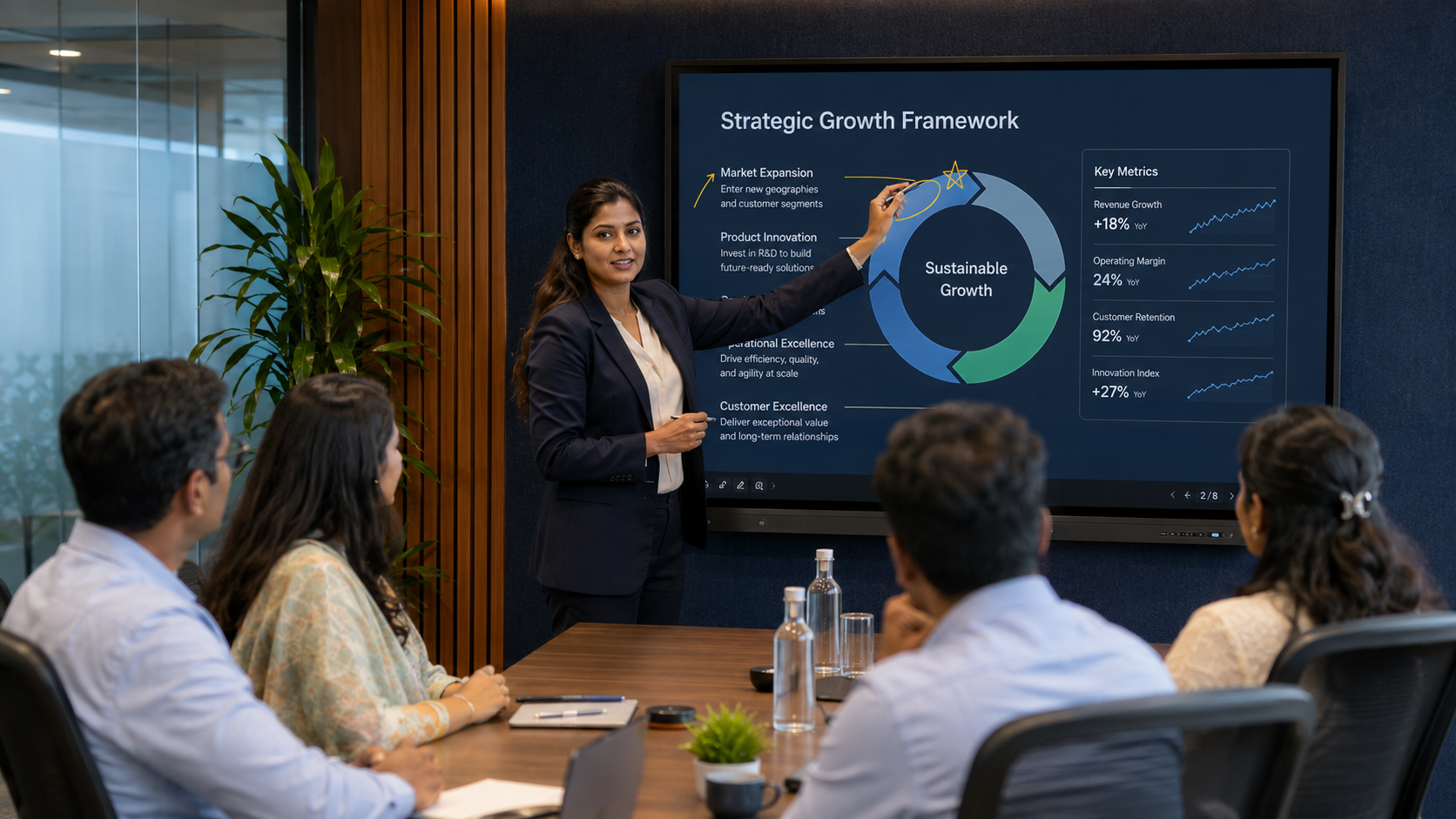
A hybrid meeting room is a physical meeting space designed so in-room attendees and remote attendees can participate equally. Unlike a regular conference room with a soundbar plugged into a laptop, a true hybrid meeting room setup uses dedicated room hardware that:
- Captures every voice in the room (not just whoever sits closest to the laptop)
- Frames in-room speakers automatically using AI cameras, so remote attendees can see who is talking
- Joins the meeting with a single button — no fumbling with HDMI cables or Bluetooth pairing
- Works the same way every time, by every user, with no IT intervention
The goal is what the industry calls “meeting equity” — remote attendees should never feel like second-class participants. Microsoft Teams Rooms and Zoom Rooms have built their entire 2026 roadmaps around this principle.
The 7 Essential Components of a Hybrid Meeting Room Setup
1. Display(s)
A 4K commercial display sized for the room. Dual displays are standard for boardrooms — one for remote participants’ faces, one for shared content. Avoid consumer TVs: they overheat after 6–8 hours of daily use and most lack proper commercial warranty support in India.
- Huddle room: single 55″–65″ display
- Mid-room: single 65″–75″ display
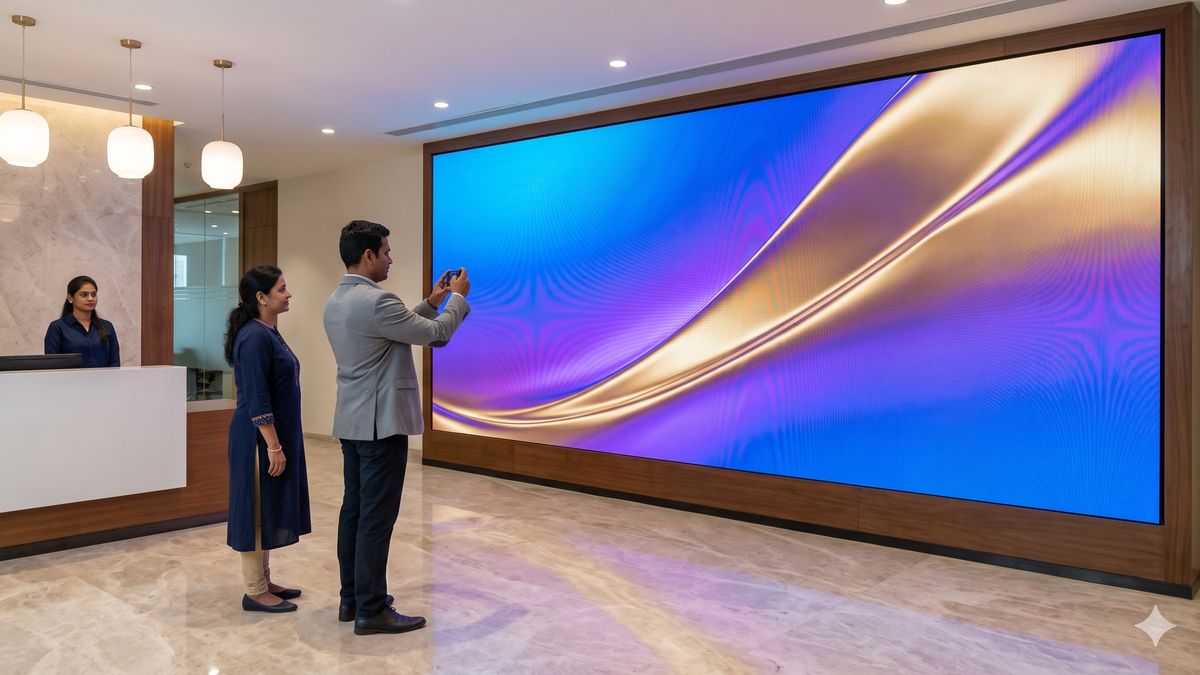
- Large boardroom: dual 75″–86″ displays or a small LED video wall — explore interactive display options if you also need digital whiteboarding
2. Video conferencing camera
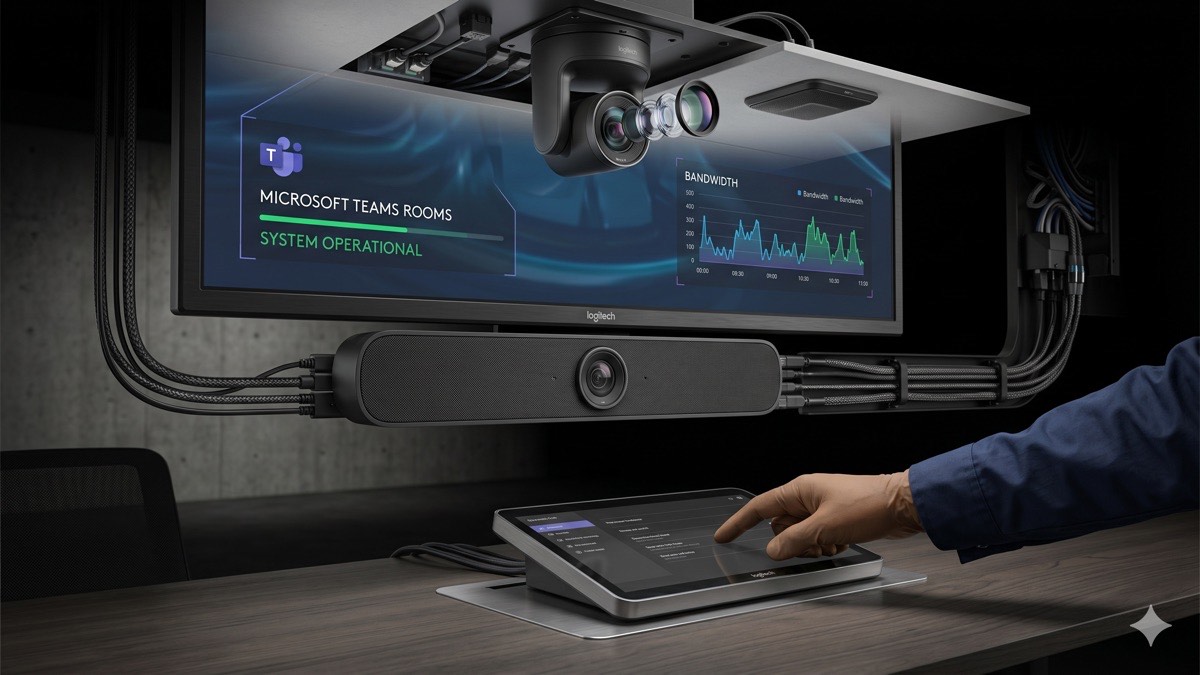
The single biggest upgrade over “BYOD laptop on conference table” is a fixed AI-framing or PTZ camera that automatically tracks speakers. Current 2026 standards:
- Huddle: Logitech Rally Bar Mini, Poly Studio R30, Yealink MeetingBar A10
- Mid-room: Logitech Rally Bar, Poly Studio X50/X70, Yealink MVC640
- Large boardroom: Logitech Rally Plus (PTZ + multiple mic pods) or Crestron 1 Beyond multi-camera director systems
3. Microphone system
Audio is what kills hybrid meetings — not video. For rooms larger than 4 people, you need real microphone coverage:
- Beamforming ceiling microphone (Shure MXA920, Sennheiser TeamConnect, Yealink VCM38)
- For mid-size rooms, an integrated soundbar mic array is acceptable
- A DSP processor for echo cancellation and noise suppression on anything above a huddle room
4. Speakers
Distributed ceiling speakers in larger rooms, integrated soundbar speakers in smaller ones. Critical that mics and speakers are paired correctly so echo cancellation works.
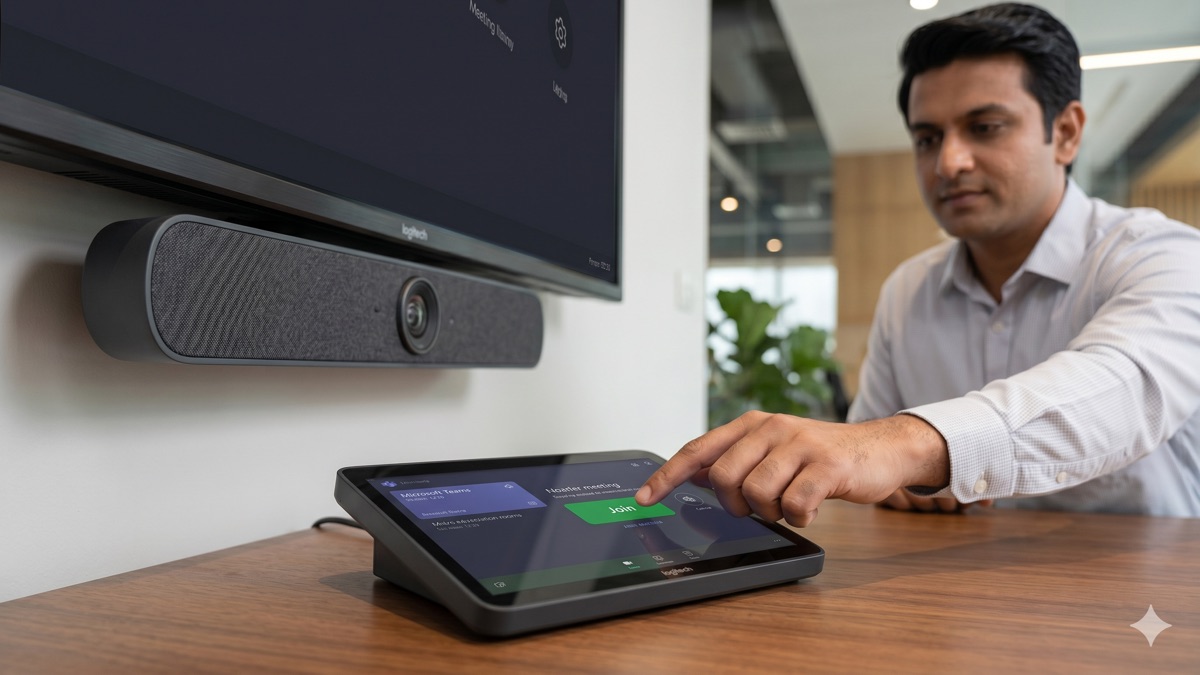
5. Touch controller and room scheduler
- In-room: Logitech Tap, Poly TC8/TC10, or Yealink CTP18 for one-touch meeting join
- Outside the door: A room scheduling panel (Logitech Tap Scheduler, Yealink RoomPanel) showing booking status and availability
6. PC / room compute device
The “brain” that runs the meeting platform:
- Microsoft Teams Rooms: Lenovo ThinkSmart Core, Logitech Rally Bar with embedded compute, or HP Teams Rooms PC
- Zoom Rooms: Zoom Rooms appliance, Logitech Rally Bar Zoom variant, or an Intel NUC running Zoom Rooms software
- Google Meet hardware: Logitech ChromeOS bundles or Avocor Google Meet certified hardware
7. Cabling, mounts, and infrastructure
The boring but critical layer. A trusted AV integration company in Bangalore handles all of this in one BoQ:
- Display mounts (fixed or tilting) — see our AV Pro Mounts range
- Camera mounts (wall, ceiling, or above-display)
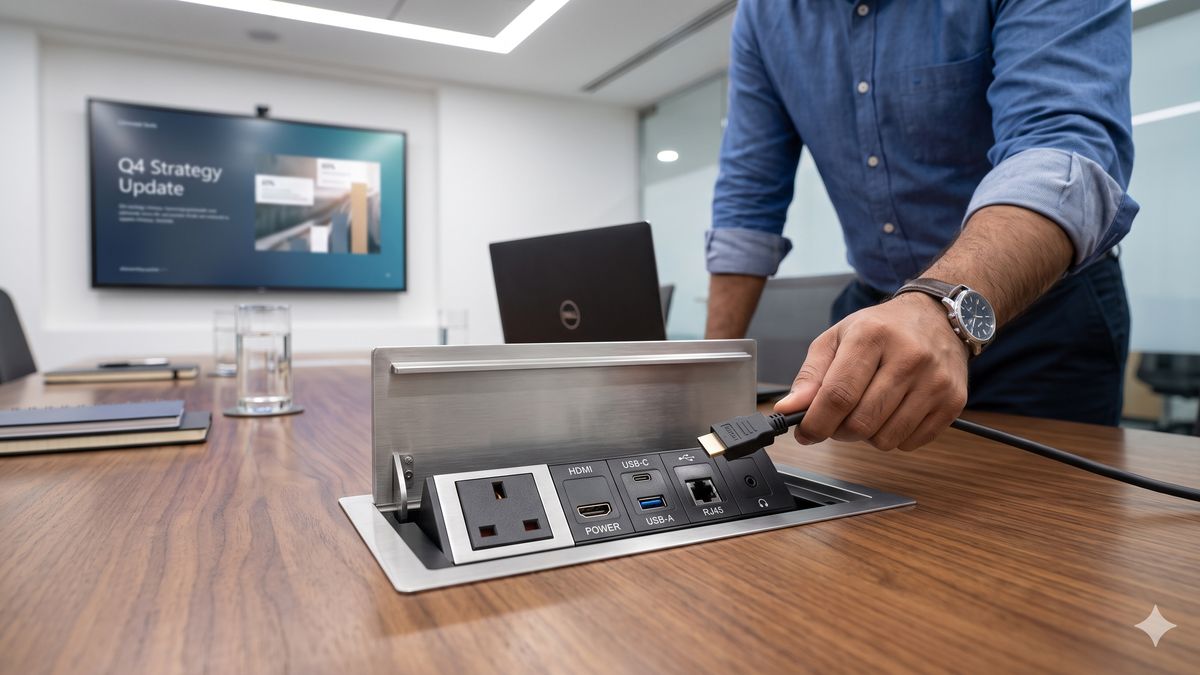
- Conference table cable cubby or pop-up box for laptop input
- Structured cabling (Cat6/Cat6A) to all endpoints
- PoE network switch for cameras and panels
- HDMI extenders for long cable runs
Hybrid Meeting Room Setup by Room Size
Huddle Room (4–6 people) — ₹1.5 to ₹3 lakh
- 1× 55″–65″ commercial display
- 1× Logitech Rally Bar Mini (or equivalent)
- 1× Logitech Tap controller
- Wall mount + basic cable management
- Microsoft Teams Rooms or Zoom Rooms licence
Mid-size Room (8–12 people) — ₹4 to ₹10 lakh
- 1× 65″–75″ commercial display (or dual 55″)
- 1× Logitech Rally Bar (or Poly Studio X50)
- 1× Logitech Tap controller
- Optional ceiling mic add-on for groups close to 12 people
- Conference table cable cubby
- Wall mount + structured cabling
Large Boardroom (15–25 people) — ₹12 to ₹30 lakh
- Dual 75″–86″ displays or a small LED video wall
- Logitech Rally Plus or Poly Studio X70 with PTZ cameras
- Ceiling microphone array (Shure MXA920 or equivalent)
- DSP processor (QSC Q-SYS, Biamp Tesira)
- Distributed ceiling speakers
- Crestron or Q-SYS control system
- Multiple table cable cubbies + motorised screen retraction (optional)
If you are budgeting across multiple rooms, our video conferencing solutions team can quote a standardised package across all room sizes — typically 12–18% cheaper than mixing brands.
Choosing Your Platform: Teams Rooms vs Zoom Rooms vs Google Meet
In 2026, three platforms dominate the Indian enterprise hybrid meeting room setup market:
| Platform | Best fit for | Typical Indian user base |
|---|---|---|
| Microsoft Teams Rooms | Companies already on Microsoft 365 | BFSI, manufacturing, large enterprises, government |
| Zoom Rooms | Companies on Zoom or with heavy global team presence | IT services, MNCs, larger startups |
| Google Meet hardware | Companies on Google Workspace | Newer tech startups, education institutions |
Pick one and standardise across the entire office. Running mixed-platform rooms creates support nightmares — users get confused, IT support tickets double, and you cannot share spare hardware between rooms.
5 Mistakes Indian Offices Make in Hybrid Meeting Room Setup
- Cheaping out on audio. A ₹5,000 Bluetooth speakerphone in a 12-seater room. The room “works” technically but remote attendees cannot hear properly. Always invest in proper room microphones — it is the single biggest predictor of whether your hybrid meeting room setup will actually get used.
- No touch controller. Users fumble with HDMI cables every meeting. Defeats the entire purpose of having a dedicated room. A ₹40,000 Logitech Tap saves 100+ hours of IT support per year.
- Mixed platforms across rooms. Teams Rooms in some rooms, Zoom in others, Google Meet in the third. Users get confused, IT support load doubles, and spare hardware can’t move between rooms.
- Ignoring acoustic treatment. Hard surfaces, glass walls, polished marble floors. Even excellent equipment sounds bad in a reverberant room. Add ceiling acoustic tiles or wall fabric panels — budget ₹40,000–₹1.5 lakh per room.
- Skipping the AMC. AV systems need quarterly firmware updates, microphone calibration, and occasional hardware swaps. Without an Annual Maintenance Contract, you will be debugging Teams Rooms updates yourself 18 months in. Always sign AMC with the original integrator.
Hybrid Meeting Room Setup: FAQ
Q1. What is the difference between a regular conference room and a hybrid meeting room?
A regular conference room is built for in-person meetings with a basic video conferencing capability bolted on later. A hybrid meeting room is purpose-built for equal participation between in-room and remote attendees, using dedicated room hardware, AI-framing cameras, beamforming microphones, and one-touch join controllers — so remote people can hear and see everyone in the room clearly.
Q2. How much does a hybrid meeting room setup cost in India?
Huddle rooms start at ₹1.5 lakh. Mid-size conference rooms range from ₹4 to ₹10 lakh. Large boardrooms cost ₹12 to ₹30 lakh. Pricing depends on display size, brand choice, ceiling microphone configuration, and whether you need acoustic treatment.
Q3. Can I convert my existing conference room into a hybrid meeting room?
Yes — most rooms can be upgraded by adding a certified video bar (Logitech Rally, Poly Studio), a touch controller, and proper cable management. Budget around ₹3 to ₹6 lakh for a mid-size room upgrade, plus 2 to 5 days of installation time.
Q4. Microsoft Teams Rooms vs Zoom Rooms — which is better for an Indian office?
Pick based on your existing collaboration platform. If your team already runs on Microsoft 365, Teams Rooms gives the best integration and SSO. If your global teams use Zoom, Zoom Rooms is the better fit. Both have near feature-parity in 2026 — the deciding factor is your existing licensing.
Q5. Do I need ceiling microphones for a hybrid meeting room?
For rooms larger than 8 people, yes. Below 8 people, a high-quality soundbar with integrated beamforming mics (Logitech Rally Bar, Poly Studio X50) handles audio well. Beyond 8 people, ceiling mics deliver consistent voice pickup regardless of where attendees sit.
Q6. How long does a hybrid meeting room AV setup take?
A single huddle room takes 3 to 5 working days after equipment delivery. A full multi-room upgrade for a typical Bangalore office (4 rooms) takes 2 to 4 weeks end-to-end, including civil work, electrical readiness, and final commissioning.
Plan Your Hybrid Meeting Room Setup With Vantage Systems
Vantage Systems has designed and deployed hybrid meeting room setups for IT companies, BFSI firms, manufacturing offices, and educational institutions across Bangalore since 1996. We are authorised partners for Logitech, Poly, Yealink, Samsung, LG, Shure, and QSC — which means OEM-direct pricing and warranty-backed hardware on every project.
To plan your hybrid meeting room setup:
- Call: +91 99451 70702
- Email: avsupport@vantagesinc.com
- Visit: 21, Wellington St, Richmond Town, Bengaluru, Karnataka 560025
- Free site survey: Request a site survey →