Standardised 65″ Microsoft Teams Rooms for a global semiconductor leader’s Bangalore R&D centre.
A globally-listed semiconductor company operating a major engineering R&D centre in Bangalore needed every manager office and small meeting room to behave the same way for a Microsoft Teams call. Vantage Systems rolled out Yealink MeetingBoard 65 Pro all-in-one MTR units across the floor — same touch console, same wireless presentation, same daily UX in every cabin.
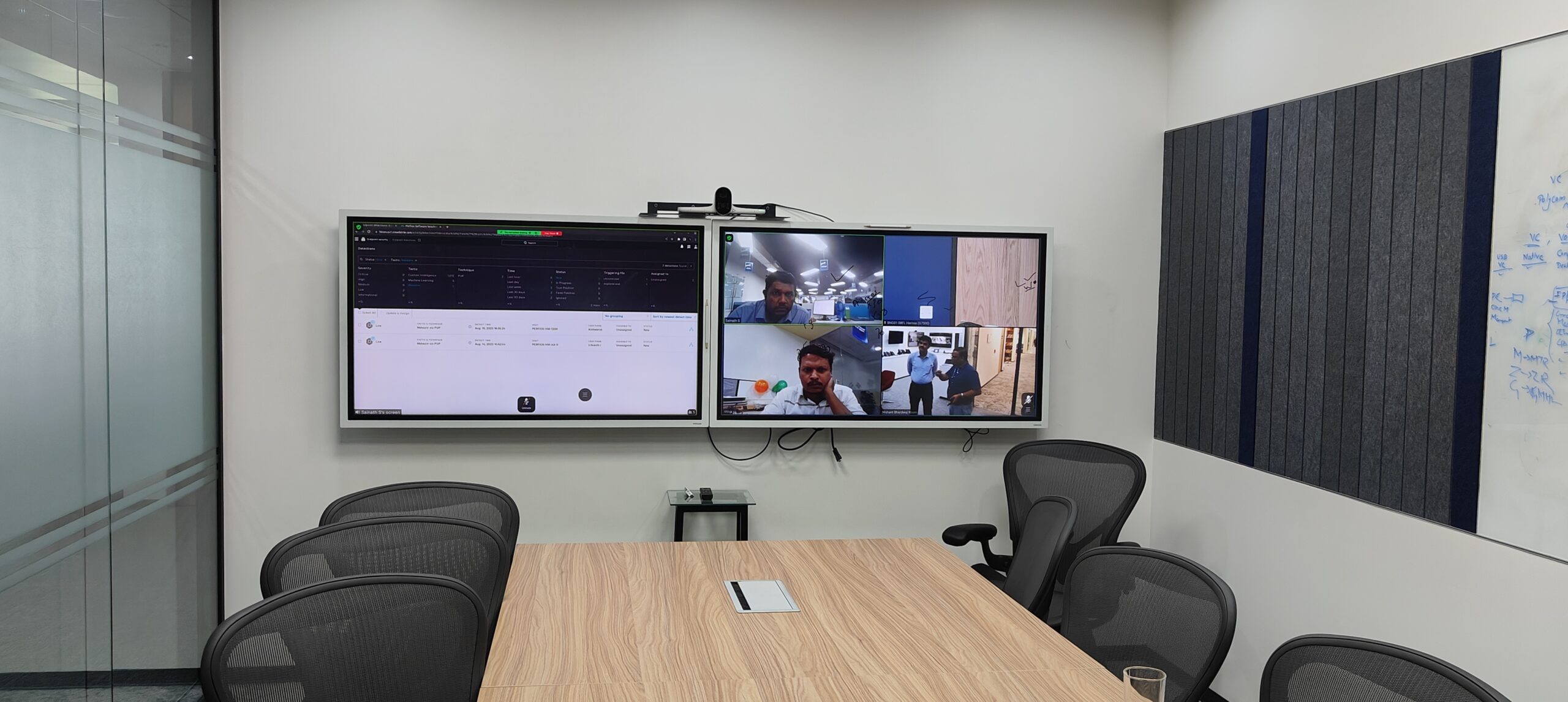
Manager offices full of mismatched VC kit — same company, three completely different meeting experiences.
A global semiconductor leader — one of the largest names in RF and analog chip design — runs a Bangalore R&D centre filled with engineering manager offices and small focused meeting rooms. With distributed teams across the US, Europe and India, almost every meeting is a Microsoft Teams call with at least one remote participant.
The floor had grown organically. One manager had a Logitech bar bolted to a monitor. Another had a USB webcam on a tripod next to a Samsung TV. A third had nothing but a laptop and was running calls off the built-in webcam. The result: three completely different meeting experiences inside the same company. IT was supporting three ecosystems. Guest engineers visiting from the US had to learn each manager’s setup individually. And the leadership team wanted a uniform “this is what an engineering meeting looks like here” standard before opening a new wing of the floor.
Three ecosystems on one floor
Logitech, generic USB cam, laptop webcam — every cabin was different. IT was supporting three product families and remote troubleshooting was twice the work.
Native Microsoft Teams-first
The whole organisation runs on Teams. They wanted devices that boot into Teams, not a USB peripheral plugged into a Windows laptop with three drivers and a daily restart.
Wireless presentation that doesn’t fight you
Visiting US team-mates wanted to walk in with a MacBook and share a screen in 5 seconds. Existing wireless dongles required driver installs that took longer than the meeting.
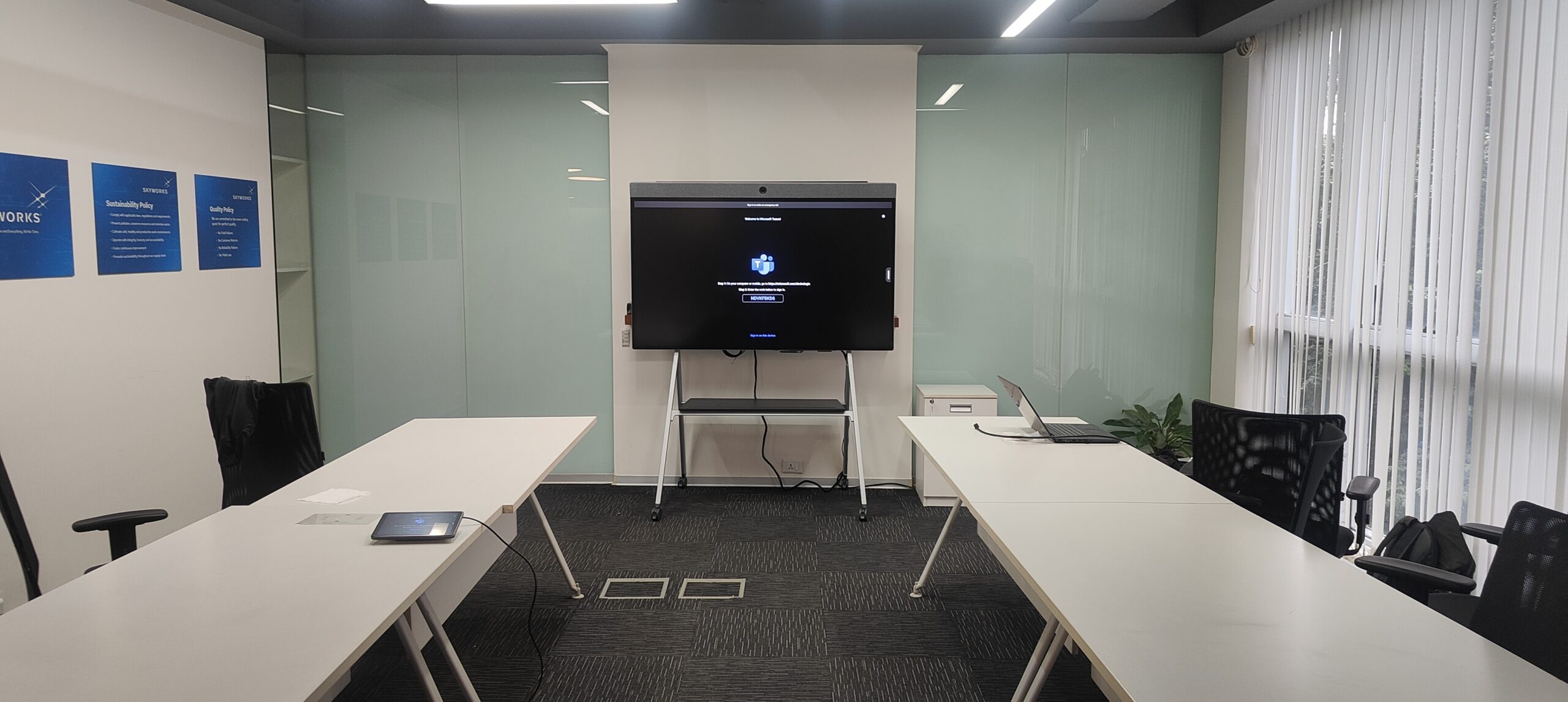
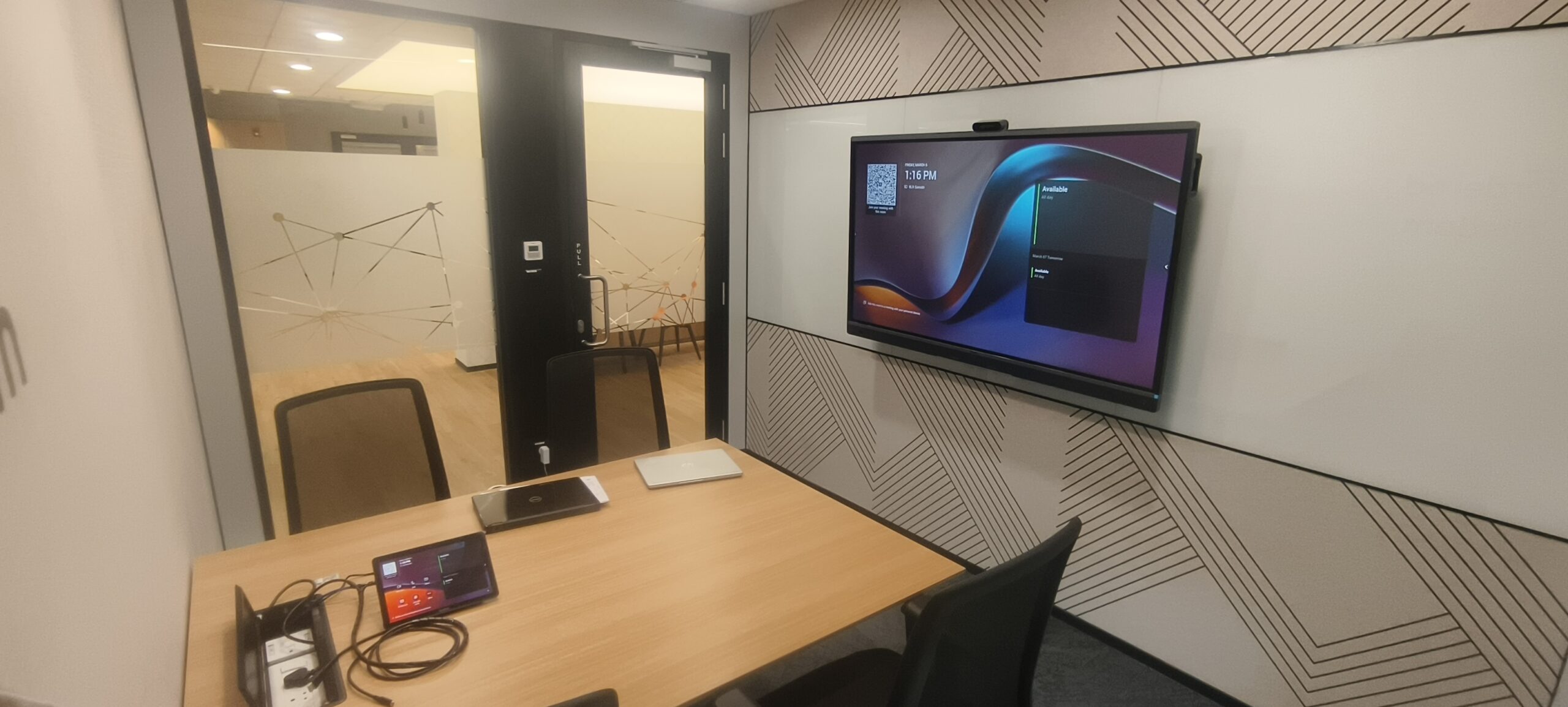
One device per cabin. Yealink MeetingBoard 65 Pro — native Microsoft Teams Rooms, touch console, wireless presentation.
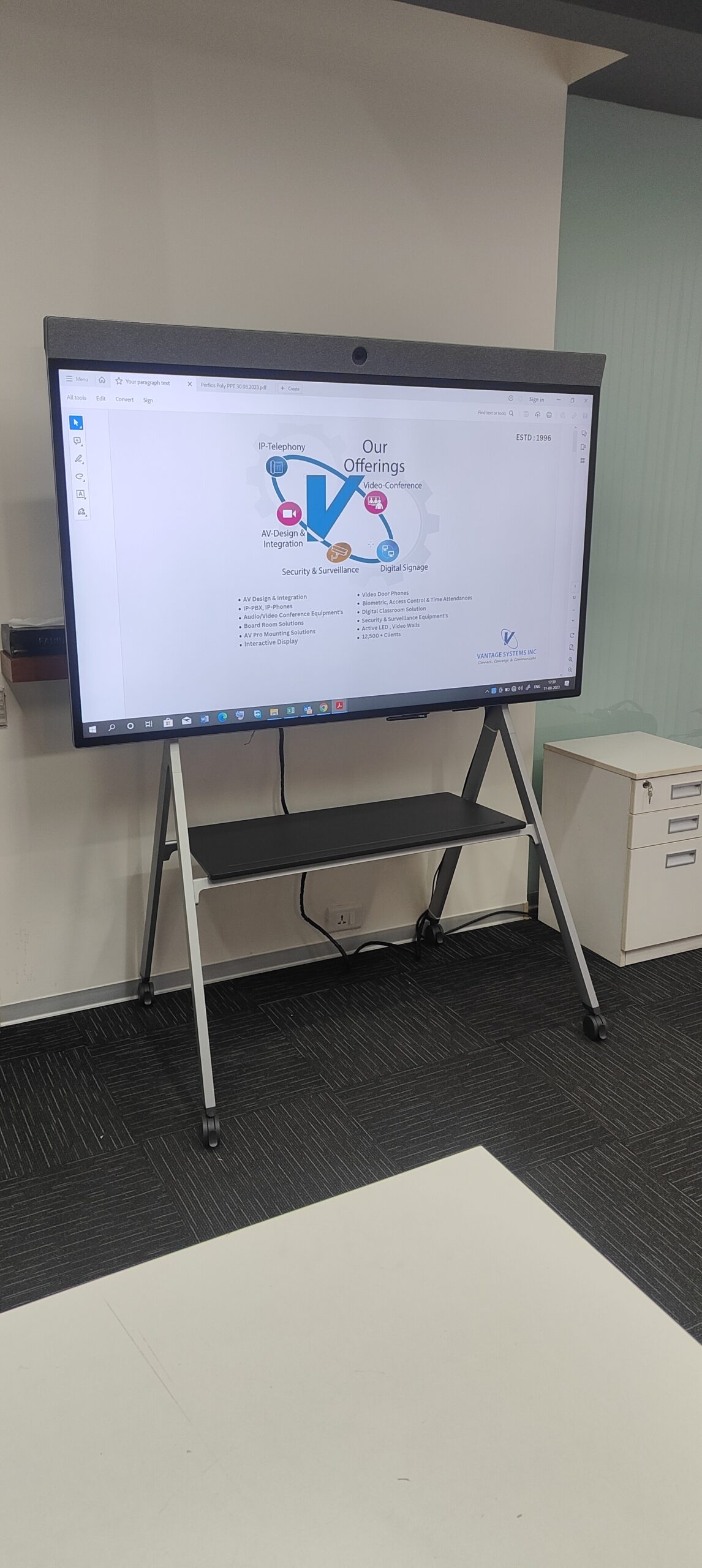
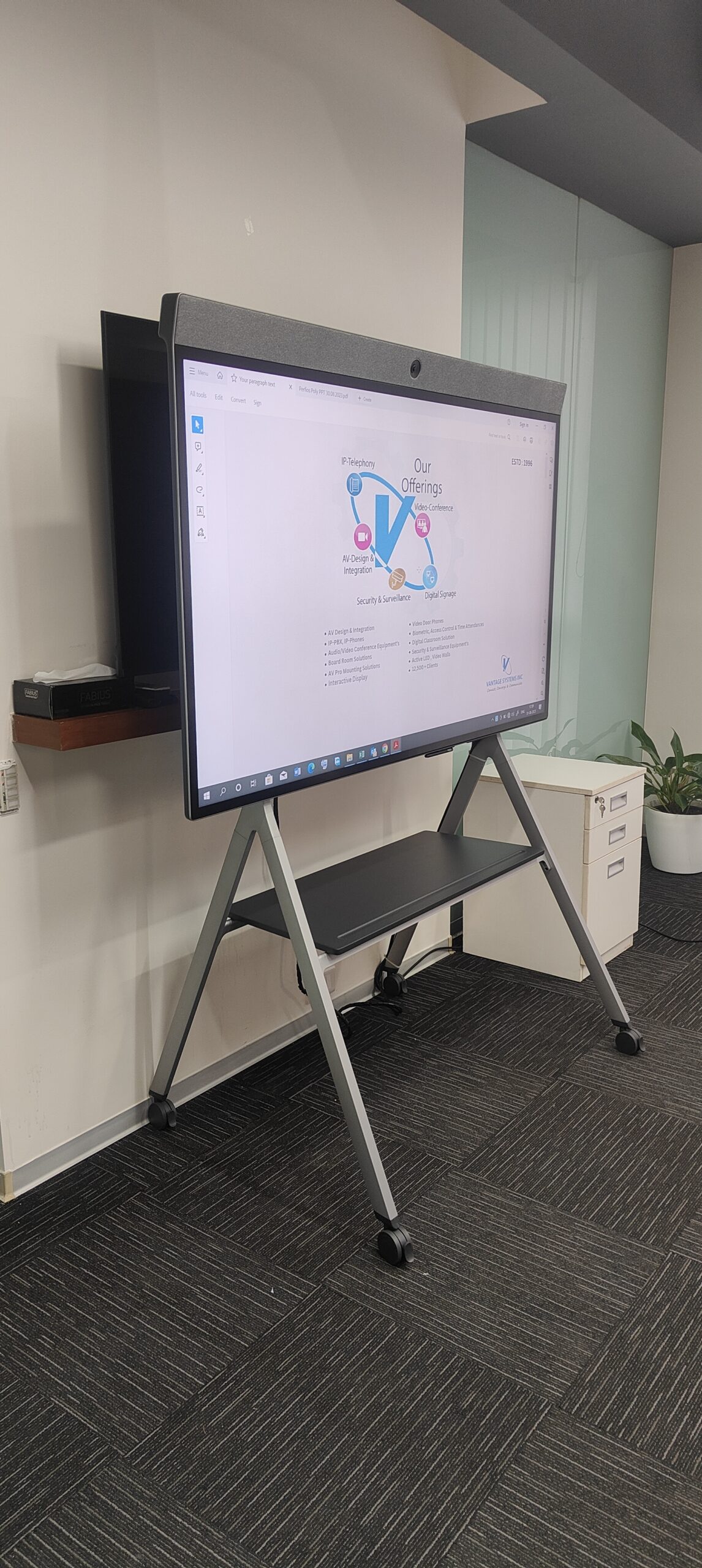
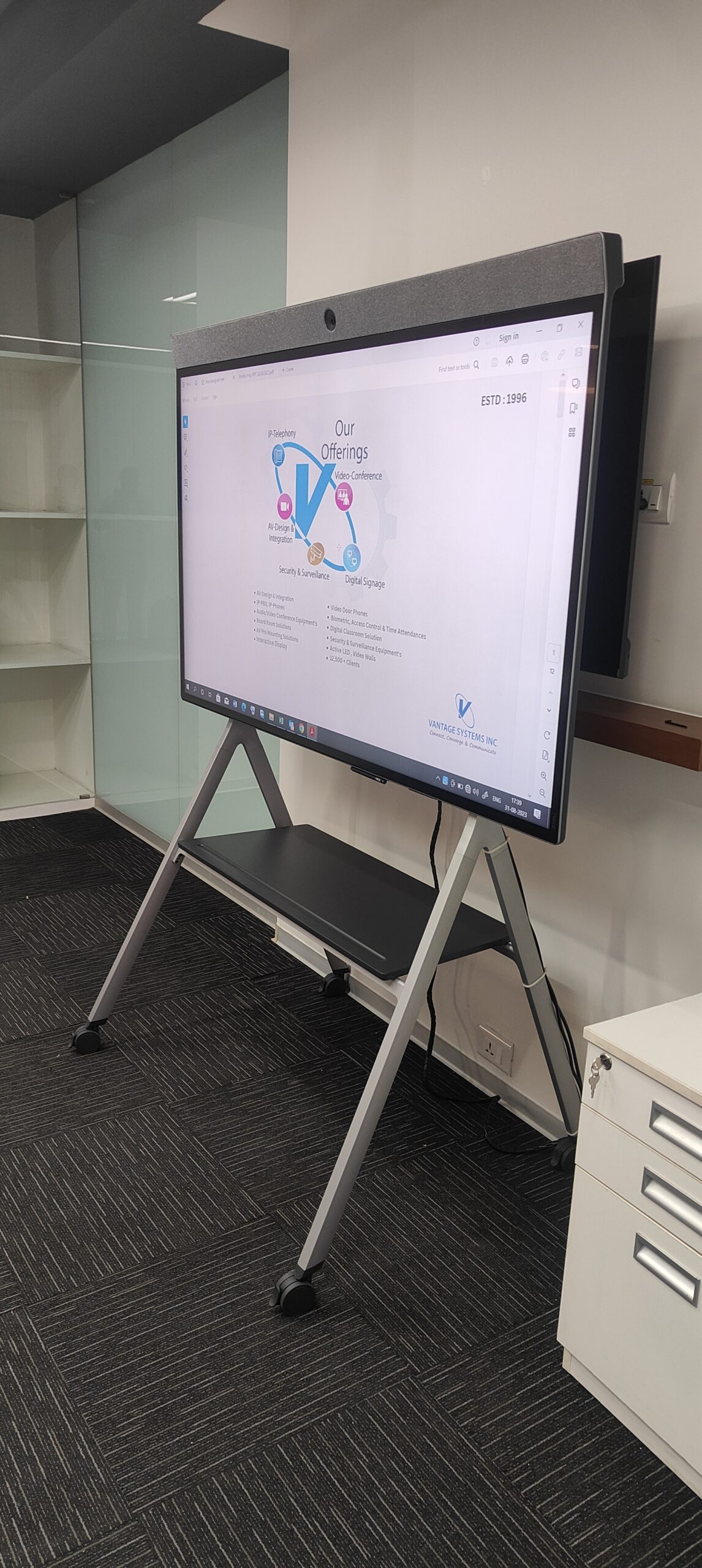
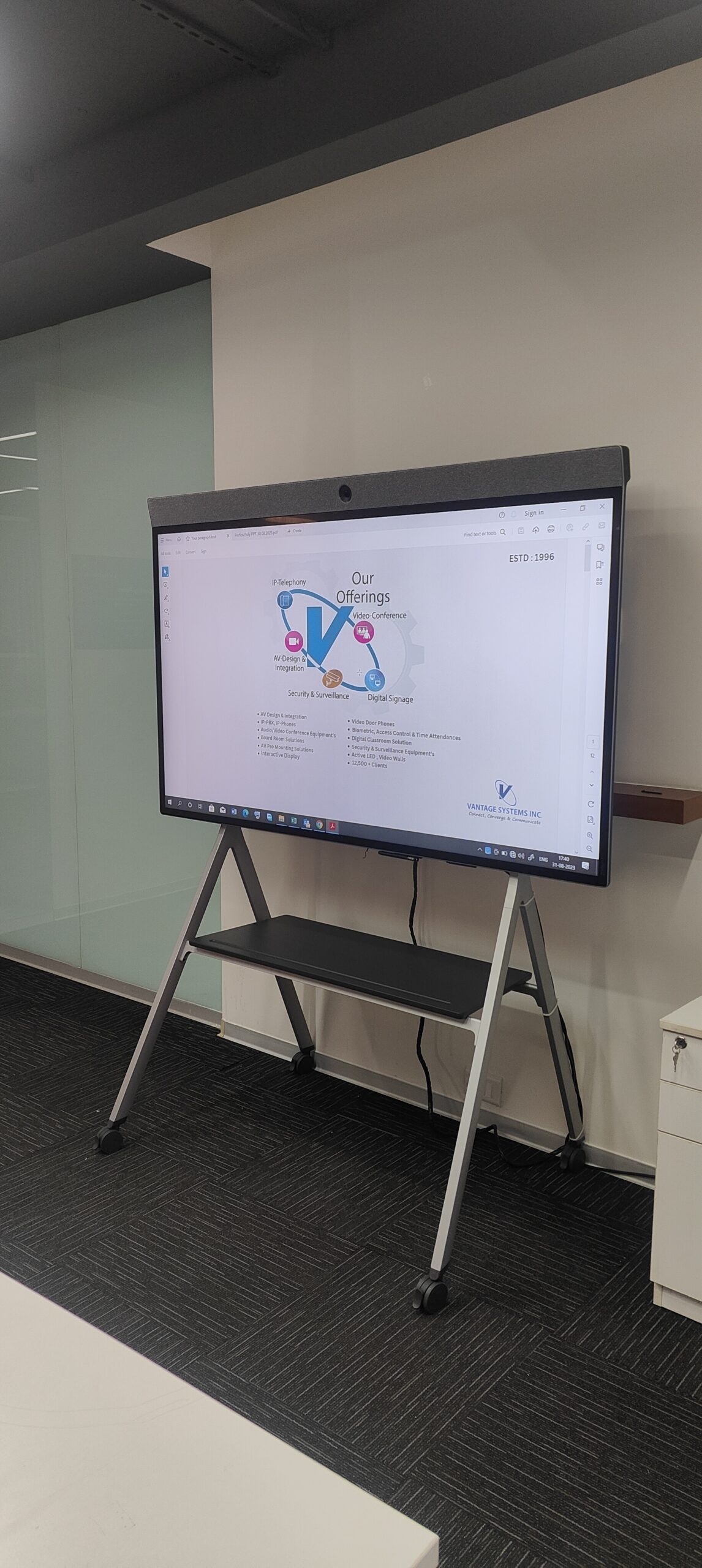
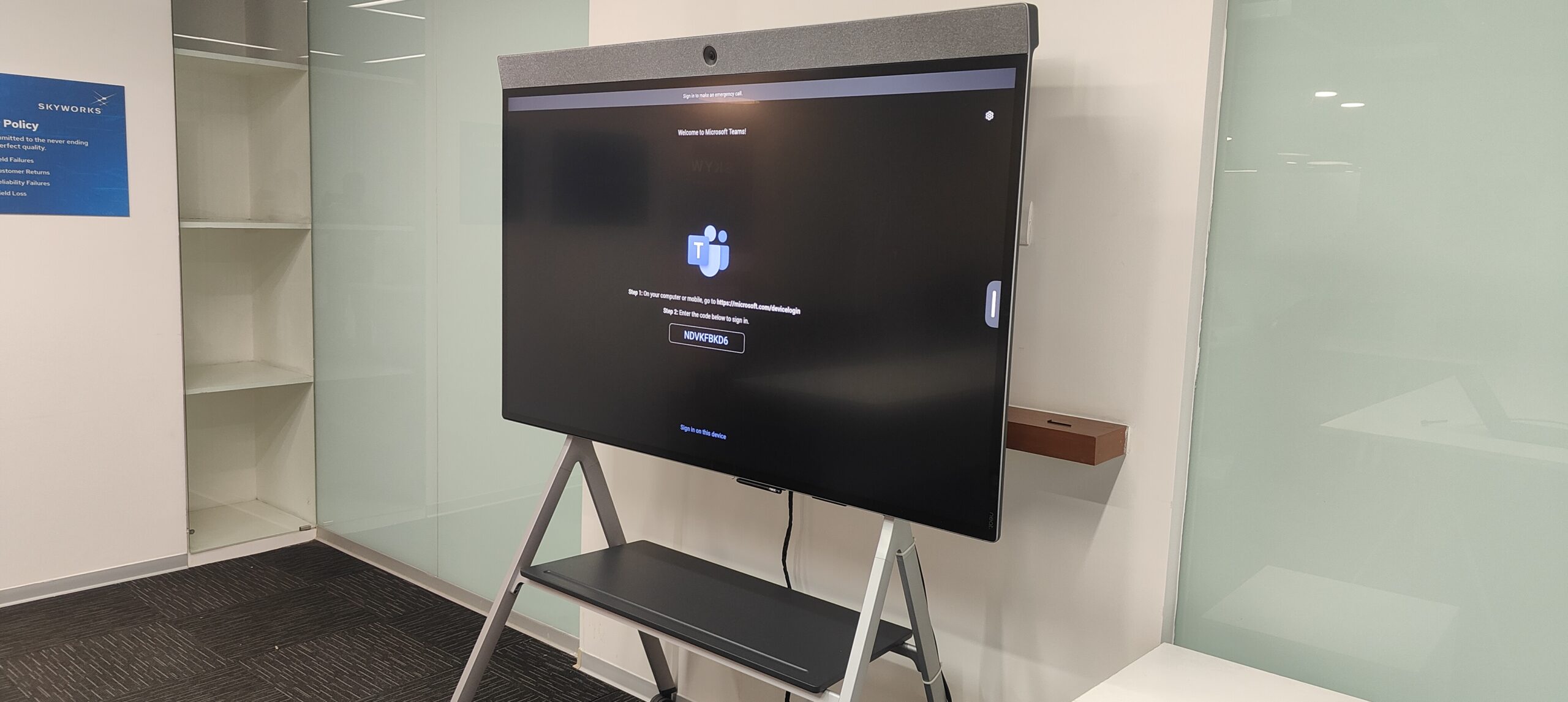
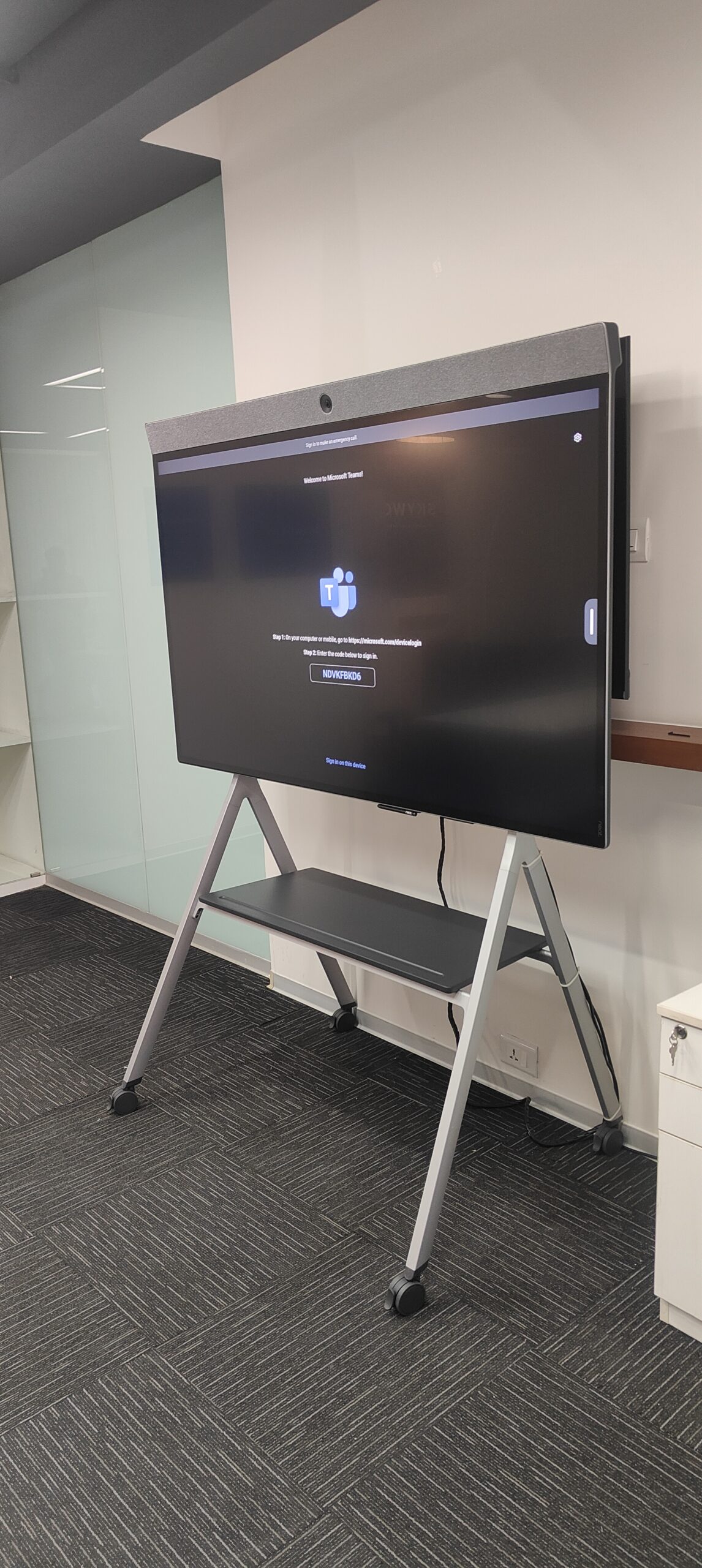
Vantage Systems specified a single all-in-one device class for every manager office and small meeting room — the Yealink MeetingBoard 65 Pro. It’s a 65″ touch display with the camera, microphones, speakers, compute and Microsoft Teams Rooms certification all built in. One box per cabin. One support model. One UX.
Yealink MeetingBoard 65 Pro all-in-one
Native Microsoft Teams Rooms certified. 65″ 4K touch display, built-in 4K AI camera with auto-framing, beamforming mic array, integrated speakers and onboard compute. Boots into Teams. No external PC, no peripheral chain.
Yealink WPP30 wireless presentation
The WPP30 dongle pairs once and gives any laptop — Windows or Mac — a 5-second wireless screen share. No app install, no driver setup. Visiting engineers plug in and present immediately.
CTP25 touch console + heavy-duty mount
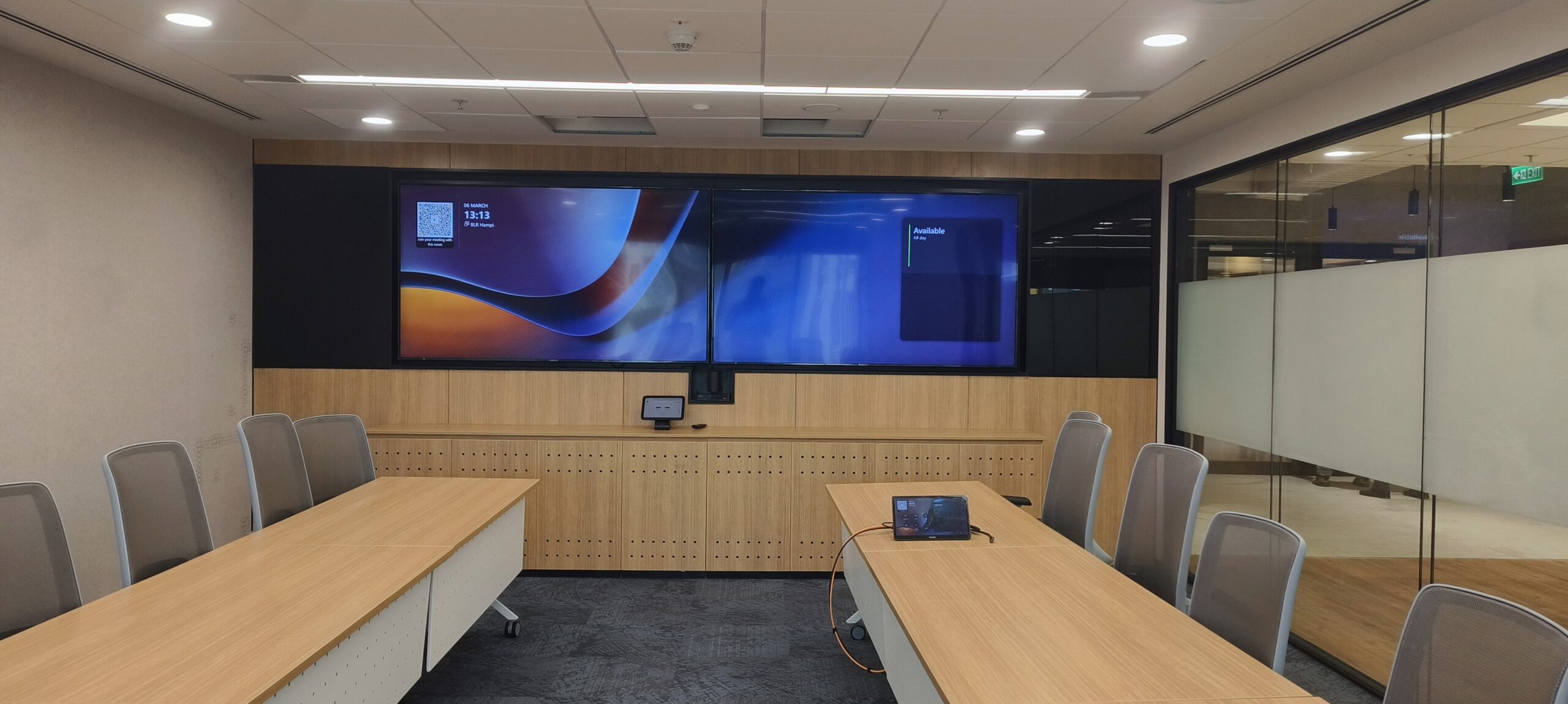
A 10″ Yealink CTP25 touch console controls the room — one-touch join, one-touch share, one-touch mute. Mounted on Lumi LP42-69T heavy-duty tilt brackets sized for 65″+ displays. Same console layout in every cabin.
A focused, Teams-certified brand stack.
Every cabin looks the same. Every meeting starts the same way. Every engineer just gets it.
Identical UX across every manager office
Same console layout, same one-touch join, same wireless presentation in every cabin. Walk into any office on the floor and the meeting starts the same way.
One device class for IT to support
IT now supports one Teams-certified product family across the floor. Firmware updates, replacements, onboarding new managers — all run off a single playbook.
5-second wireless screen sharing
The WPP30 dongle eliminated the driver-install dance. Visiting US team-mates walk in with a MacBook and share screen before they’ve sat down.
AI framing + beam-formed audio
Built-in 4K camera auto-frames the speaker; the beamforming mic array isolates voice from HVAC noise. Remote participants in Boston and Munich finally hear Bangalore clearly.
Inside the install.
Rolling out Microsoft Teams Rooms across an office? Let’s standardise it once.
Free walk-through, room-by-room recommendation, fixed-price BOQ. Trusted by global semiconductor, software and BFSI engineering centres across Bangalore since 1996.
186 Google reviews